- My Alerts
- Go Ad-Free
-
My Account











Moon photography 2025: 10 tips that will get you beautiful photos from your smartphone
Here are 10 tips to help you capture moon shots using your smartphone.




1/10
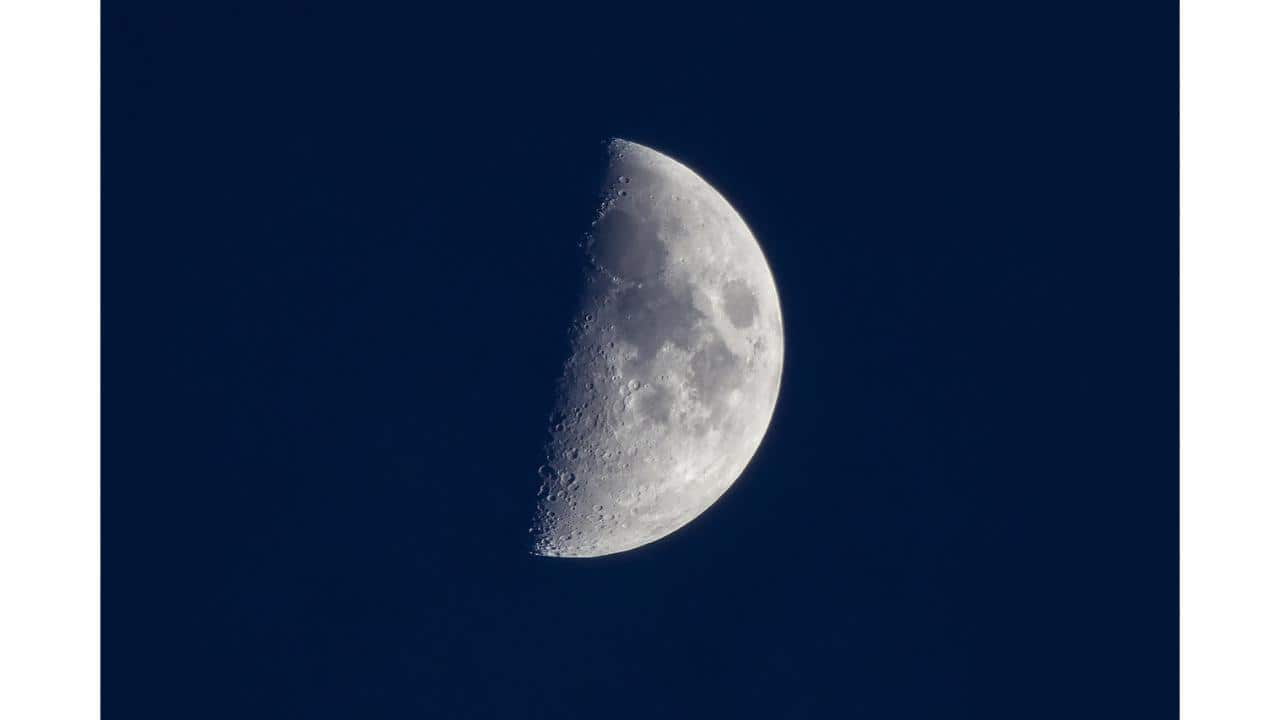
Pick the right location
Head to a dark, elevated area with a clear line of sight. Ensure there are no visual obstructions like electric wires, poles, or trees blocking your view.
Head to a dark, elevated area with a clear line of sight. Ensure there are no visual obstructions like electric wires, poles, or trees blocking your view.
2/10

Use a tripod for stability
A stable setup is key. Mount your smartphone on a tripod to eliminate handshakes and get sharp, blur-free shots.
A stable setup is key. Mount your smartphone on a tripod to eliminate handshakes and get sharp, blur-free shots.
3/10
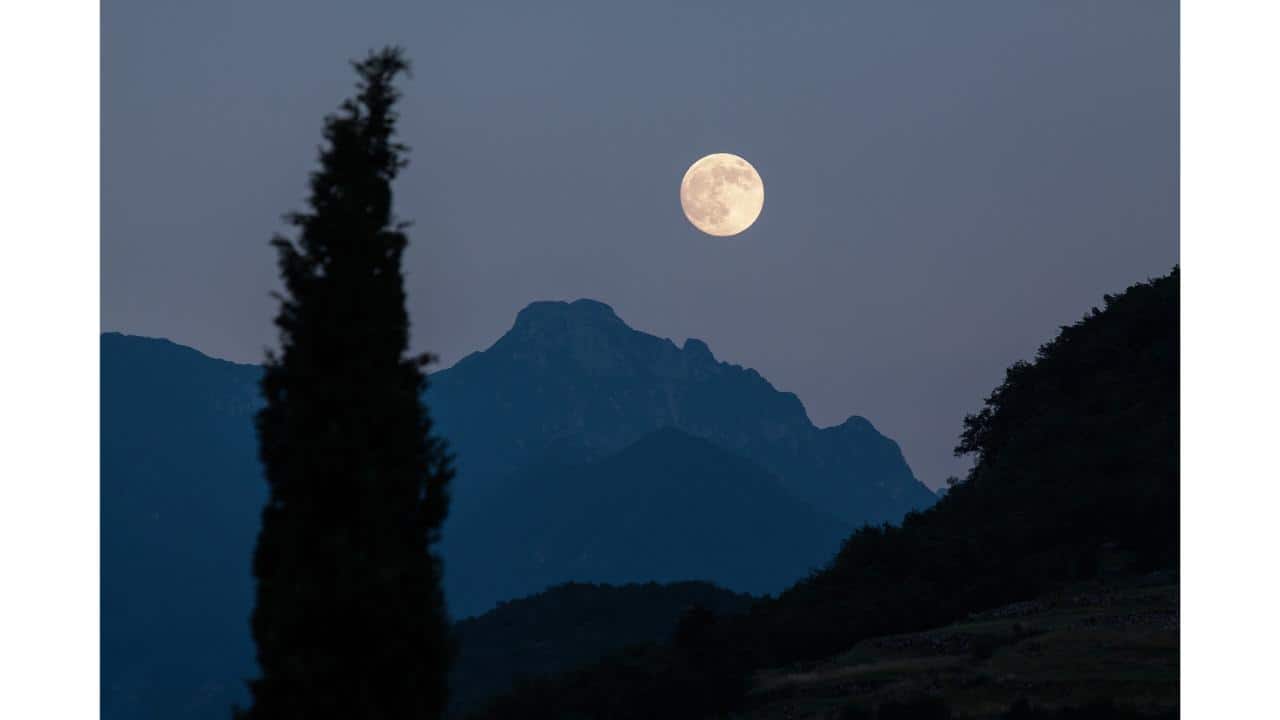
Turn off the flash
The moon is nearly 384,000 km away—your phone’s flash won’t help. In fact, it can spoil the shot by lighting up dust or nearby objects. Keep it off.
The moon is nearly 384,000 km away—your phone’s flash won’t help. In fact, it can spoil the shot by lighting up dust or nearby objects. Keep it off.
4/10
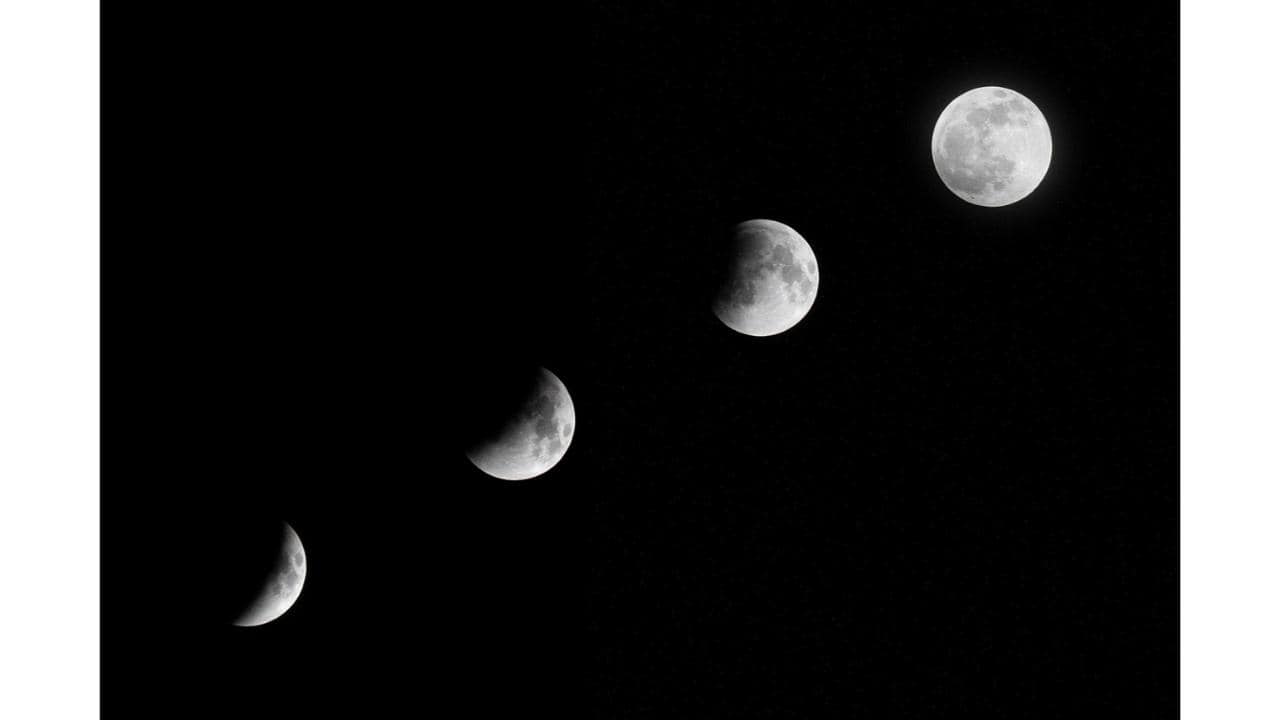
Use a timer or remote shutter
To avoid accidental shakes while tapping the shutter, use the phone’s timer or a Bluetooth remote. This ensures clear and steady images.
To avoid accidental shakes while tapping the shutter, use the phone’s timer or a Bluetooth remote. This ensures clear and steady images.
5/10

Stick to optical zoom
Digital zoom lowers image quality. If your phone has optical zoom (like 2x or 3x), use that instead to preserve detail.
Digital zoom lowers image quality. If your phone has optical zoom (like 2x or 3x), use that instead to preserve detail.
6/10

Shoot in high resolution
Most smartphones now feature 50MP, 64MP, or even 108MP sensors. Use the full resolution mode if available—it helps retain fine details in moon shots.
Most smartphones now feature 50MP, 64MP, or even 108MP sensors. Use the full resolution mode if available—it helps retain fine details in moon shots.
7/10
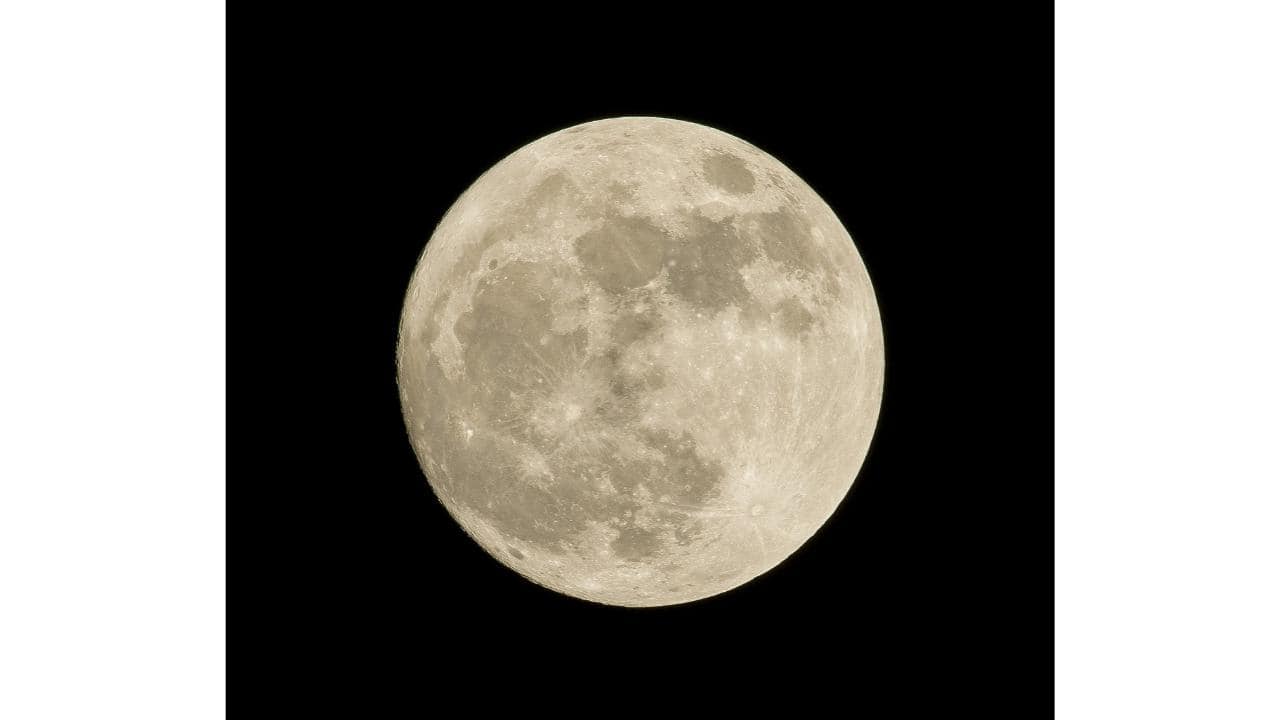
Focus on the moon
Tap on the moon in your camera view to focus. Hold your finger to lock the focus so it doesn’t shift during shooting.
Tap on the moon in your camera view to focus. Hold your finger to lock the focus so it doesn’t shift during shooting.
8/10
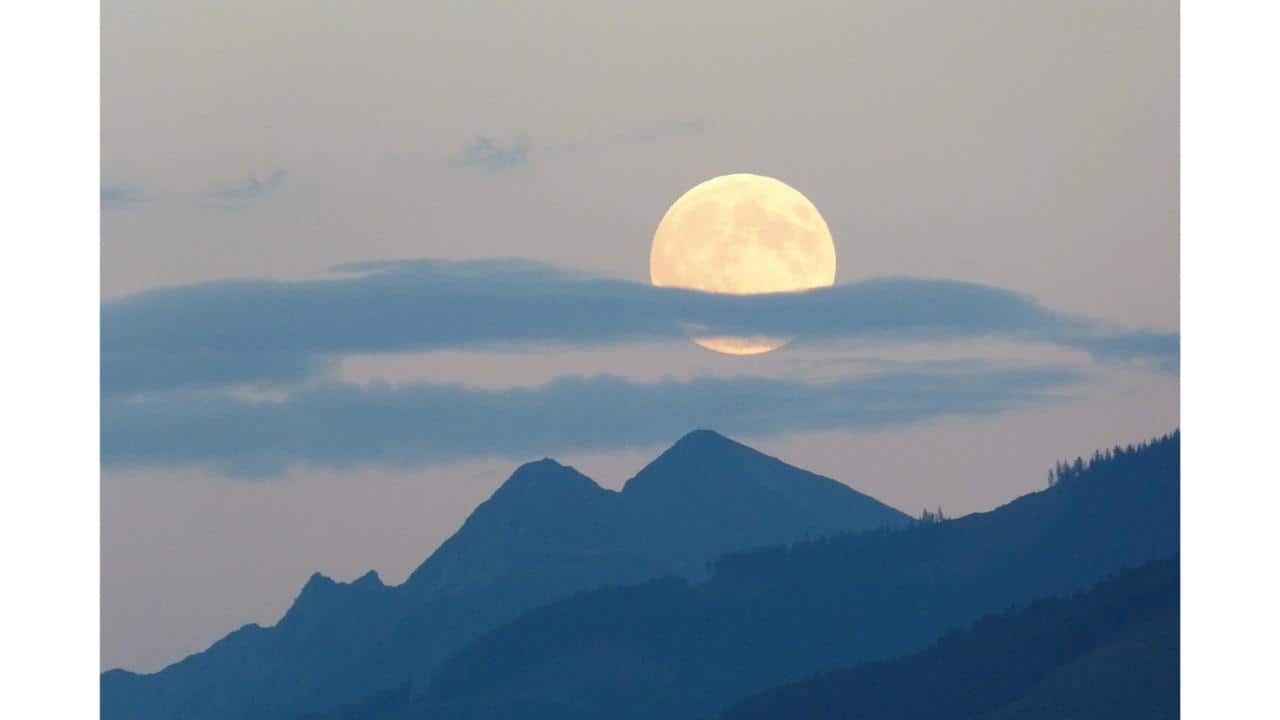
Lower the exposure
After focusing, adjust the exposure by sliding down on the screen. Reducing it helps avoid blown-out images and captures the moon’s surface better.
After focusing, adjust the exposure by sliding down on the screen. Reducing it helps avoid blown-out images and captures the moon’s surface better.
9/10

Record a timelapse
For something cinematic, try recording a timelapse. It can capture the moon’s movement and changing light across the sky beautifully.
For something cinematic, try recording a timelapse. It can capture the moon’s movement and changing light across the sky beautifully.
10/10

Be patient and experiment
Take multiple shots with different angles and settings. The more you try, the better your chances of getting that perfect lunar photo.
Take multiple shots with different angles and settings. The more you try, the better your chances of getting that perfect lunar photo.
Discover the latest Business News, Budget 2025 News, Sensex, and Nifty updates. Obtain Personal Finance insights, tax queries, and expert opinions on Moneycontrol or download the Moneycontrol App to stay updated!



