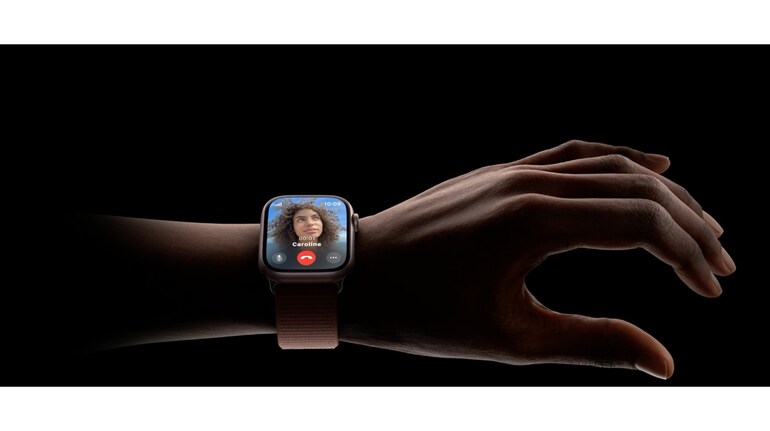
With watchOS 10.1, Apple introduced a fast and convenient way to interact with Apple Watch — the double tap gesture. Users can tap the index finger and thumb of their watch hand together twice to quickly perform many of the most common actions. Apple has other existing gestures like tap, swipe, raise to wake, and cover to mute that make Apple Watch easy to use. Wondering how double tap on Apple Watch works? Here’s a step-by-step guide. But before that, a few things to keep in mind
How to enable Double Tap on Apple Watch
1.Open the Settings app on your Apple Watch.
2.Scroll down and select Gestures.
3.Tap Double Tap, then switch it On.
4.If an alert appears, tap Turn Off Accessibility Features to proceed.
5. Customise your Double Tap settings:
•Playback: Choose between Play/Pause or Skip.
•Smart Stack: Set it to Advance or Select based on your preference.
How to enable Double Tap using iPhone
1.Open the Watch app on your iPhone.
2.Make sure you’re on the My Watch tab.
3.Select Gestures, then tap Double Tap.
4.Toggle the Double Tap switch to On.
5.If a prompt appears, tap Turn Off Accessibility Features to continue.
6. Customise the settings to your preference:
•Playback: Choose between Play/Pause or Skip.
•Smart Stack: Set it to Advance or Select.
Apple says the double tap gesture works anytime the display is awake. The feature is available all day long with minimal impact to the 18-hour battery life on Apple Watch Series 9 or the 36-hour battery life on Apple Watch Ultra 2, claims Apple.


Discover the latest Business News, Sensex, and Nifty updates. Obtain Personal Finance insights, tax queries, and expert opinions on Moneycontrol or download the Moneycontrol App to stay updated!
Find the best of Al News in one place, specially curated for you every weekend.
Stay on top of the latest tech trends and biggest startup news.