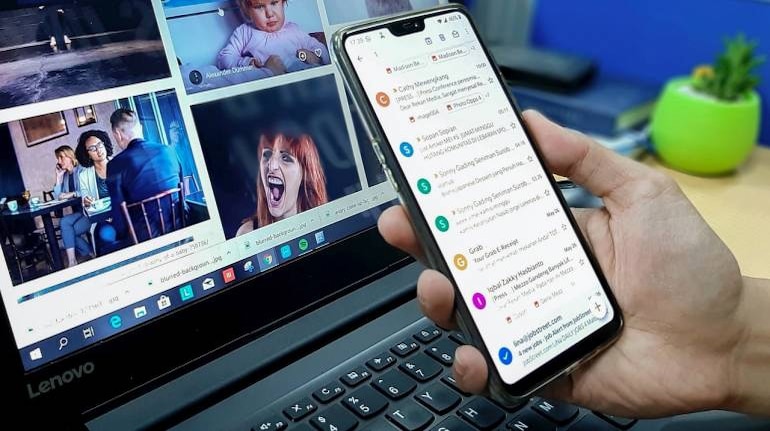
Apple rolled out iOS 14 for eligible iPhones earlier in September ahead of the iPhone 12 launch. The new iOS 14 update is a host to a whole lot of new features and upgrades, both visually and internally. Among the list of best iOS 14 features is an option to set select third-party apps like Gmail as default, instead of native Apple apps.
iOS 14 lets users set third-party email applications as default for the iPhone and iPad, provided developers of these apps add support for the feature. Gmail, one of the most popular email applications, already supports this feature, giving iPhone users an option to set the email client as a default alternative to Apple Mail.
How to set Gmail as default email application on iPhone and iPad?To set Gmail as the default email client, you need to first download and install iOS 14 on your iPhone and iPad. Click here to see if your iPhone or iPad is eligible to receive the iOS 14 update.
Next, you must update the Gmail app from the Apple App Store. Once done, you can set Gmail as a default email app on your iPhone or iPad by opening up the Settings app, scrolling down to Gmail in the apps list and then tapping on Default Mail App.
Google has also added support for Google Chrome to be the default browser on iPhone instead of Apple Safari. The same can be done by opening up the Settings app, scrolling down to Google Chrome in the apps list and then tapping on "Default Browser".


Discover the latest Business News, Sensex, and Nifty updates. Obtain Personal Finance insights, tax queries, and expert opinions on Moneycontrol or download the Moneycontrol App to stay updated!
Find the best of Al News in one place, specially curated for you every weekend.
Stay on top of the latest tech trends and biggest startup news.