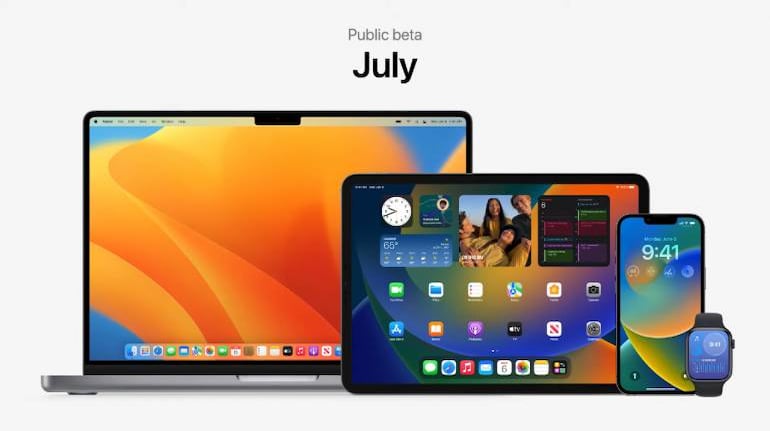
At WWDC 2022, Apple introduced a ton of new features and updates to make multitasking and productivity seamless across all Apple devices. Let’s take a look at some of the multitasking and productivity features introduced across macOS Ventura, iOS 16, and iPadOS 16.
Continuity CameraApple's M1 and M2 powered MacBooks will now be able to use an iPhone as a webcam. A compatible MacBook will now be able to detect the rear cameras of your iPhone and use it for video calls automatically. There’s a new Desk View mode that will allow you to use the ultrawide lens on an iPhone to display your desk.
MailApple has also added new features to the Mail. Users can now unsend an email that was sent by accident. Users can also schedule emails and get reminders to follow up. Rich links can also be added to emails to provide more details at first glance. Apple will also remind you if you forget to include an attachment or recipient. The Search has also been overhauled and delivers more accurate and complete results. It also provides suggestions before you start typing.
Also Read: Apple WWDC 2022 | A look at the big announcements by the tech giant
In Pics | Apple unveils redesigned MacBook Air at WWDC 2022
SpotlightSpotlight can be used to find images in Photos, Messages, Notes and Finder. You can even use Live Text to search for an image based on the text it contains. Spotlight can also be used to quickly set an alarm, start a Focus, search for the name of a track in Shazam, run a shortcut, and more.
CollaborationiOS, macOS Ventura, and iPadOS 16 users can now use the Share button in Files, Keynote, Numbers, Pages, Notes, Reminders, and Safari to share access via the Messages app to any relevant thread. This will instantly provide access for all to see updates and initiate FaceTime calls with people collaborating on a project.
FreeformApple is also set to debut Freeform, an app that acts as a virtual whiteboard. Users can start a FaceTime and enter into Freeform to collaborate on a project. It will be available on macOS Ventura and iOS 16 and will be accessible with or without an Apple Pencil.
Stage Manager is coming to the Mac, which will allow users to automatically organise apps and windows in a single view. Switch between apps and windows seamlessly with a simple click. It can also be used to make different groups of apps for specific tasks and arrange, resize and overlap them in your preferred layout. Stage Manager will also be available on the iPad.
Reference ModeIf you are using an iPad Pro from 2021 with the Mini LED display, then you’ll be pleased to know that it can be used as a reference monitor. The Reference Mode will let professionals use this particular iPad’s screen as a secondary reference monitor to ensure colour accuracy and consistent image quality.
DictationDictation is getting a lot smarter on iOS 16, allowing you to move seamlessly between voice and touch to enter text. You can now type with the keyboard, tap in the text field, move the cursor and insert QuickType suggestions, all while Dictation is running.
Apple WatchApple watchOS 9 is also introducing a new feature that only displays full-screen notifications when your wrist is lowered. If you are active the notification will appear as a small banner. The watch will also prioritise apps running in the background over other apps in the Dock, allowing you to easily return to background apps. You can also create new events directly from the Apple Watch and navigate to specific days or weeks.
Other FeaturesYou can also control your Apple Watch from your iPhone using Switch Control, Voice Control or any other assistive feature on the iPhone.
Apple users can now easily switch devices during a FaceTime call. Users can move a call from a Mac to an iPhone or iPad with just a tap. The connected Bluetooth headset will also switch over when using this feature.
Also Read: Apple WWDC 2022 | From iOS 16 to M2-powered MacBook Air: All the major announcements made by Apple
Apple WWDC 2022 | Apple aims to make its devices more secure with privacy and security updates


Discover the latest Business News, Sensex, and Nifty updates. Obtain Personal Finance insights, tax queries, and expert opinions on Moneycontrol or download the Moneycontrol App to stay updated!
Find the best of Al News in one place, specially curated for you every weekend.
Stay on top of the latest tech trends and biggest startup news.