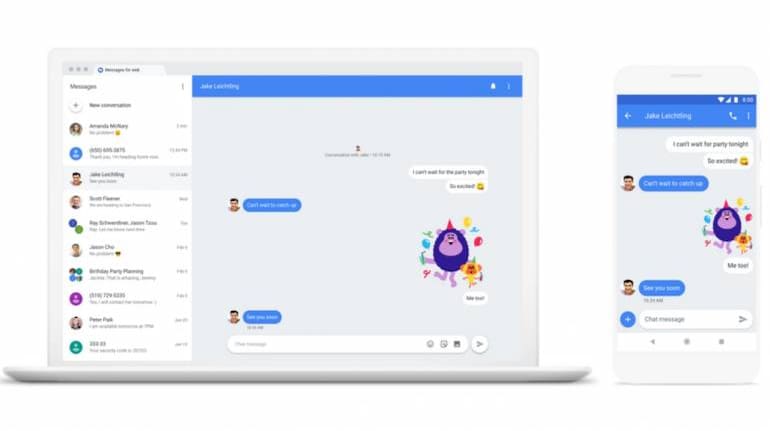
Very soon, you will be able to send SMSes straight from your desktop browser. Google has started rolling out desktop browser support for its Android Messages app, which enables users to send as well as view messages on their Android smartphone. Along with SMS, users will also be able to send emojis, images, stickers, gifs through the app.
The California-based tech company began rolling out the updates starting Monday and stated that it will continue to do so across the week. The service has been launched by Google in order to compete with the iMessage service offered by rival Apple. Technically known as Rich Communication Services (RCS), Google’s engineers began working on the service since February this year.
“With Android Messages, we're creating a messaging experience that's available on multiple devices, lets you share whatever you want to share and makes it easy to take action on your messages with Google AI,” the company stated.
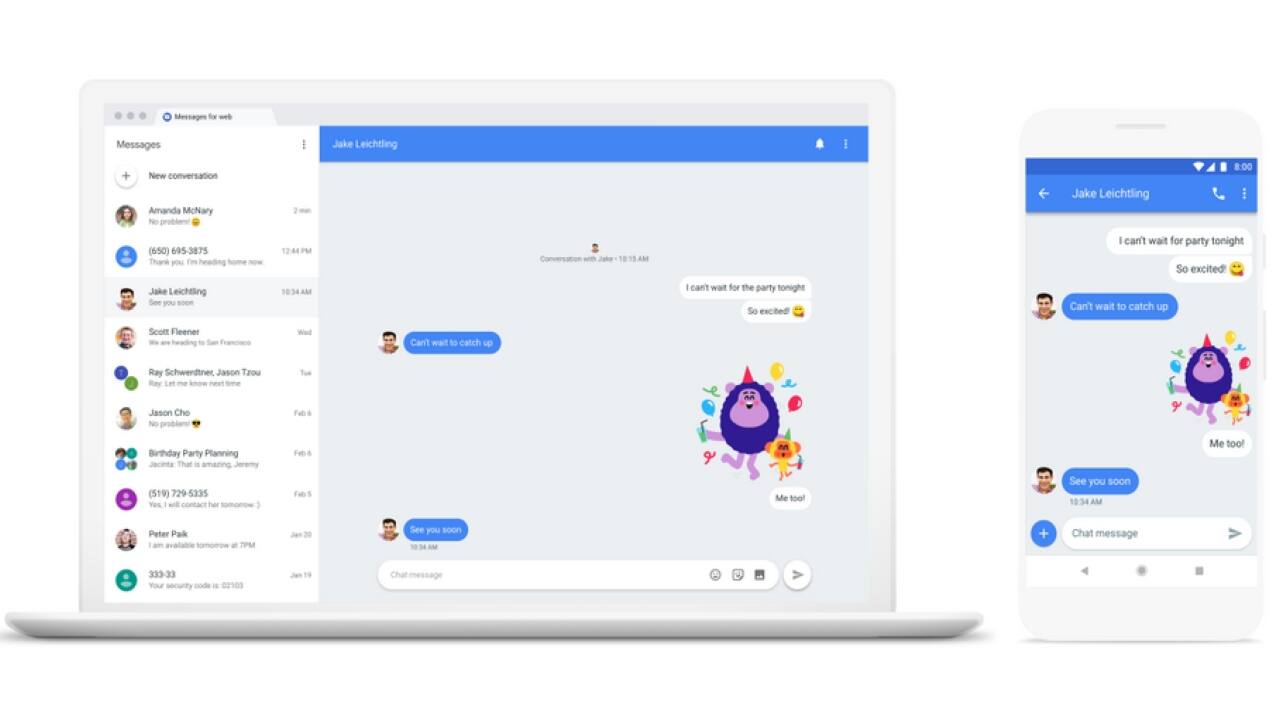
Follow the below steps in order to use the service:
1. Download Android Messages app on to your Android smartphone. Here’s the link to download the app.
2. Go to messages.android.com on your desktop web browser
3. Open Android Messages app on your phone
4. On the app, tap the More options menu at the top right corner and select Messages for web.
5. Scan the QR code which appears on your desktop screen. And you are good to go.
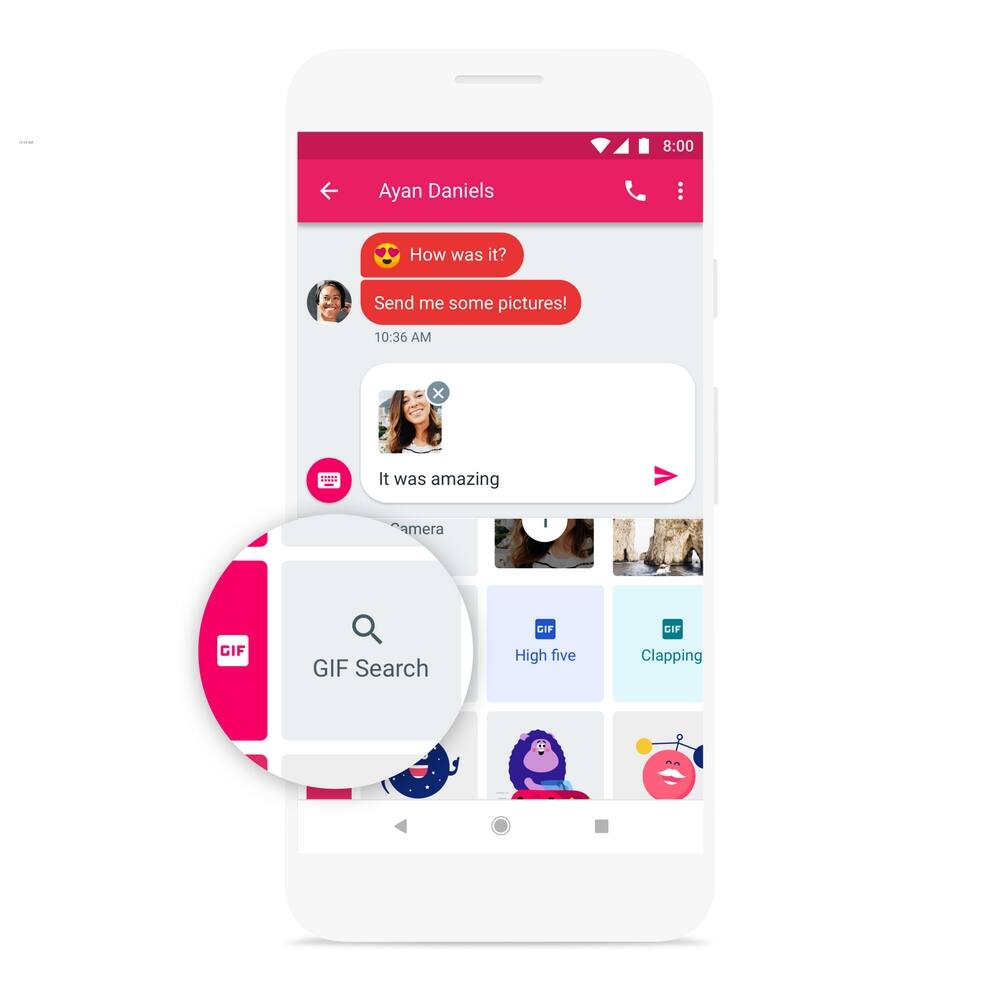
In addition to this, the company also stated how to search for and send gif files using the app.
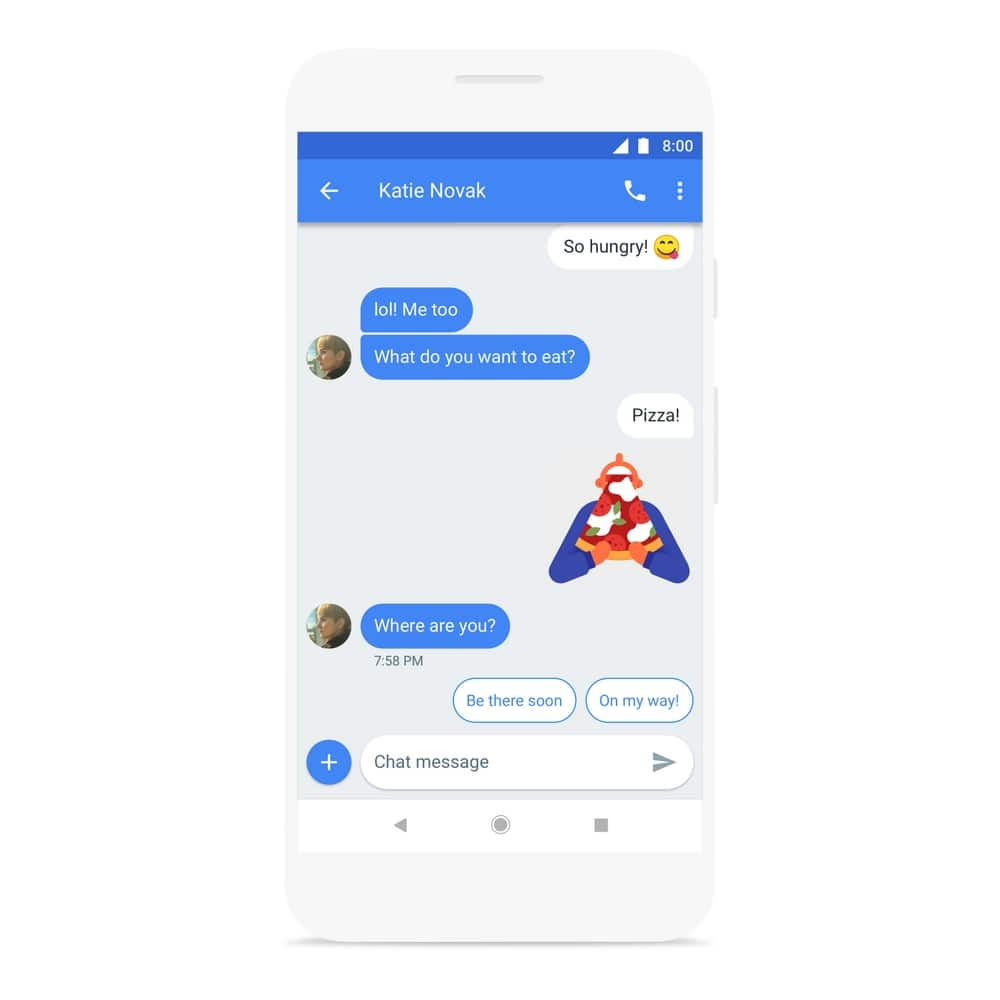
Users can also use the newly launched Smart Reply feature using the app. For the unaware, Smart Reply is a service by Google which automatically suggests quick text or emoji responses to your messages. All you have to do is click on the machine generated reply, and the app will automatically send it as your reply.
Other features include previewing links within conversations and copying one-time passwords with a single tap.
The company has promised to rollout the features incrementally, which means everybody will not be receiving the feature at once.
“Messages for web is starting to roll out today, with the rest of these features coming to the Messages app over the next week. You can try them out by updating your app to the latest version or by downloading (Android) Messages,” the post added.


Discover the latest Business News, Sensex, and Nifty updates. Obtain Personal Finance insights, tax queries, and expert opinions on Moneycontrol or download the Moneycontrol App to stay updated!
Find the best of Al News in one place, specially curated for you every weekend.
Stay on top of the latest tech trends and biggest startup news.