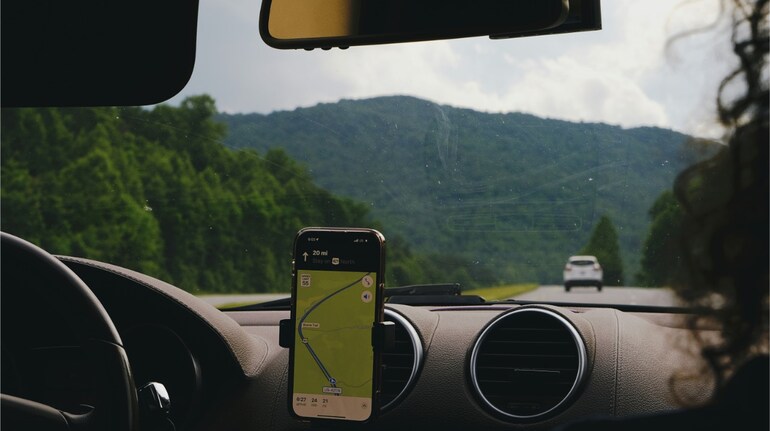
After years of Android users enjoying the convenience, iPhone and CarPlay users can also benefit from a rather nifty feature. According to a report by Tech Crunch, Google Maps is rolling out a global update that brings a speedometer and speed limit indicators to iPhones and those who use Apple CarPlay.
Google has waited for close to five years to bring this feature to iPhone as it was first introduced on Android in 2019.
The new speedometer appears in the bottom left corner of the screen while navigating. It displays the vehicle's speed and while in isolation, this may seem a rather routine feature, what makes it useful is the speed limits of the area it tells you.
Google Maps will now display the speed limit of the road you're driving on. This is a helpful feature as it reminds users to be within the allowed speed limit and avoid getting a speeding challan, which have become rather common in the Delhi-NCR region.
Furthermore, the speedometer itself even changes colours when users are speeding. For instance, if a driver is exceeding the permissible speed limit, then the indicator changes to bright red.
Moneycontrol checked on our iPhone’s Google Maps app but the feature isn’t visible yet. However, it is a gradual rollout, so it may take a few days for the feature to arrive for most iPhone users.
How to activate the speedometer, speed limit featureActivating these features is rather simple. With the latest version of Google Maps installed, users just need to tap on their profile picture and navigate to Settings > Navigation > Map display. Here, you will see toggles for "Show speed limits" and "Show speedometer”. Users can just turn them on or off depending on their preference.
Also read: Google experiments with facial recognition for office security, some employees express concern


Discover the latest Business News, Sensex, and Nifty updates. Obtain Personal Finance insights, tax queries, and expert opinions on Moneycontrol or download the Moneycontrol App to stay updated!
Find the best of Al News in one place, specially curated for you every weekend.
Stay on top of the latest tech trends and biggest startup news.