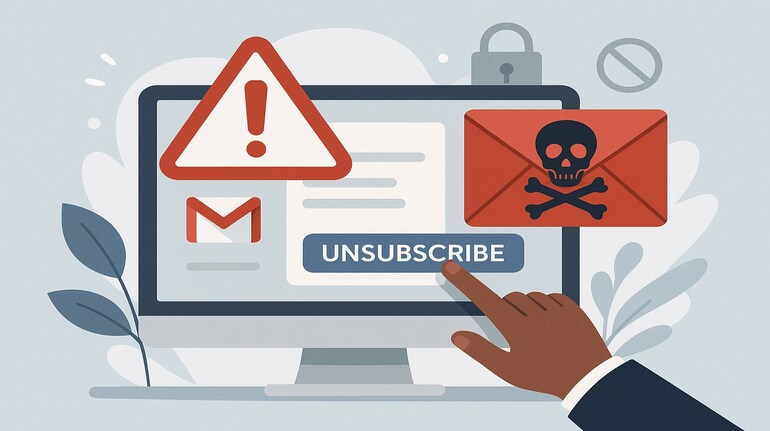
In a world where your Gmail inbox is constantly filled with promotions, special offers, and countless messages you barely remember signing up for, clicking “unsubscribe” might seem like the easiest way to cut through the chaos. But cybersecurity experts are now warning that this simple action can sometimes put you directly in a scammer’s sights.
What is Gmail Unsubscribe scam?
The “Gmail promotional message scam” is a tactic fraudsters use to validate and harvest your email address. Among the countless messages you get each day, a few may be designed not by a legitimate company but by cybercriminals who are phishing for live, active inboxs. The moment you click “unsubscribe”—even if you have no further interaction—the sender knows your email is genuine and in use.
This small piece of information makes your inbox a valuable commodity to scammers, who can then resell it or send you more sophisticated phishing messages in future campaigns.
How it works
This tactic plays on a well-warranted habit many people have to keep their inbox clean. The scammers embed an “unsubscribe” link in their messages, much like a genuine mailing list would. But instead of safely removing you from their list, clicking this link lets them track your activity and, in some cases, take you to a phishing page designed to extract additional data.
Some messages may even prompt you to enter credentials to “confirm removal”—a huge red flag, as this lets attackers harvest your password. According to cybersecurity firm DNSFilter, nearly 1 in 644 unsubscribe links lead to a potentially dangerous website.
Wait and think before you click
Clicking “unsubscribe” in a suspicious email signals to scammers that your email account is alive and frequently used. It also pulls you away from your email’s protective environment and into the wilds of the internet, where phishing, malware, and data theft become real possibilities.
“It’s a way for attackers to separate inactive emails from the live ones, making future attacks more effective and profitable for them,” TK Keanini of DNSFilter explained in a Wall Street Journal report.
How to stay safe
Instead of clicking “unsubscribe” directly, experts recommend using your email service’s native controls. Gmail and many providers have a “list-unsubscribe” button at the top of messages. This lets you safely opt out without clicking a questionable link.
Other strategies include marking messages as spam or using alias emails when signing up for promotions. Tools like Apple’s “Hide My Email” can help mask your real address, adding an additional layer of security.
Ultimately, staying vigilant and thinking twice before clicking that tiny “unsubscribe” button can keep your inbox — and your data — much safer.


Discover the latest Business News, Sensex, and Nifty updates. Obtain Personal Finance insights, tax queries, and expert opinions on Moneycontrol or download the Moneycontrol App to stay updated!
Find the best of Al News in one place, specially curated for you every weekend.
Stay on top of the latest tech trends and biggest startup news.