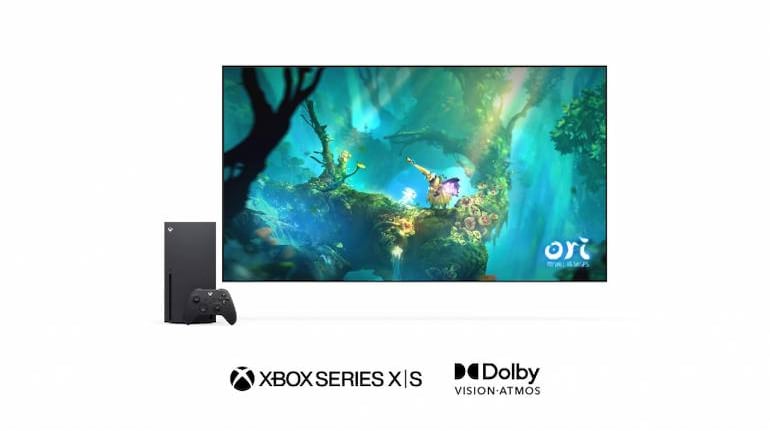
Microsoft recently announced that the Xbox Series X and Series S now support Dolby Vision. The move makes the Xbox Series X and S the only two consoles in the world to support both Dolby Vision and Dolby Atmos.
Microsoft said that more than 100 next-gen titles optimized for the Xbox Series S and Series X already support Dolby Vision or will do so in the future. These titles will include the likes of Halo Infinite, which previously received Dolby Atmos support. Microsoft and Dolby are also working with developers to implement Dolby Vision in older titles.
When connected to a compatible display, titles that support Microsoft’s Auto HDR or HDR10 will automatically be upgraded to Dolby Vision. Microsoft says thousands of games will offer an uplifted experience on Dolby Vision-enabled TV models in the future.
Microsoft noted; “With Dolby Vision, epic worlds – such as lush rainforests or neon futuristic cities – are brought to life in more vivid color. Dolby Vision deepens your immersion into the experience by enabling you to see an enemy hiding in the shadows or spot hidden clues through expanded contrast and better clarity in both bright and dark scenes.”
Dolby Vision support was previously available on Xbox Series consoles for media apps like Netflix and Apple TV. The feature was later introduced to some games through a beta update but is now being rolled out to all Xbox Series console owners.
Titles that support Dolby Vision automatically map to any supported display. Dolby Vision is compatible with DirectX Raytracing, automatic low-latency mode (ALLM), and Variable Refresh Rate (VRR). Microsoft and Dolby are also working with TV manufacturers to enable Dolby Vision capabilities at 120Hz for compatible TVs.
How to enable Dolby Vision Gaming on the Xbox Series S/X?Go to Settings – General – TV & Display Options – Video Modes – Dolby Vision for Gaming
You can check if your TV supports Dolby Vision by going to Settings – General TV & Display options – 4K TV Details.


Discover the latest Business News, Sensex, and Nifty updates. Obtain Personal Finance insights, tax queries, and expert opinions on Moneycontrol or download the Moneycontrol App to stay updated!
Find the best of Al News in one place, specially curated for you every weekend.
Stay on top of the latest tech trends and biggest startup news.