
co-presented by
ASSOCIATE SPONSORS
co-presented by

ASSOCIATE SPONSORS




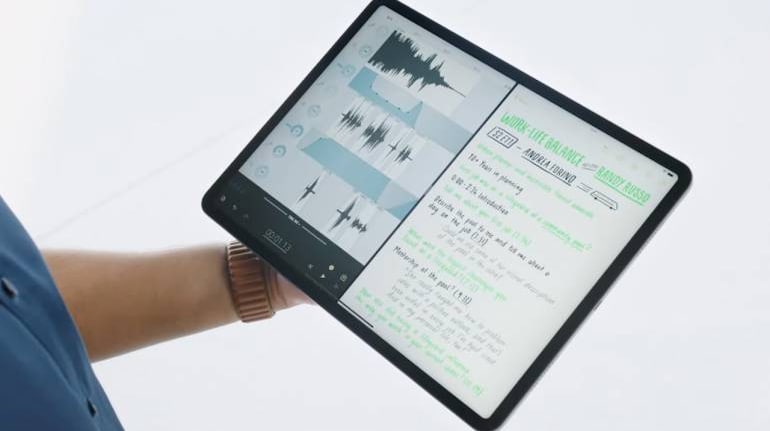
Apple has added the ability for users to erase or reset a locked iPhone or iPad, without needing to connect them to a PC or Mac. The new feature called Security Lockout, triggers after a number of unsuccessful passcode or pin attempts.
The feature was part of the iOS and iPadOS 15.2 update, which the company released earlier this week. Previously, if you were locked out of your iPhone or iPad, you would need to connect it to a PC or Mac. Now, you can safely erase or reset the device provided its connected to a network.
9to5Mac spotted the feature first on a detailed Apple Support Page, that listed out how Security Lockout works.
Also Read: Apple delays return to office indefinitely
Once you have reached the threshold of failed login attempts, a new "Erase iPhone" or "Erase iPad" option will appear on the lock screen. Tap on the option, login with your Apple credentials and then you can reset the device.
In case your device is not connected to a network and does not have an active internet connection, the Apple ID authorisation step will fail and you will need to reset the device the old fashioned way, by connecting it to a PC or Mac.
Also Read: Apple launches AirTag detector app for Android to boost privacy
The feature is limited to iOS and iPadOS 15.2 for now. So, if you are not seeing the option, then you may need to update your device. Another thing to note, is that you will lose all of your data once the device is reset. So make sure you have a recent backup of your data before proceeding.


Discover the latest Business News, Sensex, and Nifty updates. Obtain Personal Finance insights, tax queries, and expert opinions on Moneycontrol or download the Moneycontrol App to stay updated!
Find the best of Al News in one place, specially curated for you every weekend.
Stay on top of the latest tech trends and biggest startup news.