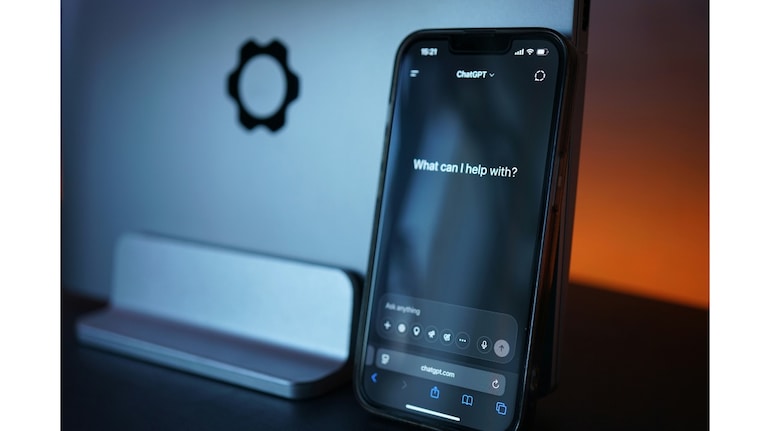
Apple does not let you replace Siri on the Side button, but owners of the iPhone 15 Pro series and newer devices do have a neat workaround. The Action button, which replaced the mute switch, can be reassigned to trigger ChatGPT’s voice mode. Once set up, a long press takes you straight into a conversation with the OpenAI model, which is far more flexible and context aware than Siri.
To begin, you just need the free ChatGPT app from the App Store. After signing in, the app offers both text and voice interactions. The trick is to assign voice mode directly to the Action button so that you can start talking immediately without navigating the app or tapping anything on screen.
The recent ChatGPT update also makes this even smoother. Voice chats now stay inside the same window as your text prompts. Responses arrive in real time with spoken audio, on-screen text and any visuals the model chooses to generate. That keeps the context intact and makes switching between typing and speaking feel natural.
Another neat touch is continuity. You can swipe away from the app during a voice chat and the conversation will continue in the background. It appears in the Dynamic Island while the assistant listens or prepares a response. To stop the session, tap the Dynamic Island to return to the app and hit End.
The only limitation is system control. ChatGPT still cannot set alarms, open apps or read your calendar in the way Siri can. Even so, this physical shortcut gives you quick access to a much smarter assistant that feels better suited for everyday problem solving.
How to activate ChatGPT with this one trick


Discover the latest Business News, Sensex, and Nifty updates. Obtain Personal Finance insights, tax queries, and expert opinions on Moneycontrol or download the Moneycontrol App to stay updated!
Find the best of Al News in one place, specially curated for you every weekend.
Stay on top of the latest tech trends and biggest startup news.