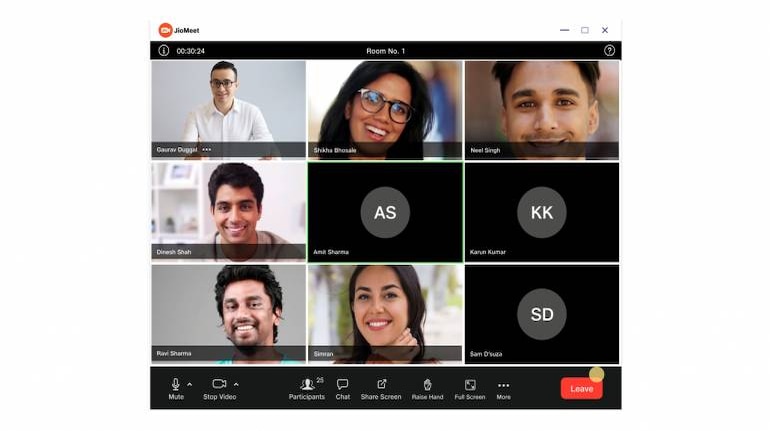
JioMeet, the video conferencing platform has been quick to add features that help both enterprise and individual users. The platform has seen a surge in downloads and usage in terms of Monthly Active User's (MAUs).
Some of the useful new features that fueled this growth are things like the new Outlook addition which allows you to setup JioMeet directly from Outlook. Simply, look for JioMeet on Outlook extension on the Add-In store and download it. You can now easily setup meeting from within the Outlook app.
You can also now use JioMeet from within the Microsoft Teams interface and it even allows you to join meetings from within the app. JioMeet now also lets Hide or Show non-video participants and comes with several new Video layout options for you to tinker with and find one that suits you.
You can now view the participant screen as a Gallery for instance, allowing you to see up to nine participants on a single screen. You can also arrange them in Active Speaker View, which focuses automatically on the person currently speaking and puts him front and centre, while the feed from other people are arranged in a L-shaped view for easy viewing.
You can also pin the video feed from a specific participant to make sure that they are visible on screen at all times.
Disclosure: MoneyControl is a part of the Network18 group. Network18 is controlled by Independent Media Trust, of which Reliance Industries is the sole beneficiary.


Discover the latest Business News, Sensex, and Nifty updates. Obtain Personal Finance insights, tax queries, and expert opinions on Moneycontrol or download the Moneycontrol App to stay updated!
Find the best of Al News in one place, specially curated for you every weekend.
Stay on top of the latest tech trends and biggest startup news.