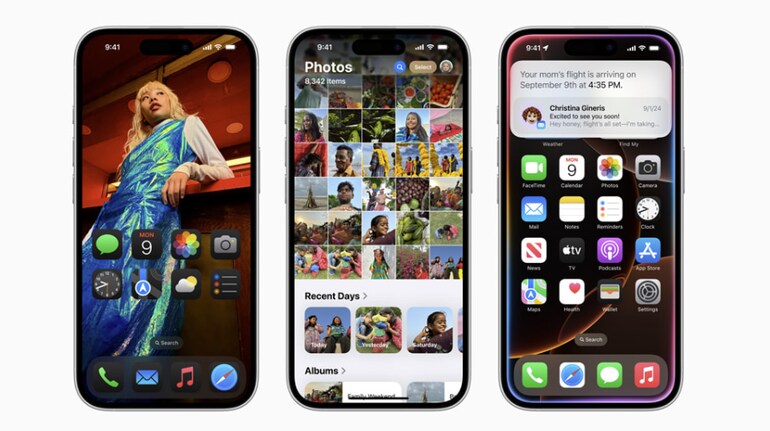
Apple has finally added native call recording and transcript features to iPhones with the iOS 18 update. The feature is backed right within the Phone app and users can start, pause and stop recording instantly during an ongoing call.
If you are wondering how to record calls on iPhone, here’s our step-by-step guide for you.
Prerequisite
Download and install iOS 18.1 Beta update on your iPhone
How call recording works on iPhone
Well, the call recording feature is a part of iOS 18 update. So, make sure to update your iPhone. Next, the feature works for both incoming and outgoing calls. However, the recording can only be triggered during an active call.
It is also important to note that once you’ll start the call recording a voice prompt “This call is now being recorded” will be played to the callers to notify them.
Steps to record calls on iPhone
Open Phone app
Dial a number or receive an incoming call
Tap on the new call recording icon at the top left corner of the calling screen
Once tapped, you’ll see a popup within the calling screen indicating ongoing recording process.
How to transcribe the recorded call
Transcribing calls is an automatic process on iPhone. All you have do is initiate the call recording. iPhone will automatically save the recorded audio file and transcribe it as well.
Where to find the recorded calls and transcript
Both call recording and the transcript get saved in the Notes app under a new folder – Call Recording. To access both, head to Notes app and tap on call recording option to find all the call recordings.


Discover the latest Business News, Sensex, and Nifty updates. Obtain Personal Finance insights, tax queries, and expert opinions on Moneycontrol or download the Moneycontrol App to stay updated!
Find the best of Al News in one place, specially curated for you every weekend.
Stay on top of the latest tech trends and biggest startup news.