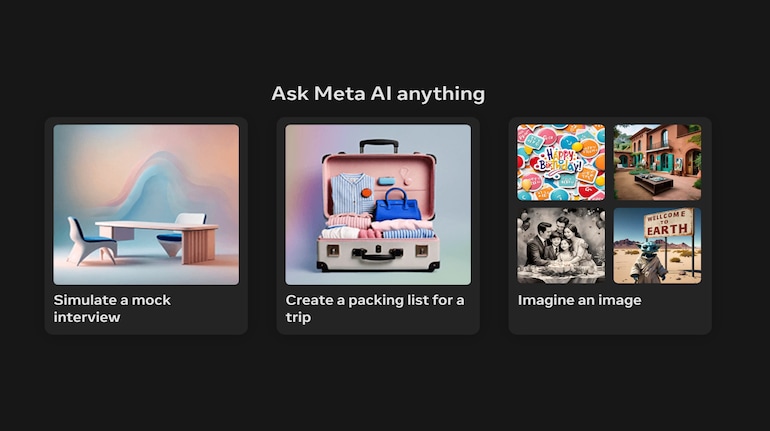
Meta has rolled out Meta AI, its AI-powered chatbot across its platforms including Facebook, WhatsApp and Instagram. The AI tool from the social media giant is aimed at making things easier for users by offering them the option to have a conversation in natural language and generate images, stickers, emoticons and more.
Meta AI’s capabilities are similar across all the platforms and it can be accessed by its dedicated website – Meta AI, WhatsApp, Facebook and Instagram. If you want to use it, here’s a detailed guide.
Meta AI: All it can doHave conversations with Meta AI and other characters
Chat with Meta AI in existing group chats
Ask questions and get helpful recommendations
Talk about shared interests
Interact with their content
Create AI-generated images in chats
Meta has already integrated the Meta AI into several of its apps. To access it, tap or click on the Meta AI icon – which looks like a Blue-ish colour circle – from the top of the app. Alternatively, you can access it directly from the “https://www.meta.ai/” website.
How to use Meta AI to generate images, stickers and moreAccess Meta AI by tapping on the icon or visiting the website
Enter the prompt. For instance, you can ask it to generate an image of Durga Puga or any other occasion.
Hit Enter and wait for it to generate the image.
You can refine the command and ask Meta AI to animate them.
If you want to generate an AI sticker for WhatsApp, Instagram or Facebook, change the command to “Create a sticker and explain the kind of sticker you want.
That’s it! Meta AI will generate the image or sticker for you that can be shared on Meta’s social media platforms and other platforms by saving them on the device.


Discover the latest Business News, Sensex, and Nifty updates. Obtain Personal Finance insights, tax queries, and expert opinions on Moneycontrol or download the Moneycontrol App to stay updated!
Find the best of Al News in one place, specially curated for you every weekend.
Stay on top of the latest tech trends and biggest startup news.