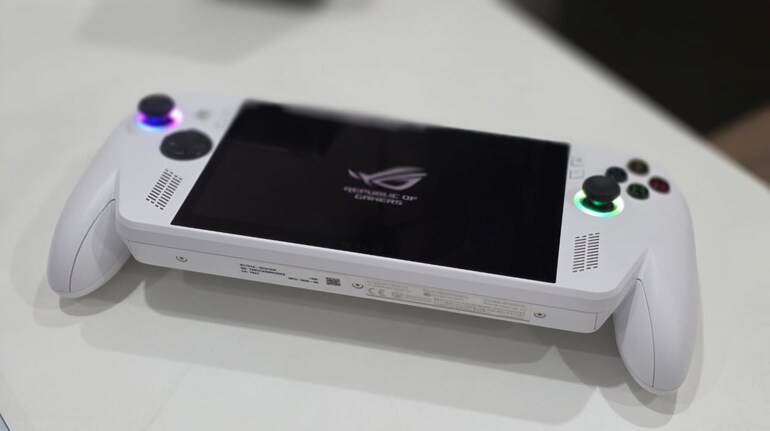

The idea of handheld gaming consoles running Windows operating systems – well–seems quite an interesting idea and not for the novelty factor – they actually can run triple-A titles in a compact form factor. Not only that, it can also handle regular Windows things like running a full fledged web browser, apps, productivity tools and even editing apps as well. And, when Microsoft and Asus came together to announce the ROG Xbox Ally – I was excited to see the difference that the partnership brought to this new segment altogether.
 ROG Xbox Ally
And for starters, the ROG Xbox Ally tries to differentiate itself through comfort, Xbox-centric software integration, and a familiar design language. The result is a handheld that gets several fundamentals right. After using this for several weeks, here’s what I think about the ROG Xbox Ally and whether or not it is worth the asking price of Rs 69,999.
Design and ergonomics
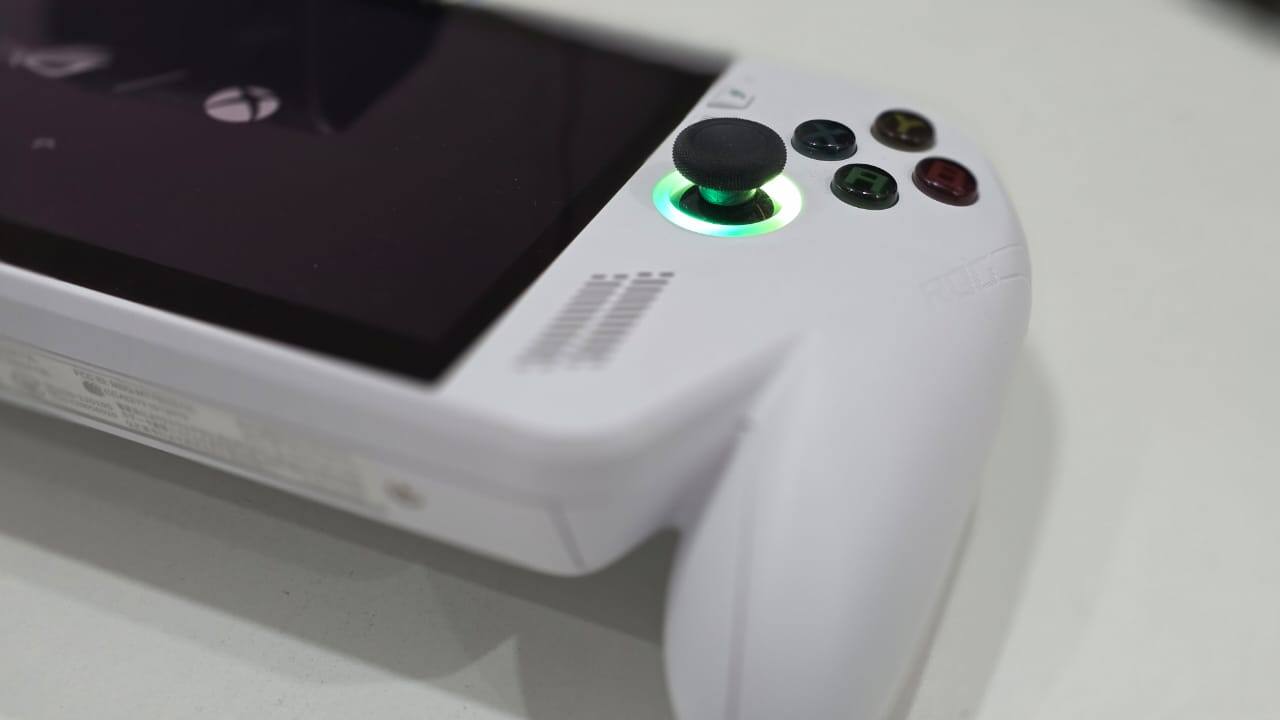
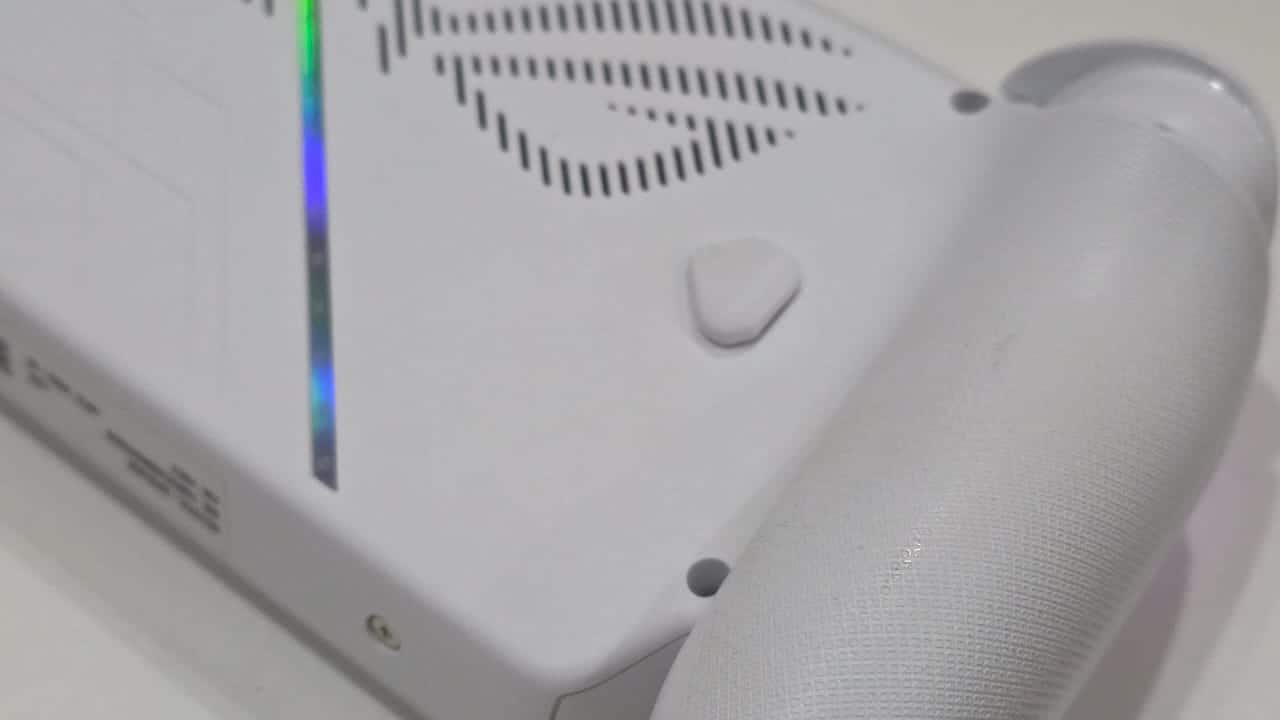
The most immediate strength of the ROG Xbox Ally is its physical design. Asus has leaned heavily into an Xbox-inspired form factor, and it shows in how the device sits in the hand. The grips are pronounced and contoured, offering more surface area and support than many competing handhelds. This design choice directly impacts usability during longer gaming sessions, making the Ally feel less fatiguing despite its relatively heavy chassis.
Button placement and reach are clearly prioritised around comfort rather than compactness. The full-sized analogue sticks and trigger layout mirror what Xbox players are already accustomed to, reducing the adjustment period. The overall build prioritises stability and balance, even if it means the device feels bulkier than slimmer alternatives. For users who value comfort over portability, this approach works in Ally's favour.
 ROG Xbox Ally
The D-pad is more functional than standout. While usable across genres, it lacks the tactile confidence found on some dedicated controllers, which may matter to players focused on retro or precision-heavy titles. Still, the broader control layout is cohesive and consistent, aligning with the handheld’s console-first intent.
Display and hardware fundamentals
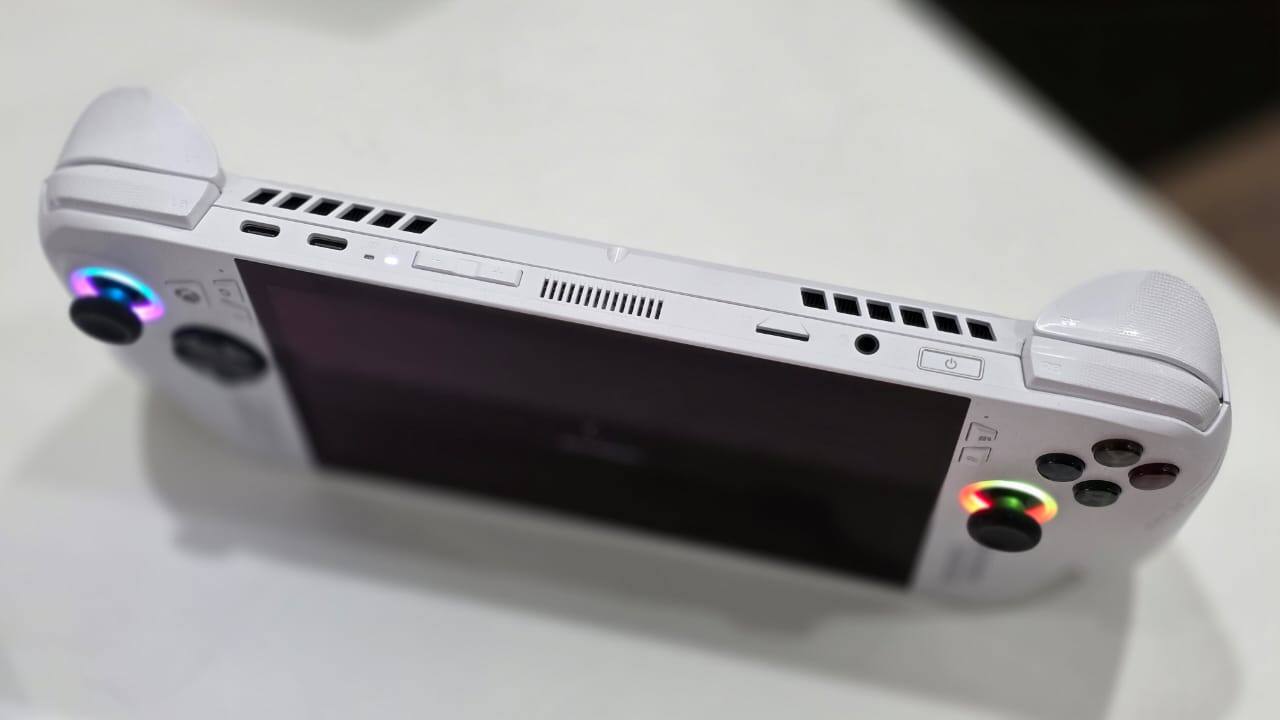
Asus equips the ROG Xbox Ally with a 7-inch Full HD IPS display featuring a 120Hz refresh rate. On paper, this positions the device competitively, offering a smoother experience than many older handhelds. In practice, the high refresh rate is best utilised in lighter or less demanding titles, as the underlying hardware often necessitates lower resolutions or settings to maintain performance.
Internally, the Ally is powered by AMD’s Ryzen Z2A processor paired with RDNA 2 graphics. This places it closer to Steam Deck-class performance rather than the newer high-end x86 handhelds using more powerful chips. The configuration includes 16GB of LPDDR5 RAM and a 512GB NVMe SSD, with microSD expansion available. These specifications are adequate for modern Windows gaming, but they also define the performance ceiling.
 ROG Xbox Ally
The hardware balance makes it clear that the ROG Xbox Ally is not designed to brute-force demanding AAA games at native 1080p. Instead, it operates most comfortably at 720p or 900p, where performance and thermals remain more stable. The high-refresh display becomes a bonus rather than a core selling point, benefiting indie and older titles more than graphically intensive releases.
Performance and gaming experience
In real-world use, performance is consistent rather than exceptional and that’s what one expects from a handheld console. It is meant to deliver performance that gets the job done and not smash frame rates and create or break fps records at max graphic settings. That said, the Z2A chip delivers results broadly comparable to the Steam Deck, sitting below more expensive handhelds built around newer AMD architectures. Modern AAA games are playable with careful tuning, often requiring resolution scaling and reduced graphical settings to maintain smooth frame rates.
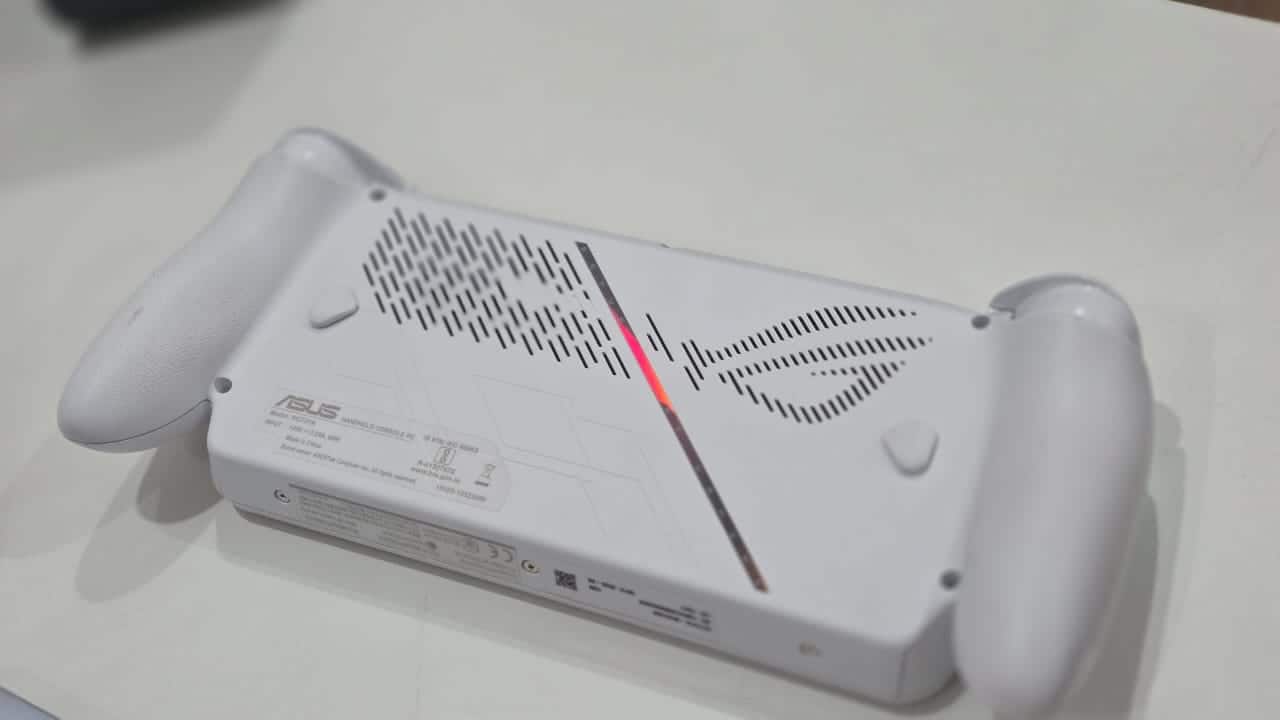 ROG Xbox Ally
For lighter titles, emulation, and indie games, the Ally performs reliably. The hardware is capable of sustaining higher frame rates in these scenarios, allowing users to take advantage of the 120Hz panel more effectively. This reinforces the idea that the device is better suited to a mixed library rather than cutting-edge releases alone.
Thermal management remains controlled, with the larger chassis aiding heat dissipation. Fan noise is present under load but not excessive, aligning with expectations for a Windows handheld of this class. Battery life, while serviceable, reflects the compromises of running x86 hardware in a portable form factor. Demanding games drain the battery quickly, while lighter workloads allow for longer sessions, though still within typical handheld PC limits.
Software and the Windows question
Like most x86 handhelds, the ROG Xbox Ally runs Windows 11, and this remains both its greatest strength and its biggest limitation. Windows enables broad game compatibility, access to multiple storefronts, and flexibility that closed ecosystems cannot match. At the same time, the operating system continues to feel awkward on handheld hardware and we all know operating Windows on a tiny display is a challenging task.
Asus attempts to mitigate this with Armoury Crate and an Xbox full-screen experience layered on top of Windows. These tools streamline navigation and make the system more controller-friendly, but they do not fully eliminate the need to interact with traditional desktop elements. Tasks such as updates, installations, and system settings still occasionally require touchscreen input or virtual mouse controls.
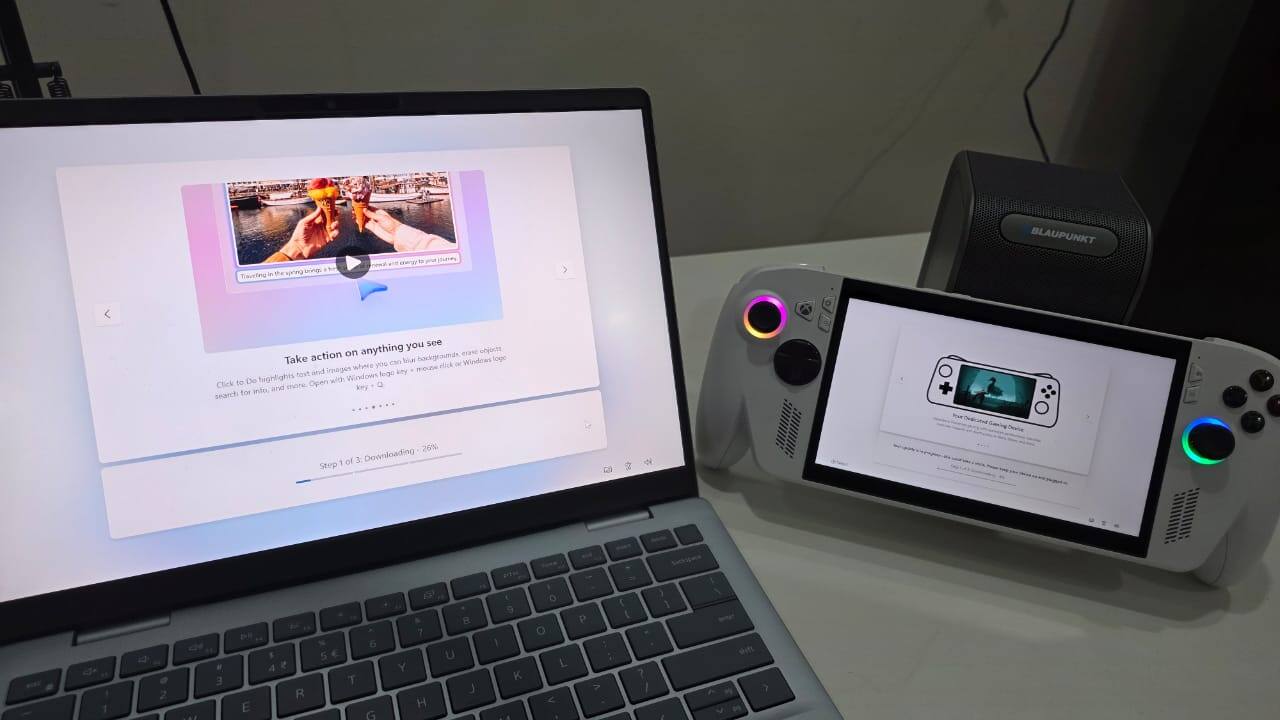 ROG Xbox Ally
The Xbox-centric interface does improve accessibility for console-leaning users, creating a more familiar environment for launching and managing games. However, the experience still falls short of the seamless integration seen on devices built around SteamOS. Stability and polish are improving, but Windows remains a compromise rather than a native handheld solution. What I would have liked more and worked in the Ally’s favour would have been a dedicated custom user interface for the console – like the actual Xbox gaming console where Windows runs in the background – it would have made the experience more streamlined and optimsied.
One practical advantage of the ROG Xbox Ally is its internal design. The use of a full-sized NVMe SSD simplifies storage upgrades compared to devices that rely on proprietary or compact formats. Opening the device and replacing the SSD is relatively straightforward, making long-term ownership more flexible, especially as game sizes continue to grow.
This design decision aligns with the Ally’s positioning as a semi-modular PC rather than a sealed console. Users willing to invest time in upgrades can extend the device’s usable lifespan, offsetting some of its upfront cost.
Verdict
The Asus ROG Xbox Ally answers its own central question with restraint rather than spectacle. It is not trying to outgun traditional consoles or replace a gaming laptop. Instead, it focuses on making handheld PC gaming feel more approachable, more console-like, and less intimidating in daily use. The Xbox-centric interface smoothens many of Windows’ long-standing usability issues on handhelds, while performance remains consistent for the kind of gaming this form factor is best suited for. Limitations around battery life and Windows’ deeper layers still exist, but they no longer dominate the experience. The Ally succeeds by prioritising usability over brute force, making it one of the more practical handheld gaming devices today.


Discover the latest Business News, Sensex, and Nifty updates. Obtain Personal Finance insights, tax queries, and expert opinions on Moneycontrol or download the Moneycontrol App to stay updated!
Find the best of Al News in one place, specially curated for you every weekend.
Stay on top of the latest tech trends and biggest startup news.