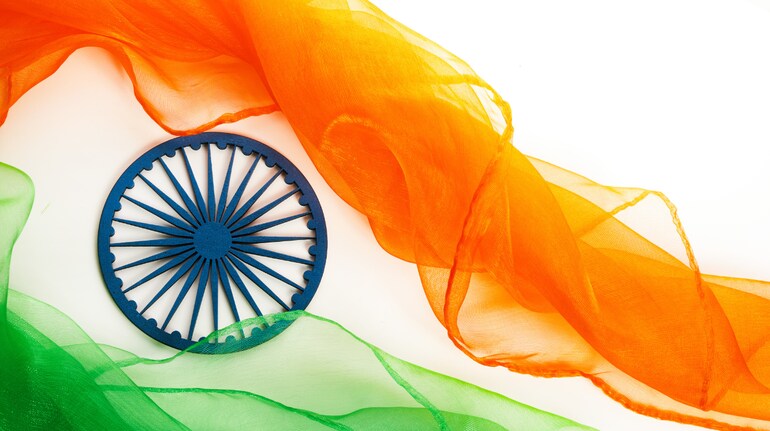
As India gears up to celebrate its 78th Independence Day on August 15 2024, many will look for ways to share the joy of this significant day with friends and family. WhatsApp stickers, wishes, and messages have become a popular method for expressing sentiments. This article provides a detailed guide on how to enhance your Independence Day celebrations through digital means, including the use of stickers, messages, and images.
WhatsApp Stickers: A Modern Way to Share WishesWhatsApp stickers have quickly become a favoured way to send wishes. They offer a fun and visually engaging way to express your feelings. Here’s how you can download and use Independence Day stickers on WhatsApp:
1. Download a Sticker App: Go to the Google Play Store or Apple App Store and search for an app like “Sticker.ly” or “Indian Independence Day Stickers.” These apps offer various Independence Day-themed sticker packs.
2. Install and Open the App: After installing the app, open it. You will find several Independence Day sticker packs available.
3. Add Stickers to WhatsApp: Select the sticker pack you like and tap “Add to WhatsApp.” This will integrate the stickers into your WhatsApp account.
4. Send Stickers: Open any chat in WhatsApp, tap on the emoji icon, and select the sticker tab. Here, you will find your newly added Independence Day stickers, ready to be shared.
Sending Wishes and MessagesApart from stickers, you can also send Independence Day wishes and messages to your loved ones. WhatsApp allows you to personalise your messages with texts, images, and even GIFs.
To find Independence Day-themed GIFs:1. Open WhatsApp: Start a chat with any contact.
2. Go to the Emoji Section: Tap the emoji icon located on the bottom left side of the screen.
3. Select GIFs: Navigate to the GIF section and use the search bar to find “Independence Day” GIFs.
4. Send GIFs: Choose a GIF that best expresses your sentiment and send it with a single tap.
Sharing Images and Vector ArtFor those who prefer sharing images or vector art, there are several options available:
1. Search Online: You can find high-quality Independence Day images by performing a quick search online. Many websites offer free downloads of patriotic images.
2. Use Image Apps: Apps like ‘Canva’ and ‘Pixabay’ provide a range of Independence Day images and vector art that can be shared directly through WhatsApp or other social media platforms.
Whether through stickers, messages, or images, there are numerous ways to convey your Independence Day wishes. Embrace these digital tools to connect with others and share the patriotic spirit of Independence Day 2024.
Discover the latest Business News, Sensex, and Nifty updates. Obtain Personal Finance insights, tax queries, and expert opinions on Moneycontrol or download the Moneycontrol App to stay updated!
Find the best of Al News in one place, specially curated for you every weekend.
Stay on top of the latest tech trends and biggest startup news.