Moneycontrol PRO
HomeTechnologyDropped iPhone in water? Apple says skip this desi ‘jugaad’, follow these tips

Dropped iPhone in water? Apple says skip this desi ‘jugaad’, follow these tips

There might be a temptation to try out some things as you really don't want anything to happen to your iPhone. Stick to tried and tested methods only.

September 01, 2024 / 08:42 IST
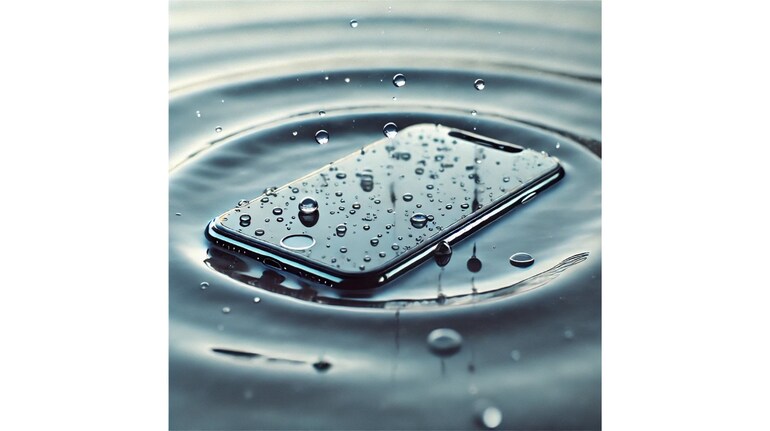
iPhone submerged in water

Accidentally dropping your iPhone in water can be a terrifying experience. You may have gone through it and one of the urban legends is to keep it in a bag or box of rice. It may have worked some, which is perhaps the myth continues to perpetuate. Yes, it is a myth because Apple clearly advices not to put a wet or drenched iPhone in rice. In its support document on how to deal with wet iPhones, Apple notes, “Don’t put your iPhone in a bag of rice. Doing so could allow small particles of rice to damage your iPhone.”

So what should you do? Before you throw in the towel, there are steps you can take to increase the chances of saving your device. Apple has some dos and don’ts.

To begin with, unplug the cable from your iPhone and unplug the other end of the cable from the power adapter or accessory. Also, don't plug the cable in again until your iPhone and the cable are completely dry.

How to dry your iPhone

You can try these steps to dry your iPhone. If none work, then the best possible solution is to take it to an authorised service provider. But before you do so,

  • Tap your iPhone gently against your hand with the connector facing down to remove excess liquid. Leave your iPhone in a dry area with some airflow.
  • After at least 30 minutes, try charging with a Lightning or USB-C cable or connecting an accessory.
  • If you see the alert again, there is still liquid in the connector or under the pins of your cable. Leave your iPhone in a dry area with some airflow for up to a day.
  • You can try again to charge or connect an accessory throughout this period. It might take up to 24 hours to fully dry.
  • If your phone has dried out but still isn't charging, unplug the cable from the adapter and unplug the adapter from the wall (if possible) and then connect them again.
Wet iPhone: Things you should not do

There might be a temptation to try out some things as you really don't want anything to happen to your iPhone. Still, don't panic and do not try these things, as per Apple.

  • Don’t dry your iPhone using an external heat source or compressed air.
  • Don't insert a foreign object, such as a cotton swab or a paper towel, into the connector.
  • Don’t put your iPhone in a bag of rice. Doing so could allow small particles of rice to damage your iPhone.
Invite your friends and family to sign up for MC Tech 3, our daily newsletter that breaks down the biggest tech and startup stories of the day

Moneycontrol News
first published: Sep 1, 2024 08:42 am

Discover the latest Business News, Sensex, and Nifty updates. Obtain Personal Finance insights, tax queries, and expert opinions on Moneycontrol or download the Moneycontrol App to stay updated!

Subscribe to Tech Newsletters

  • On Saturdays

    Find the best of Al News in one place, specially curated for you every weekend.

  • Daily-Weekdays

    Stay on top of the latest tech trends and biggest startup news.

Advisory Alert: It has come to our attention that certain individuals are representing themselves as affiliates of Moneycontrol and soliciting funds on the false promise of assured returns on their investments. We wish to reiterate that Moneycontrol does not solicit funds from investors and neither does it promise any assured returns. In case you are approached by anyone making such claims, please write to us at grievanceofficer@nw18.com or call on 02268882347