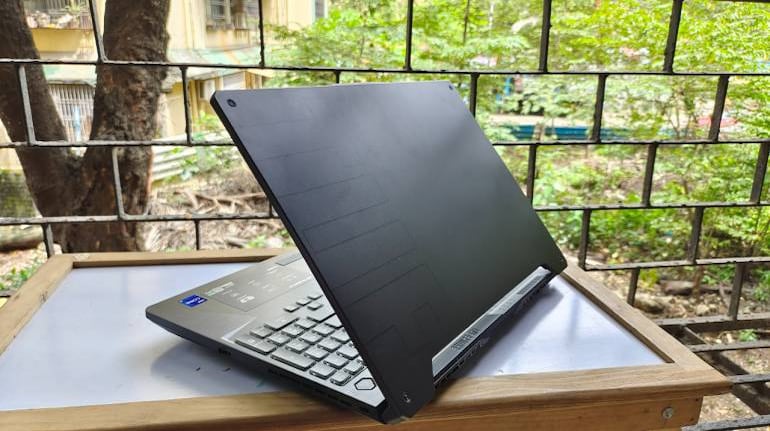
Asus recently dropped new TUF notebooks in India powered by Intel’s latest 11th Gen H series processors and Nvidia’s RTX-30 series GPUs. We recently got our hands on the top-end variant of the Asus TUF A15 (2021). The notebook is powered by the latest 11th Gen Intel Core i9-11900H CPU and an Nvidia RTX 3060 laptop GPU. The Asus TUF Gaming laptops are designed to deliver excellent performance while maintaining decent value for money. So can the latest iteration of the TUF F-series live up to and possibly exceed expectations set by its predecessors; well, stick around and let’s find out.
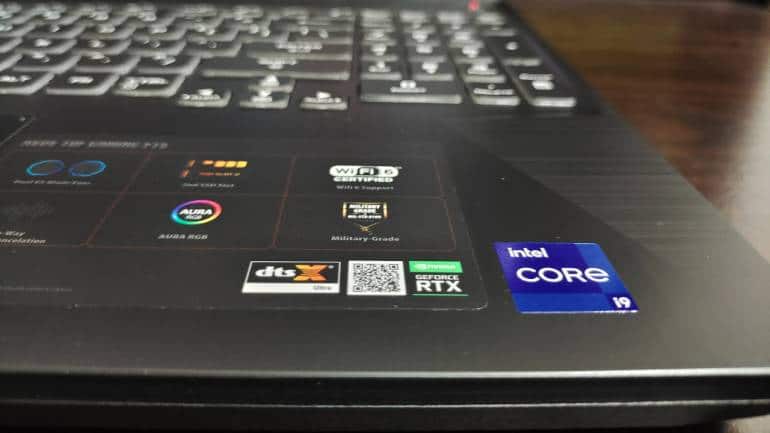
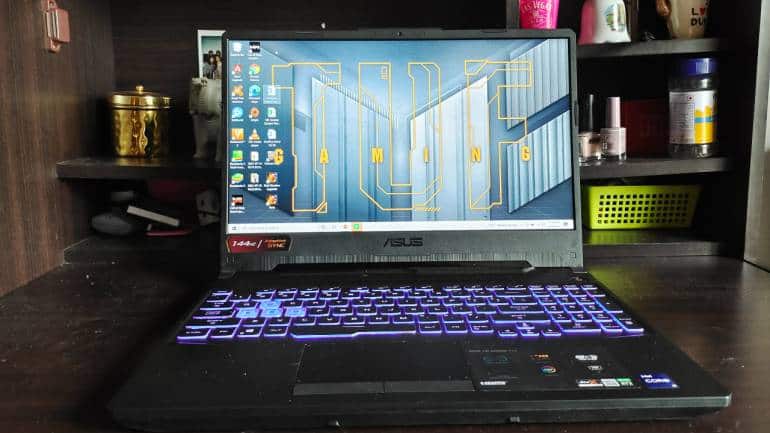
Design and BuildIn terms of the design, the TUF F15 does tend to remind you that it isn’t a ROG machine. The chassis is built using hard plastic, while the bottom and grills are also made of plastic. I also noticed quite a bit of screen flex. And while the plastic build doesn’t seem that tough, the laptop has passed the Military Garde MIL-STD 810H test, which offers “some” drop protection, although I’d still be worried if I dropped this machine.
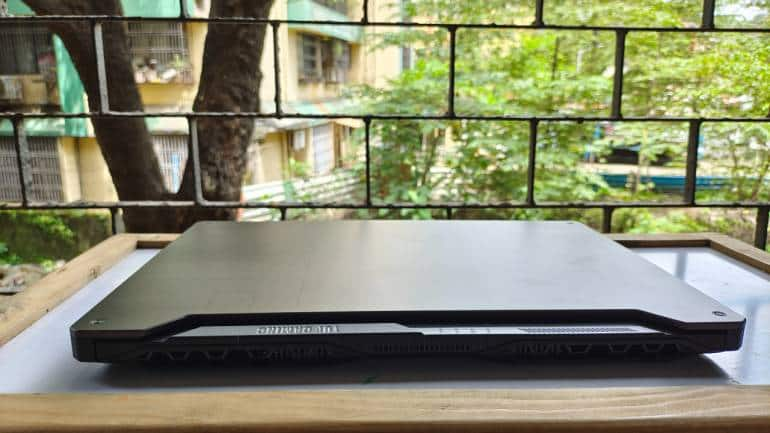
Unlike the plastic chassis, the TUF Gaming F15 opts for a brushed metal lid and does a good job keeping smudges and fingerprints at bay. It is worth noting that the TUF F15 feels bulky and weighs 2.30 kg. Despite the plastic build, the TUF Gaming F15 laptop does seem quite sturdy.
Keyboard & TrackpadAs far as keyboards go, not much has changed from previous TUF laptops, but that’s not necessarily a bad thing. I found the keyboard to be quite comfortable to use both for gaming and typing. The keys offer a nice travel distance, while the spacing between the keys is adequate enough despite the addition of a Numpad. Additionally, the WASD keys also feature transparent keycaps.
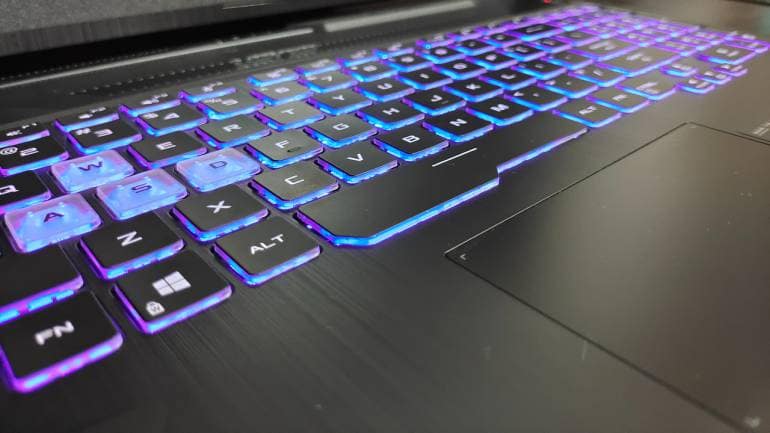
While the white characters on the keys are bright enough to use without a backlit, you still get a single-zone RGB backlit keyboard with different modes. The TUF F15 also comes with a mid-sized trackpad with physical left and right buttons. The trackpad was quite smooth and responsive, but I stuck to the mouse for the most part. Additionally, it also supports gesture navigation and Windows Precision Drivers.
Connectivity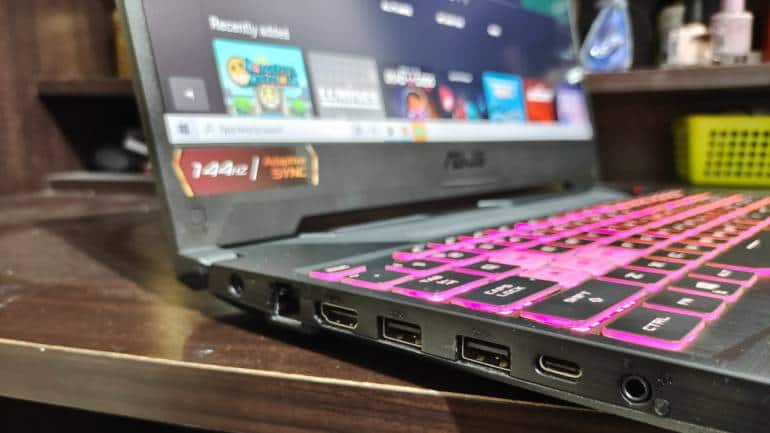
The TUF Gaming F15 laptop features a strong assortment of ports. On the left, you get two full-size USB 3.2 Gen 1 Type-A ports, a USB Type-C port with Thunderbolt 4, an HDMI port, an RJ45 Lan port, an audio jack, and a power connector. On the right side, all you get is a Kensington Lock and another full-size USB port. The TUF F15 also supports Wi-Fi 6 and Bluetooth 5.2. In terms of connectivity, there’s nothing to complain about.
DisplayWhen it comes to the display, the TUF Gaming F15 opts for a 15.6-inch Full HD IPS panel with a 16:9 aspect ratio. Our model featured a 144Hz refresh rate, although you can also get the TUF F15 in 60Hz or 240Hz panel options. The display does support up to 100 percent sRGB coverage and up to 75.35 percent Adobe RGB coverage depending on the model you get, although our model was closer to 62.5 percent sRGB and 47.34 percent Adobe RGB coverage.
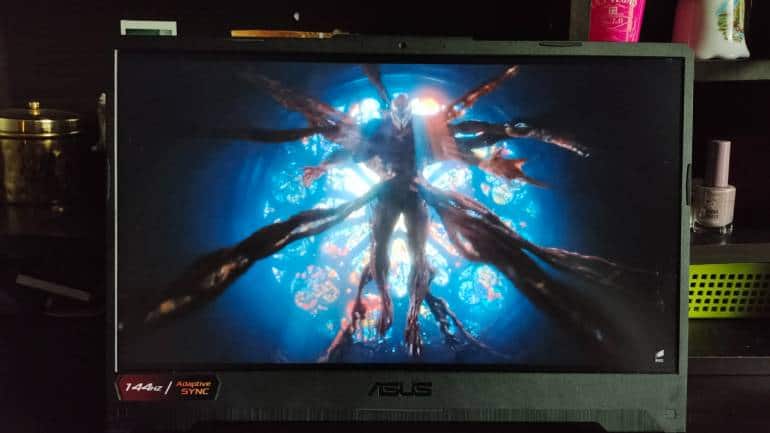
Quite frankly, this isn’t a display I’d recommend for work that demands colour accuracy, but you do have a DisplayPort for an external display if needed. Additionally, I found the display to be excellent while gaming. Most of the games I played were fps titles, so having a high-refresh-rate panel with a solid response time was an absolute delight. The display also had good viewing angles with sharp images and vibrant colours, although the panel isn’t the brightest. Overall, I found the display to be excellent for gaming, good for entertainment, decent for work, and underwhelming for content creation.
PerformanceMoving on to the best part “performance”. The new TUF Gaming F15 notebook features the latest 11th Gen H series processors and Nvidia RTX-30 series graphics. Our model packed a top-end Intel Core i9-11900H CPU paired with an Nvidia RTX 3060 Laptop GPU. Additionally, the laptop also comes with 16GB of DDR4 RAM and a 1TB M.2 NVMe PCIe SSD.
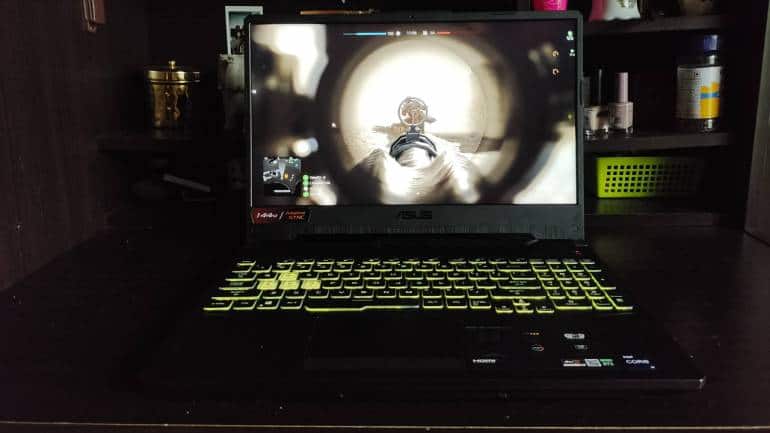
In Call of Duty: Black Ops Cold War, the TUF Gaming 15 delivered 100 fps on average on Ultra settings. However, those frame rates take a hit when activating DLSS and real-time ray tracing, although I never found the game to be unplayable, no matter the settings. So, you are guaranteed high frame rates throughout. Battlefield V offered slightly higher frame rates on Ultra settings with the same frame drops with ray tracing switched on.
Gaming on the Asus TUF F15 Core i9/RTX 3060@ASUS_ROG#CallOfDuty#NoobGoesPropic.twitter.com/xFsrmT2Qql— Carlsen Martin (@Carlsen0491) August 6, 2021
Titles like Overwatch and Apex Legends allows you to use the display to the fullest, taking maximum advantage of the 144Hz panel. GTA V and The Witcher 3 managed an average frame rate of 90fps on Ultra settings. In benchmarking apps like Cinebench R23 the Core i9 managed a single-core score of 1451 points and a multi-core score of 12,410 points. The Core i9’s superiority was evident in the single-core test.
Asus TUF Gaming F15 Gameplay@ASUS_ROG@ASUS_ROGNA#BattlefieldV#NoobGoesPropic.twitter.com/vnVEO124vJ — Carlsen Martin (@Carlsen0491) August 6, 2021
When it comes to cooling, the TUF Gaming 15 laptop features vents on the back and the right side as well as honeycomb vents on the bottom. The vents are paired with four heat pipes and three heat sinks as well as 83-blade LCP fans to maximise airflow. The laptop also features new self-cleaning anti-dust tunnels located at the edges of the fans, which are meant to direct dust and dirt particles coming inside back out of the chassis.
Overall, the cooling system does wonders, pushing air out the vents and keeping heat away from the keyboard. There’s no question that the TUF F15 delivers on the promise of performance, with excellent cooling to match the powerful hardware. Moreover, the single-core and multi-core performance on this machine are excellent if you want to use the machine for anything other than gaming.
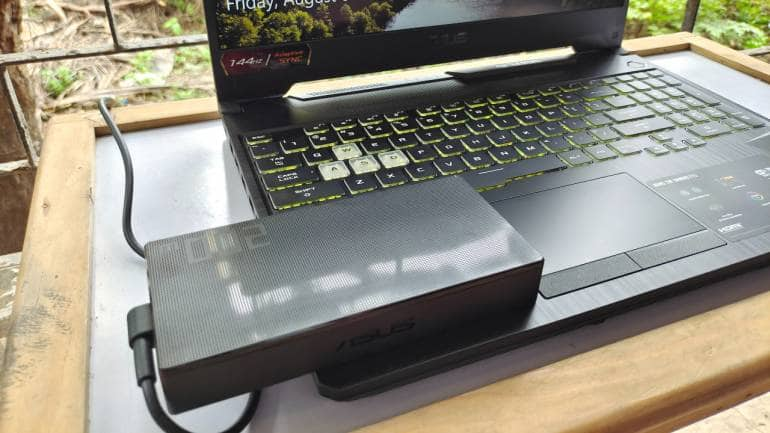
The TUF Gaming F15 packs a large 90Whr battery and ships with a 200W charging adapter. The laptop can easily deliver a full day of battery life on a single charge. When multitasking between Google Chrome and MS Word, the laptop offered around eight hours of battery life, which is quite impressive for a gaming laptop.
It is worth noting that we switched to the integrated Iris Xe graphics and reduced screen brightness to 50 percent to get to about five to six hours. We saw the same kind of results on the new Asus ROG Strix (Review), which for gaming laptops, are excellent. It is amazing to see just how good battery life has gotten on gaming laptops.
The TUF Gaming F15 laptop also comes with a 720p HD webcam, which isn’t the best but gets the job done for video calls. I’m not going to complain here as I’m so used to Asus omitting webcams from laptops, so full marks here. Additionally, the TUF 15 gaming laptop also comes with two 2W speakers and a built-in array microphone. The mic was quite adequate for communicating during video calls and while gaming. However, I felt the speakers were lacking. All it took was the noise from my celling fan to make it difficult to hear audio, especially when it comes to watching videos or movies.
VerdictAs far as gaming laptops go, the Asus TUF Gaming F15 is right up there with the very best in its segment. From the superb performance and fast display to the vast array of ports and comfortable keyboard, the new TUF gaming laptop is perfectly suited for enthusiast gamers. Everything is tailored towards giving the player a competitive edge. And going beyond gaming, the F15 also delivers some of the best battery life you’ll experience on a gaming laptop, making it an above-average productivity machine as well.
But while the laptop checks all the important boxes, it isn’t without faults. The design seems a little bulky, the webcam leaves a lot to be desired, and the speakers are abysmal when considering Asus’ excellent track record with laptop speakers. And although none of these caveats, even put together, are enough to distract from the excellent machine on display here, there is one thing that might.
Considering the TUF series represents a more affordable alternative to the ROG series in Asus’ lineup, a starting price of Rs 1,04,990 does make the F15 a hard sell. Notwithstanding our model’s Rs 1,39,990 price is only 35K behind the ROG Strix G15 2021 (Review). There are external factors like the chip shortage to factor in, but its current price tag puts it in a tricky position, even in Asus' own lineup. Thankfully, the TUF Gaming F15 easily passes the price-to-performance test, while making some concessions elsewhere.


Discover the latest Business News, Sensex, and Nifty updates. Obtain Personal Finance insights, tax queries, and expert opinions on Moneycontrol or download the Moneycontrol App to stay updated!
Find the best of Al News in one place, specially curated for you every weekend.
Stay on top of the latest tech trends and biggest startup news.