
Apple iOS 14 has been unveiled at the WWDC 2020. The new iPhone OS features an all-new home screen and also some upgraded features. While we have detailed the complete iOS 14 features here, we will list our favourite features from the latest iPhone OS.
App LibraryOne of the most welcomed features of iOS 14 has to be the App Library. The new layout, although an Android App Drawer-inspired feature, brings a refreshing look to the iPhone home screen.
App Library gives a list view of all the apps installed on an iPhone. The apps are categorised as suggestions, recently used, social, entertainment, etc.
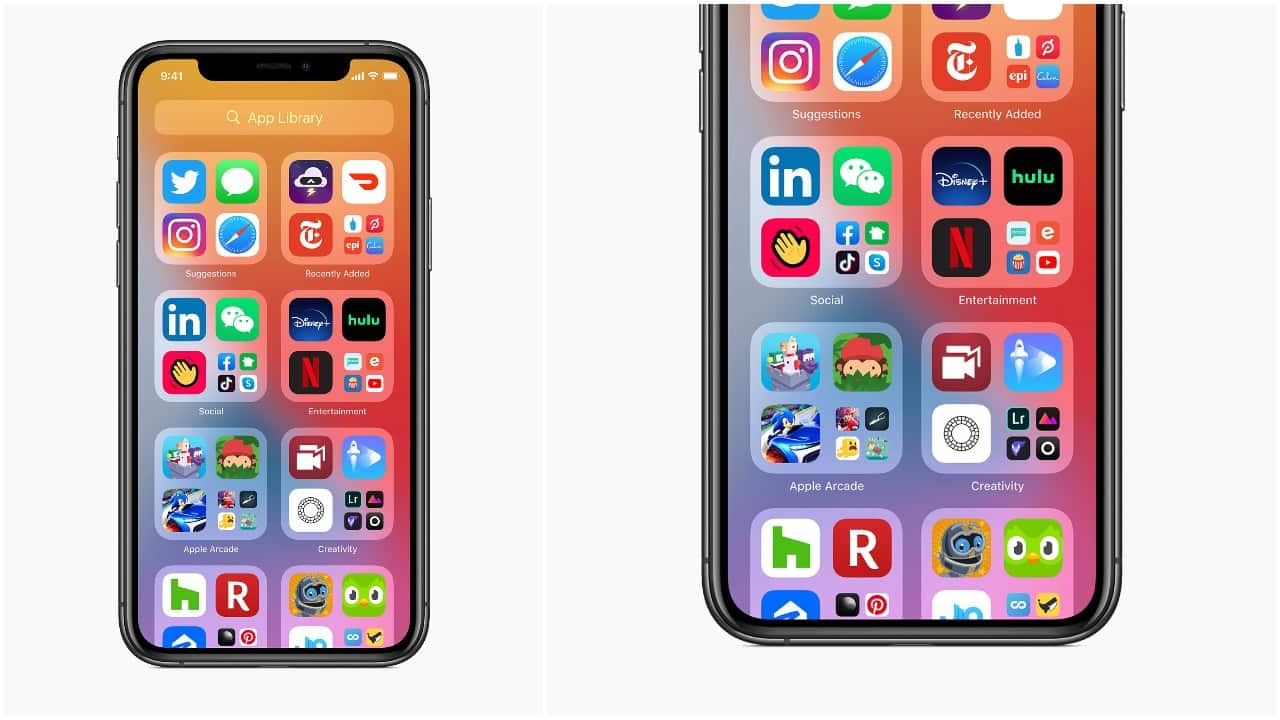
The introduction of App Library also lets users hide pages to streamline their Home Screen. New apps downloaded from the App Store automatically go into the App Library.
WidgetsWhile the feature has been available on Android for years, Apple’s implementation of widgets seems slightly better.
Widgets can be placed anywhere on the Home screen and come in different sizes, giving users the option to set and pick the information density as per their requirement. Widgets can also be stacked (up to 10) by dragging one widget on top of another and swipe through them.
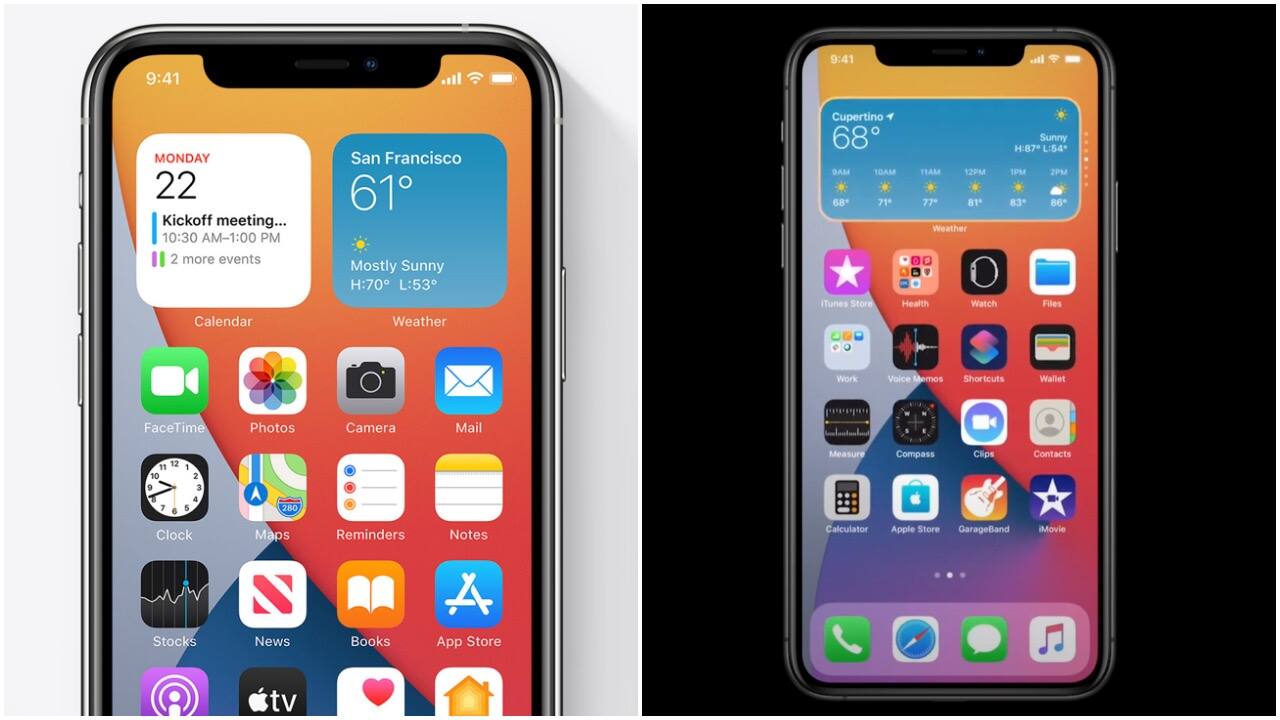
The smarter implementation of widgets in iOS 14 is wherein you can select the Smart Stack in the Widget gallery. It uses on-device intelligence to surface the right widget at the right time based on factors like time, location, and activity. For example, you might see the Apple News widget in the morning, Calendar events during the day, and commute time from Apple Maps in the evening.
Back Tap ActionsBack Tap was one of the many features that were not announced in the keynote. However, eagle-eyed beta users like Ben Geskin found this very handy feature. In the iOS 14 Accessibility settings, tapping twice or thrice on the back of the iPhone can perform certain tasks like taking a screenshot, pulling down the notification tray or the control centre, going back home, etc.
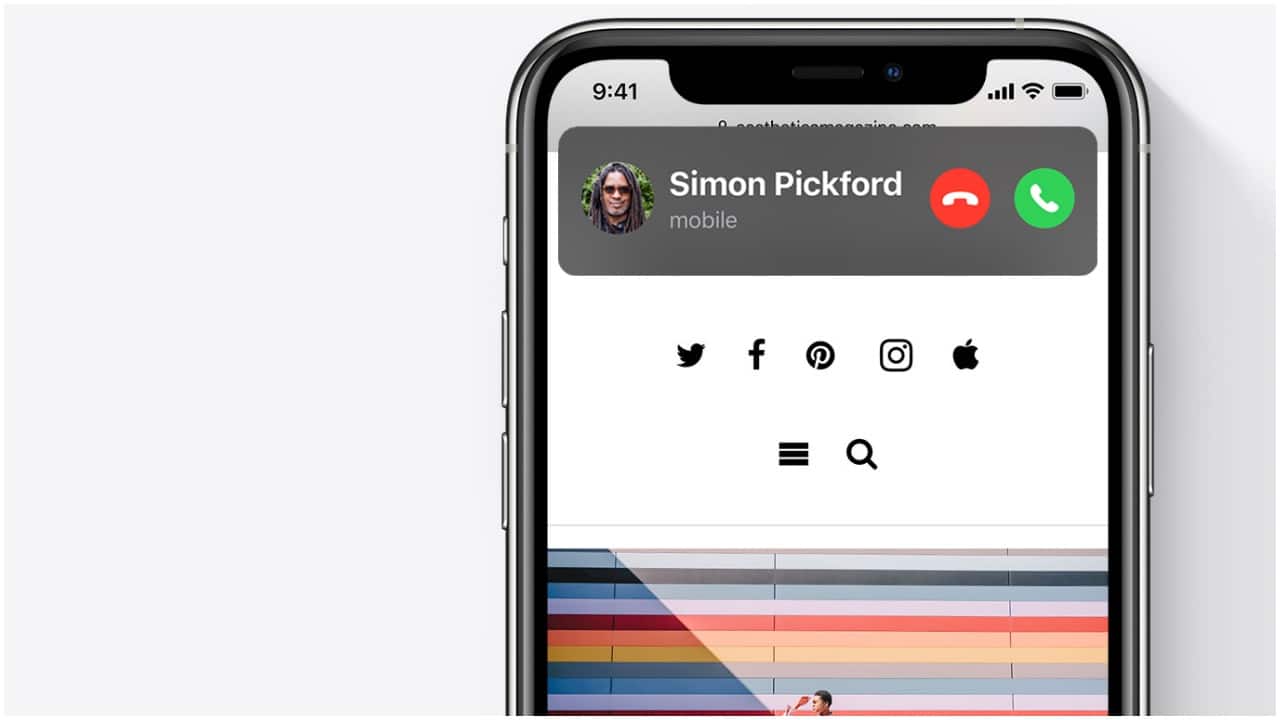
Compact Call UIiPhone users have often complained about the incoming call UI that takes up the entire screen when they receive a call. With iOS 14, these complaints are laid to rest.
After updating the iPhone with iOS 14, the incoming call will be shown in a banner instead of taking over the entire screen. Users can swipe up on the banner to dismiss it or swipe down to access extended phone features and tap to answer. Third-party apps can take advantage of the developer API to add support for this feature.
The native Messages app gets four new features — Pinned conversations, Inline Replies, Mentions, and Group Photo.
With Pinned Conversations, users can pin up to nine chats on the top of the conversation list in the Messages app. Inline Messages let you select and reply to an individual message in a group chat. You can view replies in the full conversation or as their own thread for a more focused view.
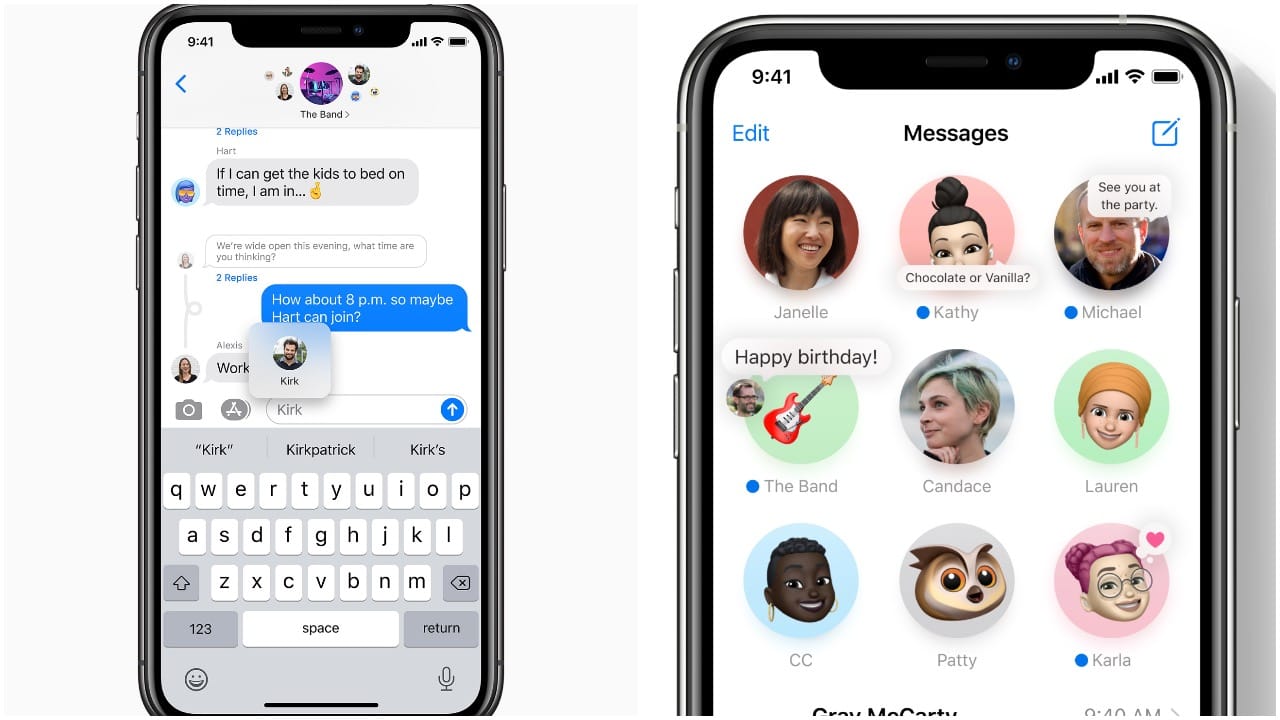
Mentions is basically a feature borrowed from the likes of WhatsApp and Slack. When you @ mention someone, the person’s name is highlighted. Users can also customise an active group so you only receive notifications when they are mentioned.
Third-party default browser and email appsIt was rumoured that Apple will let users set third-party apps as a default for certain tasks. The speculation turned out to be true, and while the feature wasn’t announced specifically during the Keynote, it was hidden in the slide of multiple iPadOS features.
Users can now set Chrome or any other browser as their default browser on iOS instead of Safari. The same goes for the native Mail app, which can be replaced by any third-party email app as default.
Car KeysCar Keys is one of the few features that could take its time to come to India. If it does, you can use your iPhone as a car key to a compatible car. Apple is partnering with several brands for wider compatibility of cars for this feature.
The iPhone acts a digital car key that can be used to unlock and even start your car.
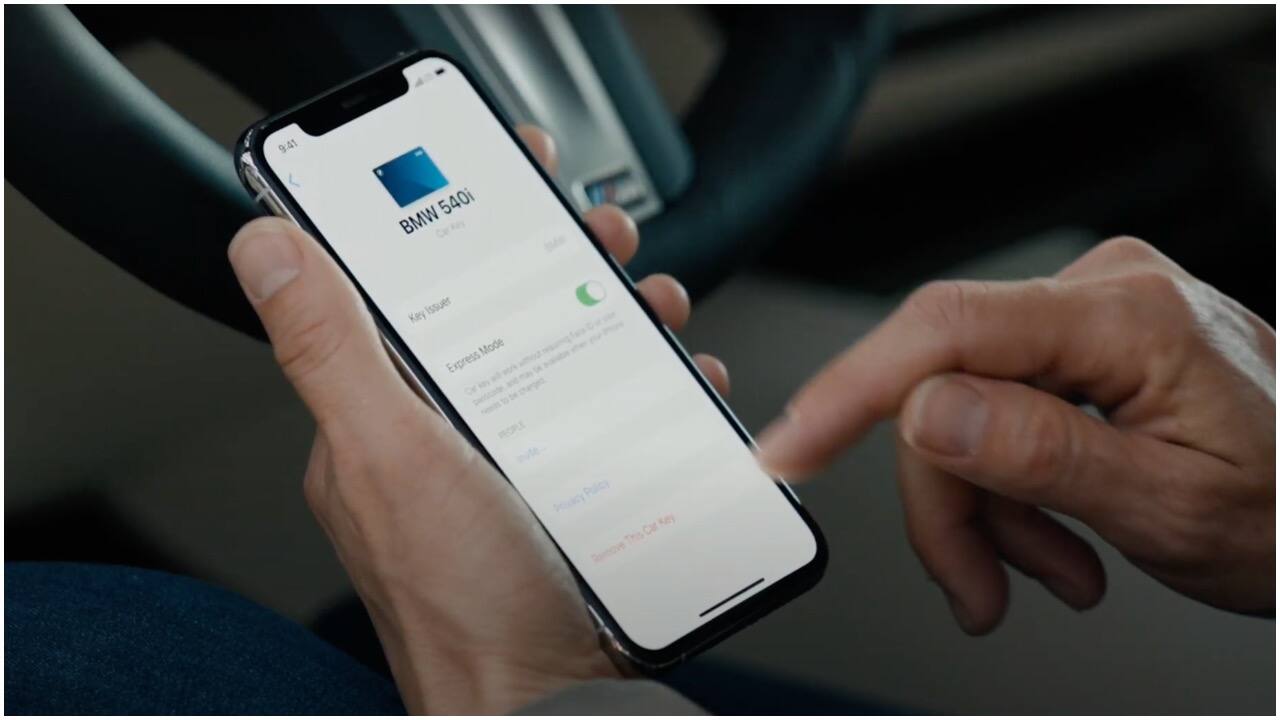
Car owners can share their keys with others. There are different types of car keys that give you control over setting restrictions or having full access. Restricted mode will allow the driver to unlock or start the car and limit the acceleration speed, etc.


Discover the latest Business News, Sensex, and Nifty updates. Obtain Personal Finance insights, tax queries, and expert opinions on Moneycontrol or download the Moneycontrol App to stay updated!
Find the best of Al News in one place, specially curated for you every weekend.
Stay on top of the latest tech trends and biggest startup news.