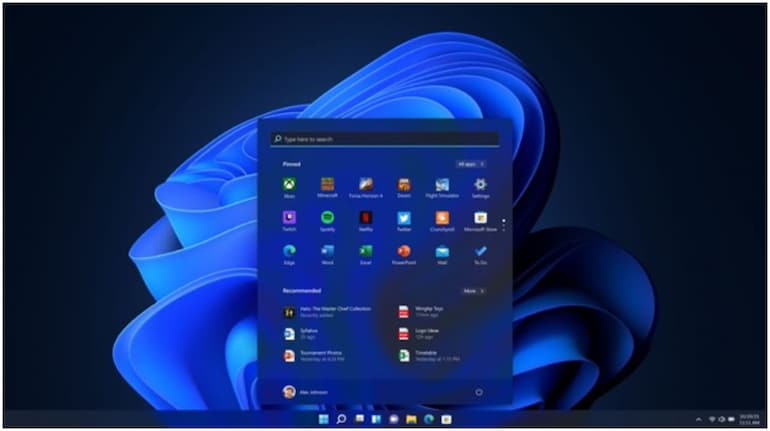

Microsoft’s January 2026 security update for Windows 11, released under KB5073455, is causing unexpected behaviour on certain systems. After installing the patch, some users report that their PCs refuse to shut down or enter hibernation. Selecting either option instead triggers a full restart, creating a confusing loop that undermines a basic function of the operating system.
Microsoft has acknowledged the problem and clarified that it is limited in scope. The bug affects only Windows 11 Enterprise and Windows 11 IoT editions, and only on devices where Secure Launch is enabled. Consumer editions such as Windows 11 Home and Pro are not impacted.
Secure Launch is a long-standing Windows security feature designed to protect the boot process from firmware-level attacks. Introduced during the Windows 10 era, it ensures that the system boots using trusted components only. Ironically, it is this protection layer that appears to be interacting poorly with the January patch.
What Windows 11 users can do
Until Microsoft releases a permanent fix, there is a temporary workaround that allows users to shut down their systems safely. Instead of using the Start menu, affected users can rely on Command Prompt. Opening the Start menu, typing cmd, and pressing Enter will launch the Command Prompt window. From there, entering shutdown /s /t 0 and pressing Enter will shut down the system immediately.
This approach is far safer than forcing a shutdown by holding down the physical power button. Forced shutdowns can lead to lost unsaved work and, in rare cases, file corruption. Using the command-based method allows Windows to close processes cleanly, even if the normal shutdown option is broken.
Hibernation, however, remains a grey area. The standard command to trigger hibernation in Windows 11 is shutdown /h. Some users have attempted this as a workaround, but there is no clear confirmation from Microsoft that it works reliably in this scenario. For now, users affected by the bug may have to live without hibernation until a fix is issued.
Separately, Microsoft has also flagged another emerging issue tied to this month’s patch. Some Outlook users are experiencing problems with POP account profiles after installing the update. Reports range from Outlook freezing during use to the app failing to reopen after being closed. Microsoft says it is still investigating and will share more details once the full scope of the problem is understood.


Discover the latest Business News, Sensex, and Nifty updates. Obtain Personal Finance insights, tax queries, and expert opinions on Moneycontrol or download the Moneycontrol App to stay updated!
Find the best of Al News in one place, specially curated for you every weekend.
Stay on top of the latest tech trends and biggest startup news.