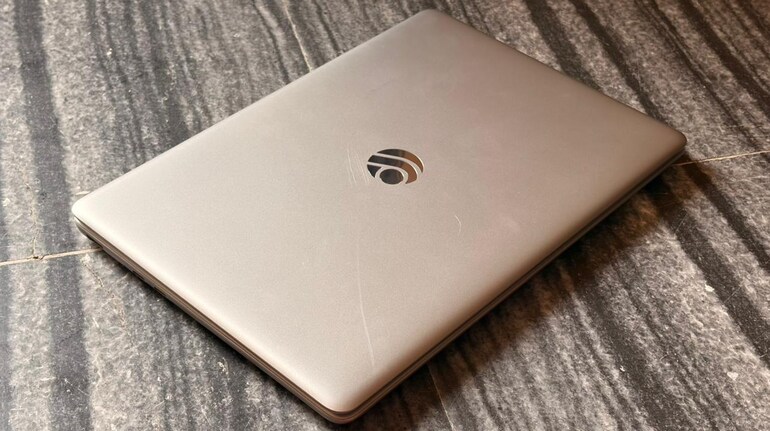

I’ve reviewed laptops that cost six times more than this one, so when I say a device under Rs 15,000 caught me off guard, I mean it. But let’s not rush into revelations. The Primebook 2 Neo is an Android-based laptop aimed squarely at students and first-time buyers, a segment that usually gets the leftovers of the tech world. This laptop tries to flip that script. Whether it fully succeeds or not is something you’ll understand only if you read the review.
When I began using it, my goals were simple. I wanted to see if it could handle everyday workloads without slowing down, if Android on a laptop actually feels natural, and most importantly, if a budget laptop can genuinely feel like a helpful tool instead of a compromise you tolerate. Over the next few days, the answers started forming themselves, read on my review to find out.
Design
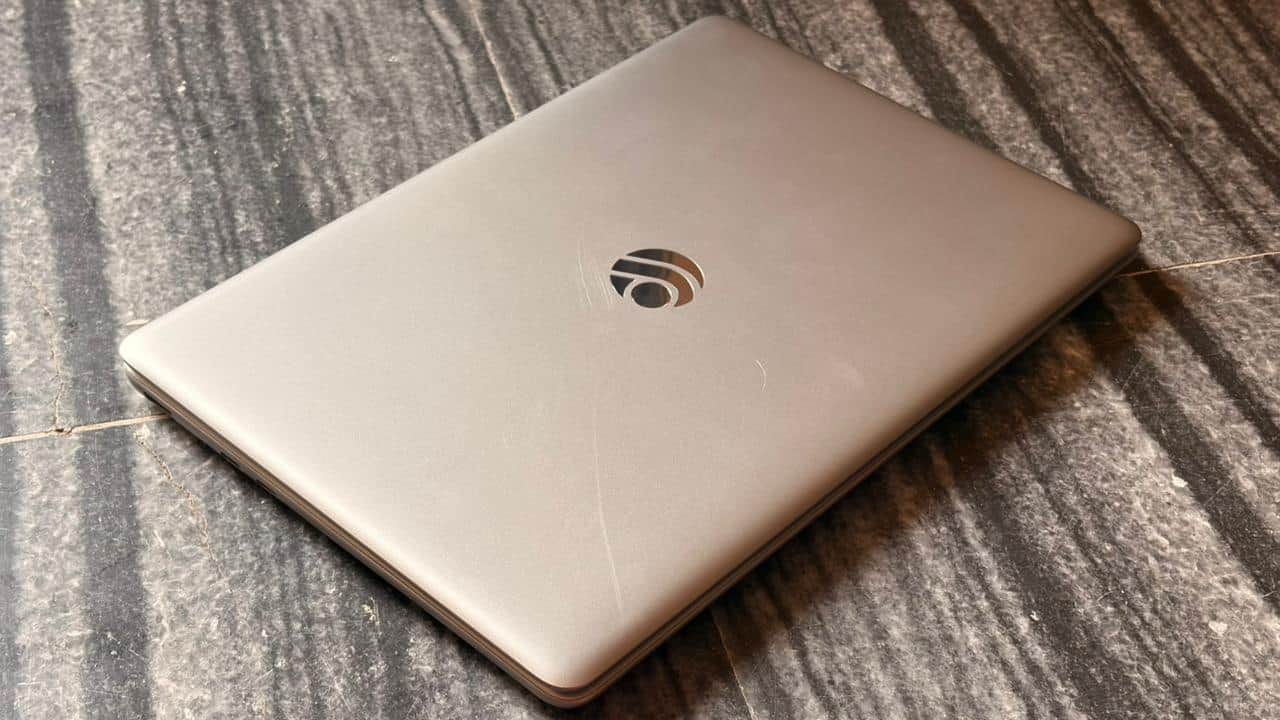
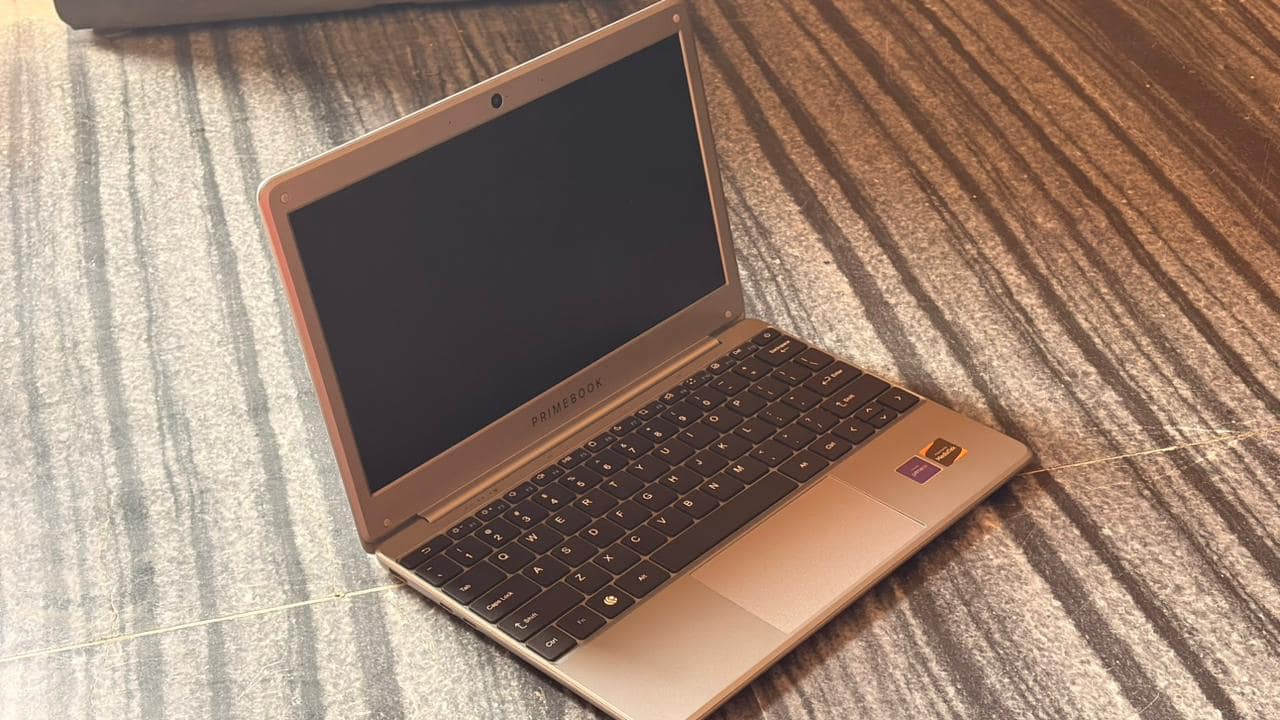
This is a compact laptop, and the size makes sense the moment you start using it. The 11.6-inch screen is small, but it’s the right kind of small. The kind that fits in any bag without sticking out like you packed a microwave. I carried it around between my office desk, sofa, and a couple of cafés over the weekend. It never felt heavy. It never felt awkward. It just existed, quietly blending into my routine.
 primebook 6
The matte screen is one of those features you don’t brag about, but you silently thank later. If you sit near a window or under bright lights, you know the struggle with glossy screens. This one doesn’t reflect your face back at you. It keeps the focus on the content, which makes reading long chapters or watching videos easier.
The display is HD IPS, so it’s not the sharpest panel you’ll see today, but it’s good enough for videos, notes, browsing, and watching videos. The colours look natural. Nothing feels washed out or overly bright. For students who will spend hours staring at study material, this is a comfortable screen.
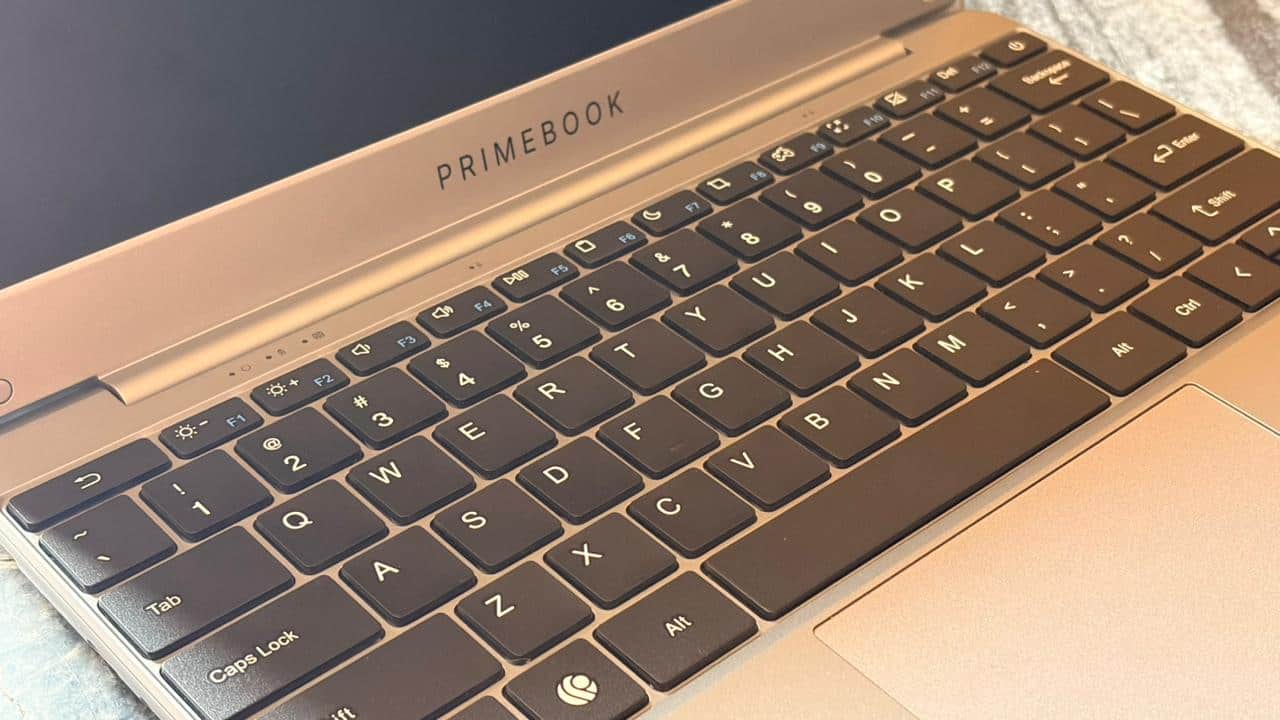
The keyboard is surprisingly nice. I wrote a long product review draft on it, crossing 1,300 words, and the keys never felt sticky or irritating. The spacing is good, so your fingers don’t bump into each other. The trackpad is smooth too. I never felt like it was guessing where my cursor should go. It just went where I pointed it.
Performance
This is where the laptop stops being “just another budget option” and starts becoming interesting. It runs on the MediaTek Helio G99 octa-core processor paired with 6GB LPDDR4X RAM and 128GB UFS 2.2 storage. If you’ve used a mid-range Android phone, you already understand the class of performance we’re talking about here. It’s quick, it’s efficient, and it doesn’t gasp dramatically when you ask it to open apps.
 primebook 6
In my time with the device, I tested it like a student who also happens to file browser tabs like paperwork. I opened Gmail, YouTube, learning apps, document editors, coding platforms, and cloud desktops, all in different combinations and durations. I didn’t see overheating issues. I didn’t see dramatic slowdowns. And I definitely didn’t see the kind of lag that makes you whisper “I should’ve saved a little more” into the void.
However, this is not a gaming laptop. Let’s get that clear. But it runs Android, and Android games work natively here. That means you can open mobile games directly on the laptop. The keymapping feature lets you map touch gestures to keyboard keys, which is very useful for games that were built for touchscreen. I tried BGMI and mapped controls to keys. It took around five minutes to set up, and once done, it felt smooth to play. The game ran without freezing or stuttering during casual play. Again, don’t buy it for gaming, but if you want to play once in a while after class or work, it works fine.
This laptop includes sensors like GPS, gyroscope, accelerometer, magnetometer, which are things you usually see in phones or tablets. Why does this matter? Because a lot of educational apps today rely on motion or location. It makes the laptop more flexible for modern learning apps.
Battery Life
Primebook claims six hours of battery life. In my personal use, it lasted around five to five and a half hours depending on brightness and app load. That’s enough for classes, revising notes, or completing assignments. The USB-C charging support means you can use your phone’s Type-C charger too. One less charger to carry. One less problem to think about.
 primebook 6
Webcam: Smooth Calls, No Complaints
The 2MP webcam is standard for this range, but the 60 FPS output makes video calls smoother. I used it for couple of office calls. The video was fluid. The mic picked up voice clearly enough that I didn’t have to repeat myself. It’s not the sharpest camera, but for meetings or classes, it works fine.
Should You Buy It?
This laptop is built for students, self-learners, first-time coders, budget-conscious buyers, freelancers with light workloads, early professionals who don’t need heavy local processing, and parents buying a first laptop for their child.
If you want a laptop that boots quickly, opens apps without lag, lets you code offline, supports modern learning apps, handles casual gaming once in a while, and gives you access to proper tools through Cloud PC, all at a price under Rs 15,000, this laptop is one of the most sensible options I’ve used.
Most budget laptops feel like a compromise you tolerate. The Primebook 2 Neo feels like a compromise you don’t have to apologise for.
A reliable, smooth, lightweight, student-friendly laptop that delivers far more than its price suggests. Easy to recommend if your needs are everyday, realistic, and focused on learning or casual work.



Discover the latest Business News, Sensex, and Nifty updates. Obtain Personal Finance insights, tax queries, and expert opinions on Moneycontrol or download the Moneycontrol App to stay updated!
Find the best of Al News in one place, specially curated for you every weekend.
Stay on top of the latest tech trends and biggest startup news.