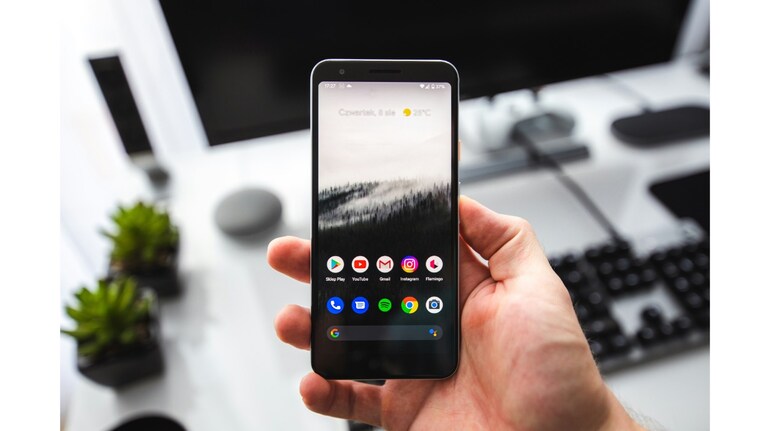

Google is once again making Pixel Launcher search more practical by restoring a small but meaningful shortcut that allows apps to be opened directly from the keyboard. After being removed in late 2022 and only partially tested since then, the feature is now rolling out widely to Pixel devices running newer versions of Android.
The behaviour is simple but effective. When you start typing an app name in the Pixel Launcher search bar, Google now automatically highlights the top app result in the applications row. At the same time, the search field displays an “open” prompt. Pressing the enter key on the keyboard launches the highlighted app instantly, without requiring a tap on the screen. Even entering the first letter of an app’s name can be enough to trigger the shortcut if it is the top result.
This change restores functionality that existed before Android 13 QPR1, when Google merged web results and on-device content into a single unified search experience. That redesign made search more powerful on paper but removed several quick actions that power users relied on for speed. Opening apps directly from the keyboard was one of the most noticeable losses, especially for users who prefer one-handed navigation.
Google briefly experimented with a similar idea in 2023 under the name “quick launch”, but that test never expanded beyond limited trials and did not reach most users. The current implementation appears more polished and closer to the original behaviour that Pixel owners remember from earlier Android versions.
The rollout itself has been gradual. A small number of users began seeing the shortcut as early as September 2025, but availability remained inconsistent. Over the past week, the feature has become far more widespread. Users running Android 16 QPR2 and the Android 16 QPR3 beta should now see the “open” prompt by default. In many cases, a simple device restart is enough to activate it if it has not appeared automatically.
This shortcut also fits neatly with Google’s recent changes to Pixel Launcher search. Last month, device search was shifted to rely more heavily on the Google app, with a stronger focus on AI Mode and predictive results. While that move emphasises smarter suggestions and deeper integration, it also risks slowing down basic actions. The return of one-key app launching helps balance things out by keeping common tasks fast and friction-free.
Combined with gestures such as “Swipe up to start search”, the restored shortcut significantly improves one-handed usability. Users no longer need to stretch to the top of the screen or precisely tap small icons to open apps. Instead, launching an app becomes a fluid action that starts and ends on the keyboard.
For Pixel users who value speed and muscle memory, this quiet update is a welcome correction. It does not introduce flashy AI features or visual changes, but it meaningfully improves everyday interaction. Sometimes, the best updates are the ones that simply bring back what worked.


Discover the latest Business News, Sensex, and Nifty updates. Obtain Personal Finance insights, tax queries, and expert opinions on Moneycontrol or download the Moneycontrol App to stay updated!
Find the best of Al News in one place, specially curated for you every weekend.
Stay on top of the latest tech trends and biggest startup news.