-
My Account









How students can learn using ChatGPT's new Study Mode that's available for all users: A step-by-step guide
OpenAI has introduced a new Study Mode in ChatGPT to help students learn through guided exploration rather than instant answers. Here’s a clear 10-step guide on how to get started and who can use it.




1/7
1. Log in to ChatGPT
Go to chat.openai.com and log in with your OpenAI account. Study Mode is only available to logged-in users.
Go to chat.openai.com and log in with your OpenAI account. Study Mode is only available to logged-in users.
2/7
2. Check eligibility
Study Mode is available to users on Free, Plus, Pro, and Team plans. ChatGPT Edu users will get access in the coming weeks.
Study Mode is available to users on Free, Plus, Pro, and Team plans. ChatGPT Edu users will get access in the coming weeks.
3/7

Select the right model
Choose GPT-4 (or GPT-4-turbo, if on Plus/Pro) for the best Study Mode experience, as the feature is integrated within this version.
Choose GPT-4 (or GPT-4-turbo, if on Plus/Pro) for the best Study Mode experience, as the feature is integrated within this version.
4/7

Find the Study Mode toggle
Once logged in, look for the “Study and learn” option in the tools menu. This enables Study Mode for your current session.
Once logged in, look for the “Study and learn” option in the tools menu. This enables Study Mode for your current session.
5/7
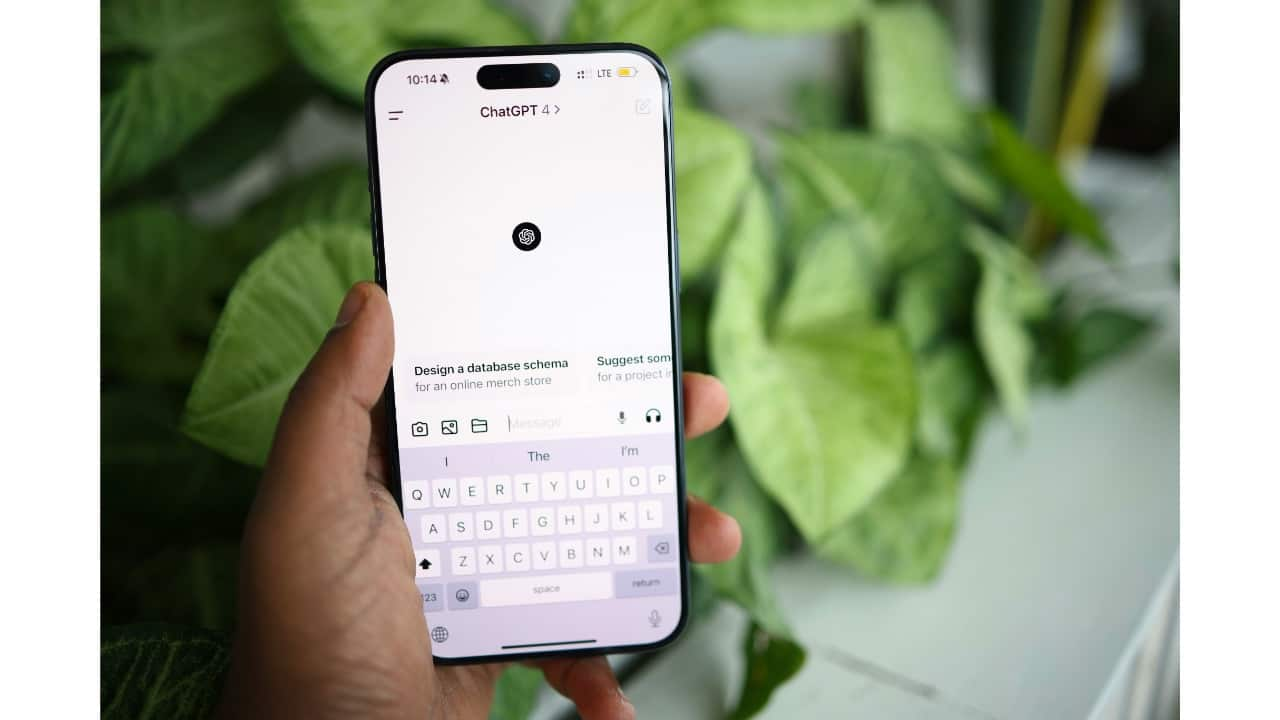
Ask a learning-based question
Enter a question related to what you want to learn—math problems, exam prep topics, or explanations of a concept.
Enter a question related to what you want to learn—math problems, exam prep topics, or explanations of a concept.
6/7
Follow the guided prompts
Study Mode responds with step-by-step explanations, hints, and guiding questions instead of just giving the final answer.
Study Mode responds with step-by-step explanations, hints, and guiding questions instead of just giving the final answer.
7/7

Get personalised feedback
The model may remember your skill level from previous chats and adjust difficulty accordingly, giving feedback to help you improve.
The model may remember your skill level from previous chats and adjust difficulty accordingly, giving feedback to help you improve.
Discover the latest Business News, Budget 2025 News, Sensex, and Nifty updates. Obtain Personal Finance insights, tax queries, and expert opinions on Moneycontrol or download the Moneycontrol App to stay updated!



