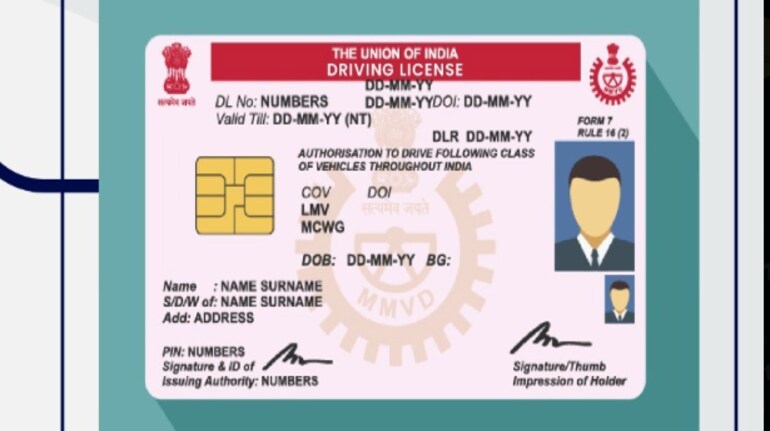

The Ministry of Road Transport and Highways has asked driving licence holders and vehicle owners to update their registered mobile numbers on the Vahan and Sarathi portals. The update is meant to ensure accurate records, OTP-based verification, and uninterrupted access to transport-related services.
Why updating your mobile number matters
Your registered mobile number is used for OTP authentication, status alerts, and service notifications related to driving licences and vehicle registrations. An outdated number can lead to failed logins, missed updates, or delays in availing online services. The ministry says keeping this detail current helps maintain secure and consistent records across databases.
Step-by-step guide to update mobile number on Vahan (for vehicle owners)
1. Open the official Vahan mobile update page in your browser.
2. Select the option to update your registered mobile number.
3. Enter your vehicle registration number and other required details as shown on the screen.
4. Enter the new mobile number you want to link with the vehicle record.
5. Complete OTP verification sent to the new number.
6. Submit the request and note the acknowledgement or confirmation message.
Once submitted successfully, the updated number is reflected in the Vahan database.
Step-by-step guide to update mobile number on Sarathi (for driving licence holders)
1. Visit the Sarathi portal from a desktop or mobile browser.
2. Choose the service related to driving licence details update.
3. Enter your driving licence number, date of birth, and other required credentials.
4. Provide the new mobile number to be linked with your licence.
5. Verify the number using the OTP sent to it.
6. Submit the request and keep a copy of the confirmation for reference.
The updated mobile number is then linked to your driving licence record.
What to keep ready before starting
Keep your vehicle registration number or driving licence number, date of birth, and access to the new mobile number handy. Ensuring accurate entry of details helps avoid repeated failures during submission.


Discover the latest Business News, Sensex, and Nifty updates. Obtain Personal Finance insights, tax queries, and expert opinions on Moneycontrol or download the Moneycontrol App to stay updated!
Find the best of Al News in one place, specially curated for you every weekend.
Stay on top of the latest tech trends and biggest startup news.