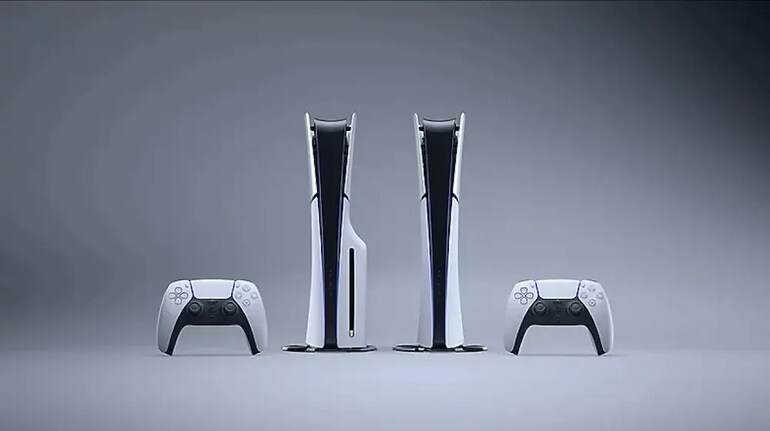
Sony has updated the PlayStation 5 with a new feature that allows DualSense controllers, including the DualSense Edge, to stay paired with multiple devices simultaneously. Previously, switching between a PS5, PC, smartphone, or Mac required re-pairing each time. With the update, the controller can store connections for up to four devices, and players can switch between them using simple button shortcuts.
Here’s how to get started and make the most of the feature.
Step 1: Prepare the Controller
Before pairing, ensure the DualSense is not actively connected to any device. If the light bar and player indicator are on, press and hold the PS button until both turn off. Disconnect any USB cable, as multi-device pairing only works wirelessly.
Step 2: Assign a Device Slot
Each device is linked to a specific button combination. To set this up:
This update streamlines gameplay across multiple platforms, eliminating the need for repeated pairing and making the DualSense a more versatile controller for gamers who play on several devices.


Discover the latest Business News, Sensex, and Nifty updates. Obtain Personal Finance insights, tax queries, and expert opinions on Moneycontrol or download the Moneycontrol App to stay updated!
Find the best of Al News in one place, specially curated for you every weekend.
Stay on top of the latest tech trends and biggest startup news.