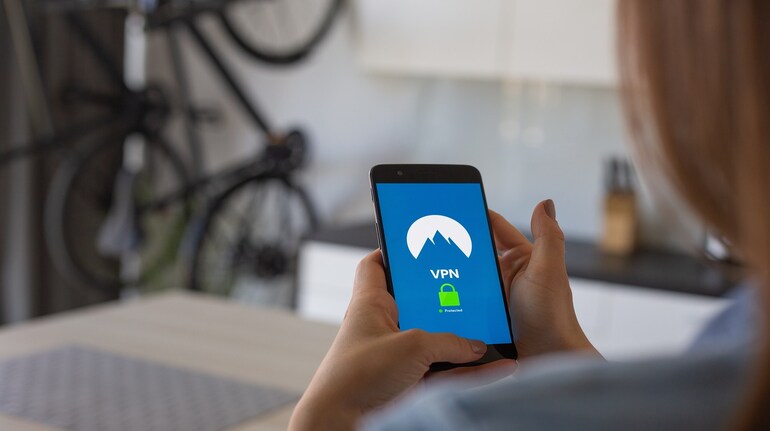

Many websites and online services limit access based on where a user is located. Streaming platforms, news sites, shopping portals and even search results can vary widely depending on your country. A virtual private network, commonly known as a VPN, is one of the simplest ways to bypass these restrictions while also improving online privacy.
Every device connected to the internet uses an IP address. This address reveals your approximate location and allows websites to decide what content you are allowed to see. A VPN works by routing your internet traffic through a secure server in another location. When this happens, websites see the server’s IP address instead of your real one. As a result, your online location appears to change.
Beyond access, a VPN also encrypts your internet traffic. This makes it harder for internet service providers, advertisers or public Wi-Fi operators to track what you are doing online. While VPNs are not a complete anonymity tool, they significantly reduce exposure compared to a standard internet connection.
How to change your location on Windows or Mac
The first step is choosing a VPN provider. Look for one with a clear privacy policy, strong encryption, and a good track record of reliability. Speed matters if you plan to stream video, while server availability matters if you want access to multiple regions.
Once you have chosen a provider, create an account and select a subscription plan. Longer-term plans usually work out cheaper, but monthly plans are useful if you only need short-term access.
Download the VPN application directly from the provider’s official website. This ensures you receive the latest version and avoid modified or unsafe installers. Follow the installation prompts and grant the required permissions.
After installation, open the app and familiarise yourself with the interface. Most VPN apps clearly show a connect button and a list or map of server locations. Choose a country or region that gives access to the content you want. For general browsing, nearby countries often provide better speeds.
Once connected, you can confirm your virtual location by visiting an IP lookup website. When finished, disconnect the VPN or switch back to a server in your home country. Enabling the kill switch feature, if available, prevents your real IP from being exposed if the VPN connection drops unexpectedly.
How to change your location on iPhone or Android
Using a VPN on mobile devices follows a similar process. Choose a VPN that offers official apps on the App Store or Google Play. Well-known services usually support both platforms and offer free trials.
Install the app, sign in to your account, and review the basic controls. Select a server location before opening apps or browsing the web to ensure your traffic is routed correctly.
When you are done, disconnect the VPN to return to your normal connection. This helps preserve battery life and avoids unnecessary background activity.
Free vs paid VPNs
Paid VPN services or free tiers backed by subscriptions are generally safer. Completely free VPNs often rely on advertising, data collection, or shared connections, which can undermine privacy. Some may also limit speed, data usage or server access.
Used correctly, a VPN gives you more control over your online presence. It allows you to bypass location-based restrictions, reduce tracking, and browse with greater flexibility, whether you are at home or travelling.


Discover the latest Business News, Sensex, and Nifty updates. Obtain Personal Finance insights, tax queries, and expert opinions on Moneycontrol or download the Moneycontrol App to stay updated!
Find the best of Al News in one place, specially curated for you every weekend.
Stay on top of the latest tech trends and biggest startup news.