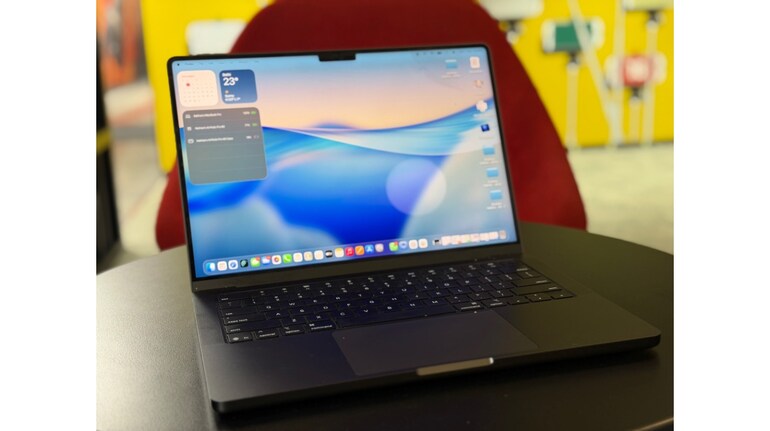

Apple’s online store has quietly changed how you buy a Mac, and for first-time buyers, the new approach can feel both exciting and confusing. Instead of choosing from a list of ready-made models, Apple now lets you build your Mac step by step. The idea is to help you focus on what you actually need, rather than pushing you towards the most expensive option.
Pick the screen size
When you open a Mac product page, you will see a single base model with an option to customise it. This base version is the same one you would find in physical stores. Online, though, you get to decide how much you want to change.
The first choice is usually the screen size. This is about comfort and lifestyle. Smaller screens are easier to carry around and work well for students or people who travel often. Larger screens are better if you work with multiple apps, spreadsheets, photos, or videos. There is no right or wrong choice here, just what feels practical for your routine.
You are then asked to pick the colour and, on some models, the screen type. Colour is purely a personal preference. Screen options matter more if you spend long hours on your Mac. If your usage is basic, the standard display is more than enough and helps keep costs in check.
Choose performance that fits your needs
Next comes the most important part of the build process, the chip. This choice decides how powerful your Mac will be. If you mainly browse the internet, write documents, attend online meetings, or stream content, you do not need the highest chip option. A mid-level choice will feel fast and smooth for years.
If your work includes video editing, heavy photo work, music production, or running many demanding apps at once, spending more on a better chip makes sense. First-time buyers often worry about choosing too little power, but Apple’s base and mid-range chips are already strong enough for most people.
After the chip, Apple asks you to choose memory and storage. Memory helps your Mac run smoothly when many apps or browser tabs are open. Storage decides how many files, photos, and videos you can keep on your device. A simple way to decide is to look at how you use your current phone or laptop. If you constantly run out of space, add more storage. If your device slows down when multitasking, extra memory will help.
Check the extras before checkout
Towards the end, you will see options like the power adapter, keyboard language, and whether you want professional apps pre-installed. These are optional and can be skipped if you are unsure. Apple also offers AppleCare, which adds extra support and protection. Many first-time buyers find this useful, especially if they want peace of mind.
One helpful feature of the new system is that the price and delivery time update instantly as you make changes. This makes it easier to see which upgrades are worth paying for and where you might want to stop.
In the end, building your own Mac is about balance. Think about how you use a computer today, allow a little room for future needs, and keep an eye on the price as you go. Done carefully, Apple’s new build-your-own approach can actually make buying your first Mac simpler, clearer, and more personal.



Discover the latest Business News, Sensex, and Nifty updates. Obtain Personal Finance insights, tax queries, and expert opinions on Moneycontrol or download the Moneycontrol App to stay updated!
Find the best of Al News in one place, specially curated for you every weekend.
Stay on top of the latest tech trends and biggest startup news.