-
My Account











6 things to check before buying a budget Windows laptop
Buying a budget laptop? Don’t get fooled by flashy specs or deep discounts. Whether it’s for work, study, or everyday use, making the right choice means knowing what truly matters. Here are six key things to check before spending your hard-earned cash on a budget laptop.




1/6

Processor: Go for at least an Intel Core i3 or AMD Ryzen 3.
Avoid outdated CPUs like Intel Celeron or Pentium unless it’s ultra-basic use.
2/6
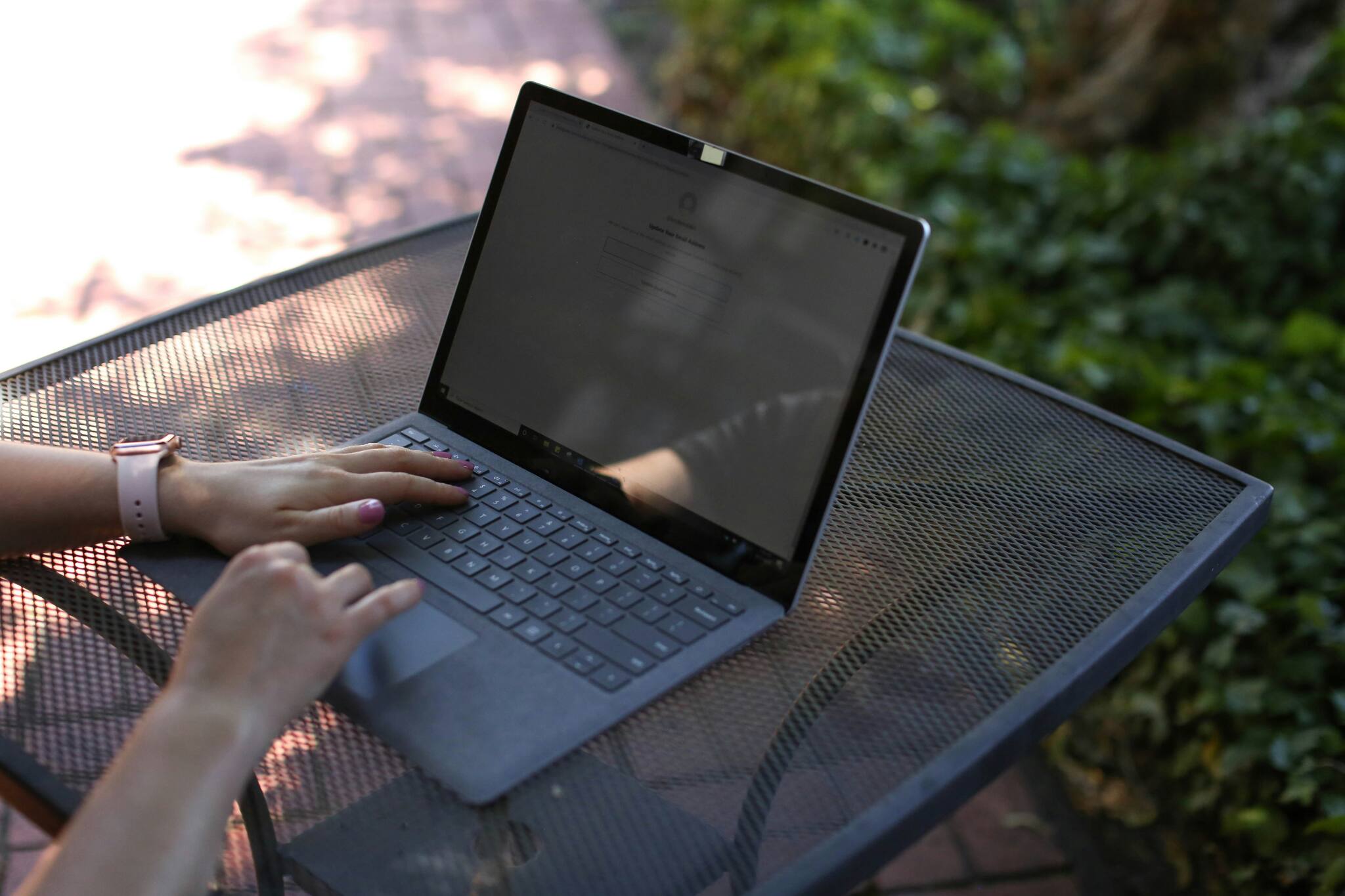
RAM: Minimum 8GB recommended.
4GB will slow down quickly — especially with multiple browser tabs or apps open.
3/6

Battery Life: Look for real-world usage time, not just ‘claimed’ hours.
A 6–8 hour battery is ideal for students and remote workers.
A 6–8 hour battery is ideal for students and remote workers.
4/6
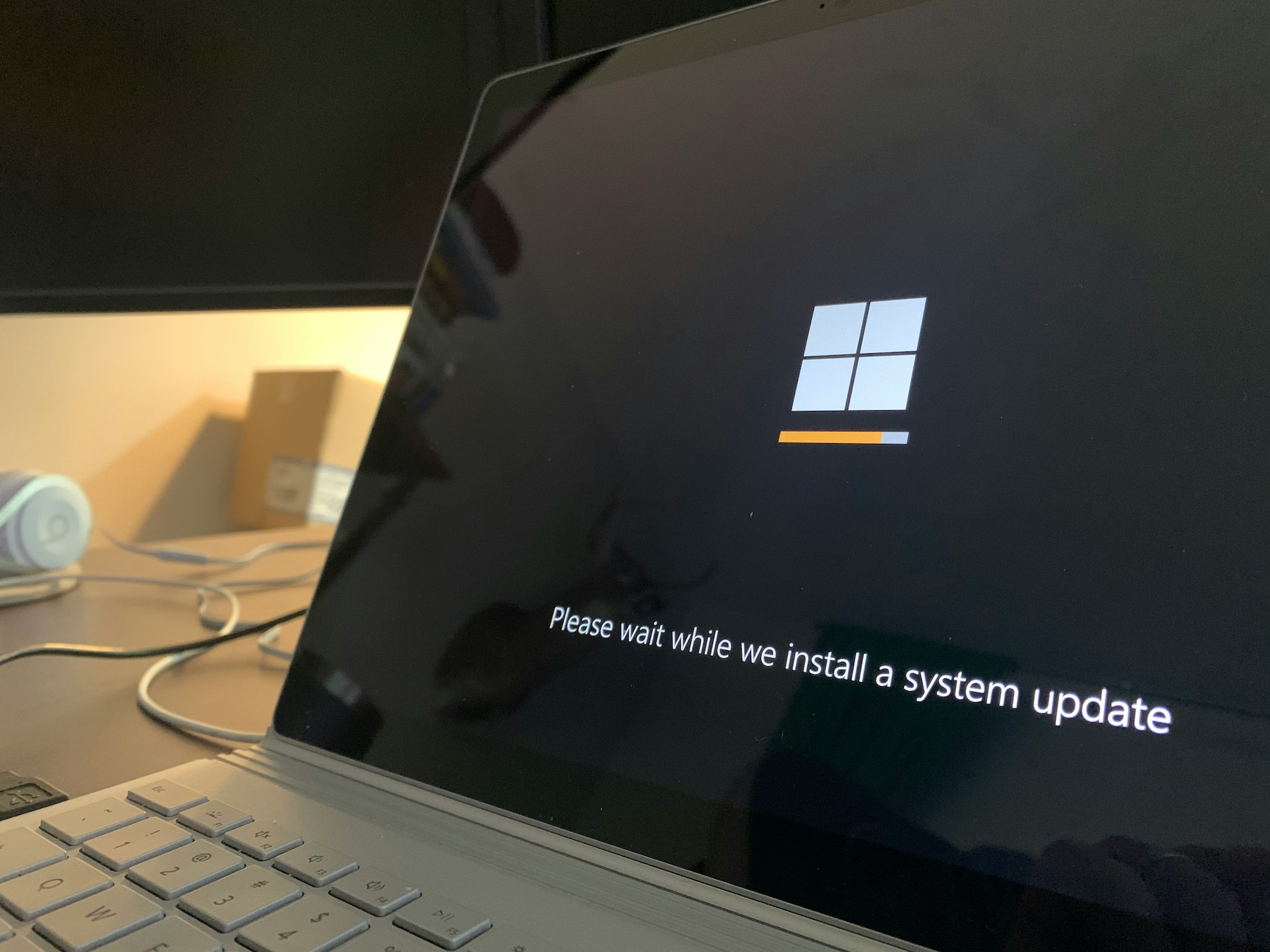
Display: Don’t settle for less than Full HD (1920x1080).
Many budget laptops still ship with 720p panels — not great for movies or reading.
Many budget laptops still ship with 720p panels — not great for movies or reading.
5/6

Storage: Prefer SSD over HDD.
Even a 256GB SSD is far better than a slower 1TB HDD.
Even a 256GB SSD is far better than a slower 1TB HDD.
6/6
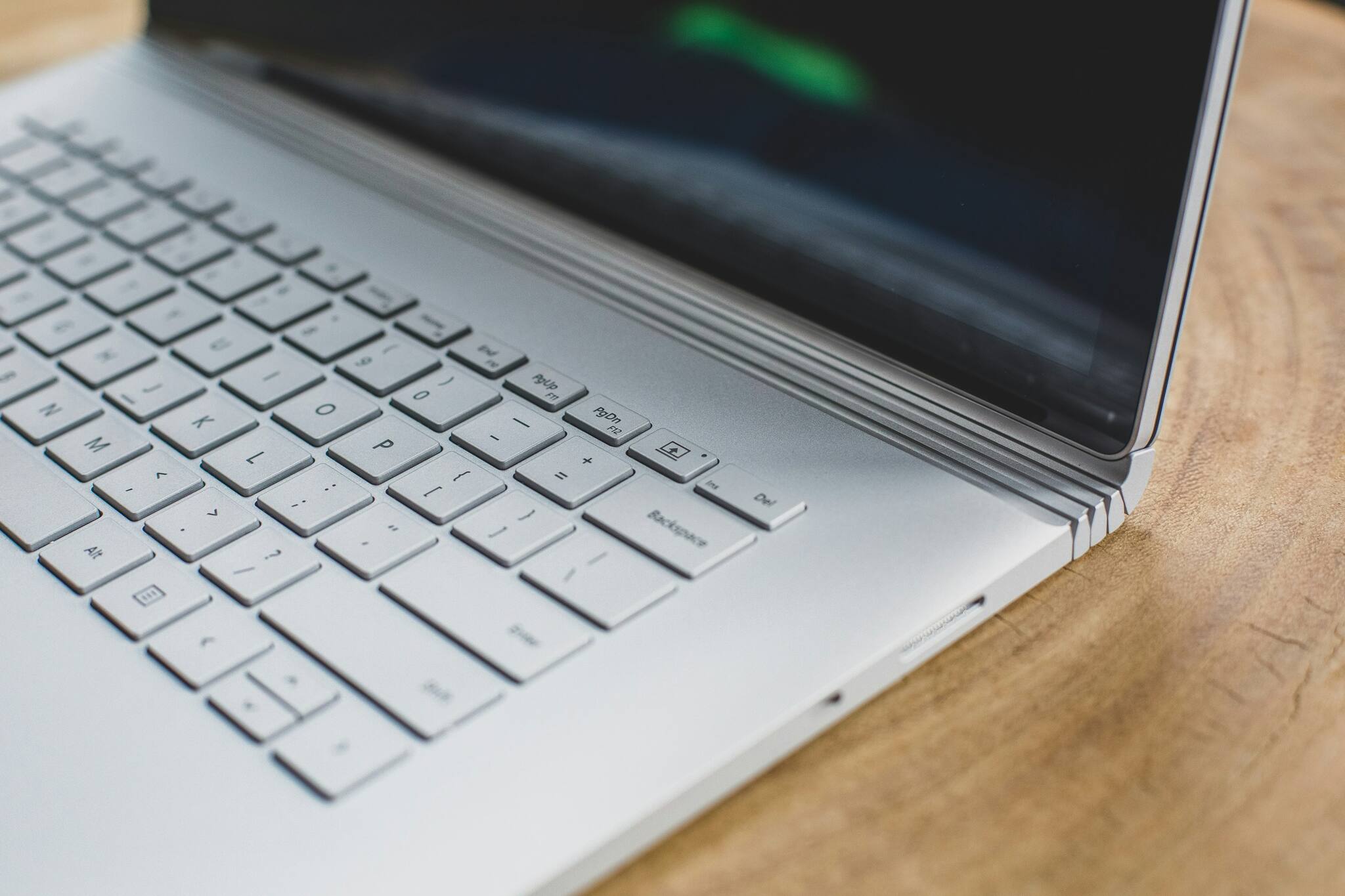
Build Quality & Ports: Check the keyboard feel and available USB/HDMI ports.
Budget shouldn’t mean fragile — get hands-on if possible.
Discover the latest Business News, Budget 2025 News, Sensex, and Nifty updates. Obtain Personal Finance insights, tax queries, and expert opinions on Moneycontrol or download the Moneycontrol App to stay updated!



