- My Alerts
- Go Ad-Free
-
My Account









Why factory reset helps and when you should do it
A simple guide explaining why a factory reset helps, how it fixes common phone problems, and when you should actually reset your smartphone.




1/5
What a factory reset actually does
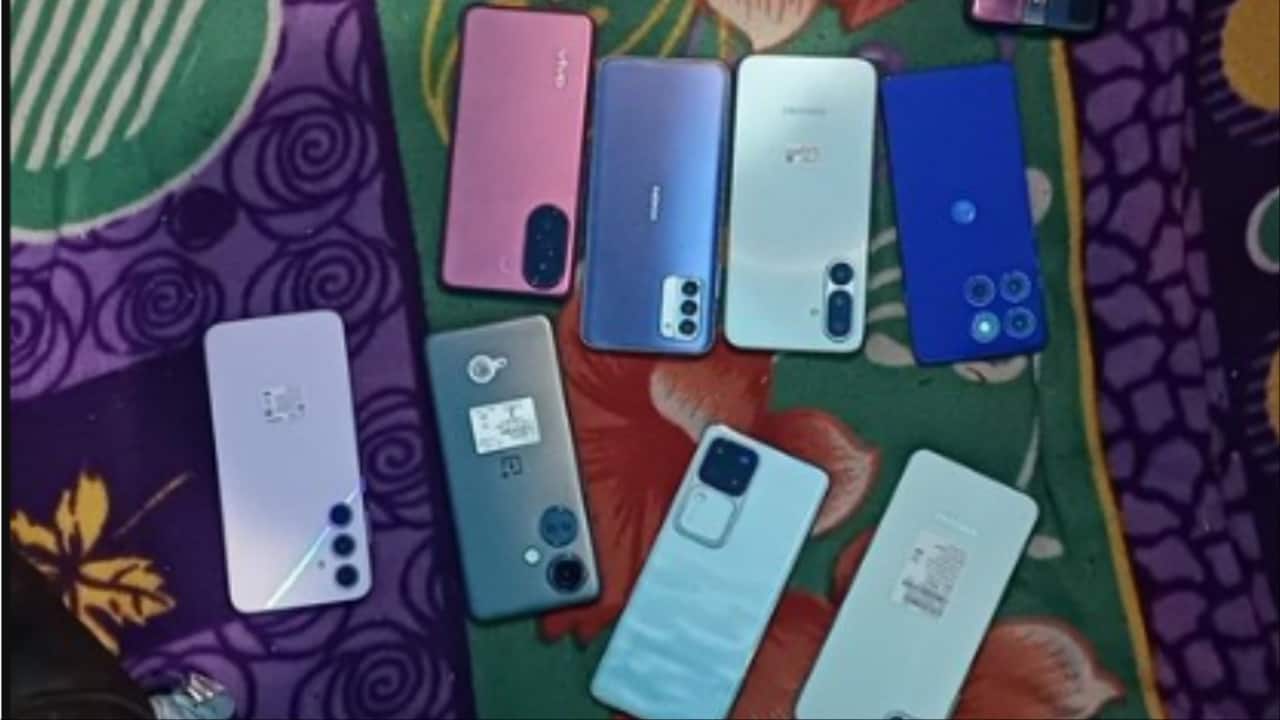
A factory reset wipes your phone clean and takes it back to how it was when you first bought it. It removes apps, settings, cached data and clutter that builds up over time. Think of it as giving your device a fresh start.
A factory reset wipes your phone clean and takes it back to how it was when you first bought it. It removes apps, settings, cached data and clutter that builds up over time. Think of it as giving your device a fresh start.
2/5

Why your phone slows down over time
As you use your phone, apps pile up, background processes run constantly and leftover files quietly take up space. Updates can also clash with old settings. All this makes phones feel sluggish, even if the hardware itself is still perfectly fine.
As you use your phone, apps pile up, background processes run constantly and leftover files quietly take up space. Updates can also clash with old settings. All this makes phones feel sluggish, even if the hardware itself is still perfectly fine.
3/5
How a factory reset can fix common problems
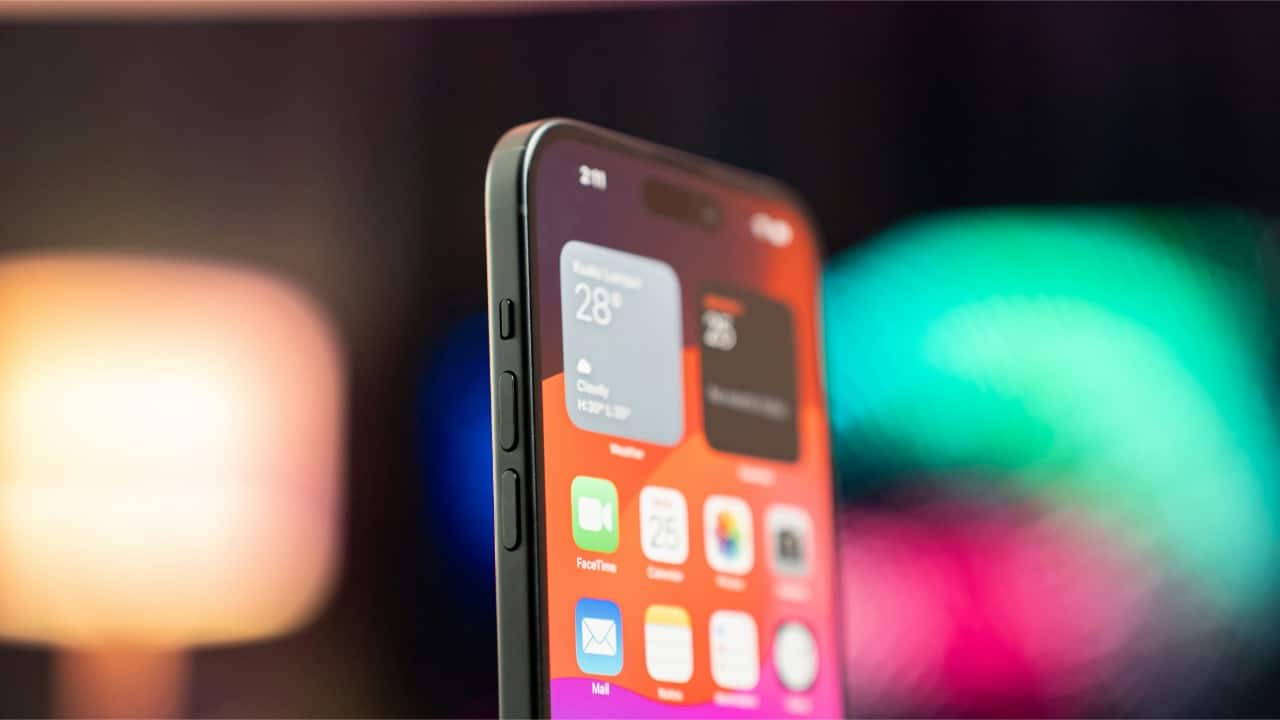
A reset clears hidden junk, removes buggy apps and fixes software conflicts. It often solves issues like freezing, random restarts, fast battery drain or apps crashing. Many people are surprised at how much faster and smoother their phone feels afterward.
A reset clears hidden junk, removes buggy apps and fixes software conflicts. It often solves issues like freezing, random restarts, fast battery drain or apps crashing. Many people are surprised at how much faster and smoother their phone feels afterward.
4/5
When you should actually do a factory reset
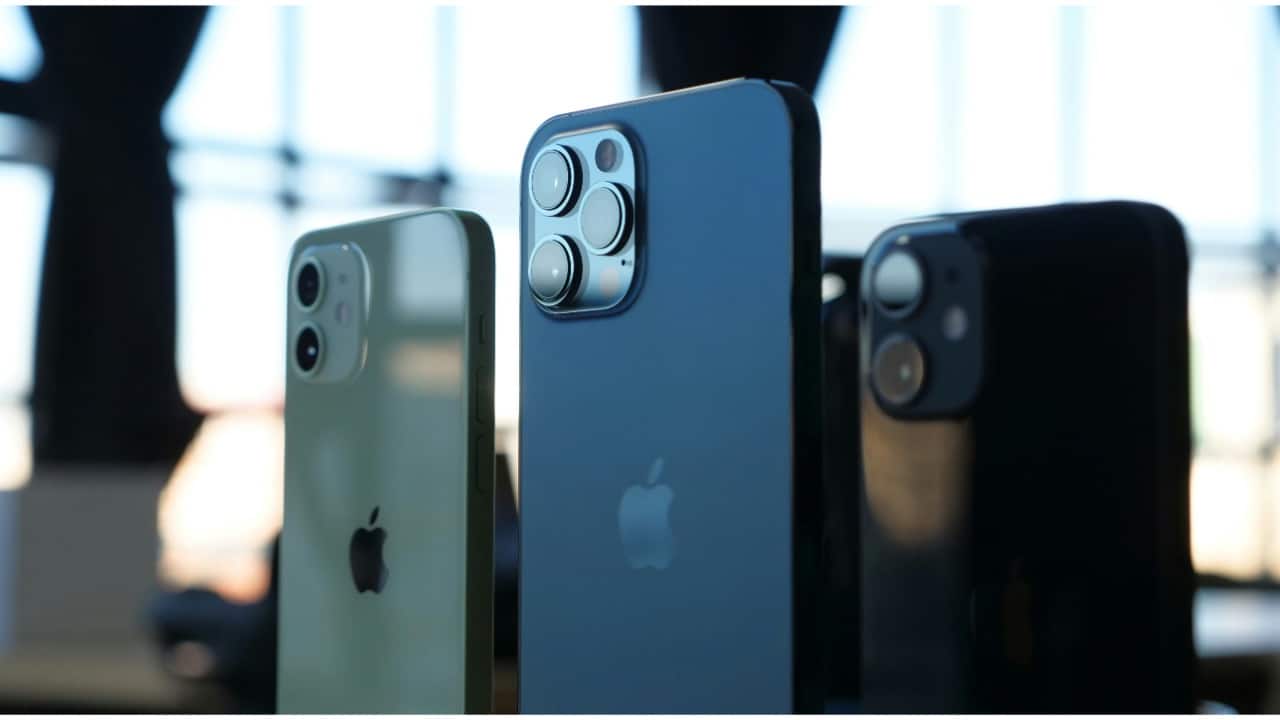
Consider a reset if your phone is very slow, overheating, draining battery abnormally or acting unstable even after updates. It’s also a must before selling or giving away your device. If basic fixes don’t work, a reset is worth trying.
Consider a reset if your phone is very slow, overheating, draining battery abnormally or acting unstable even after updates. It’s also a must before selling or giving away your device. If basic fixes don’t work, a reset is worth trying.
5/5

What to do before and after resetting
Before resetting, back up photos, contacts and important files. After the reset, reinstall only the apps you truly need instead of everything at once. This helps keep your phone clean and fast for longer and avoids the same problems returning quickly.
Before resetting, back up photos, contacts and important files. After the reset, reinstall only the apps you truly need instead of everything at once. This helps keep your phone clean and fast for longer and avoids the same problems returning quickly.
Discover the latest Business News, Budget 2025 News, Sensex, and Nifty updates. Obtain Personal Finance insights, tax queries, and expert opinions on Moneycontrol or download the Moneycontrol App to stay updated!



