






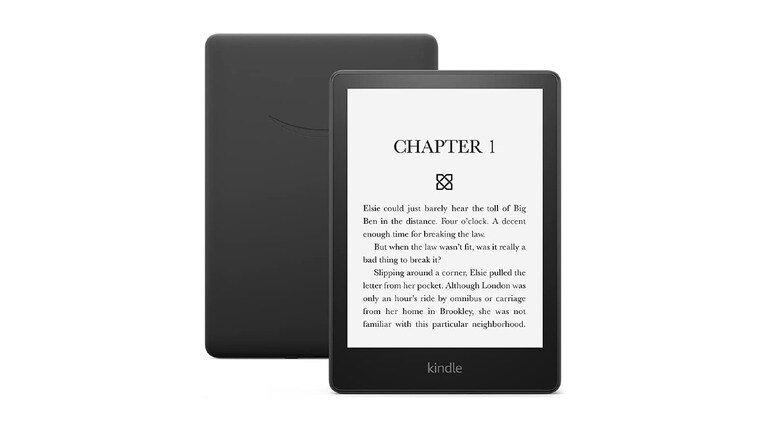
Amazon just made reading on your Kindle easier. With the latest update (version 5.18.1), you can now turn pages without touching the screen, according to a blog by Good e-reader.
Instead of tapping or swiping, you can simply double-tap on the sides or back of your Kindle to flip pages. This feature also works for scrolling in the Home and Library sections. Amazon hasn’t explained exactly how it works, but it’s likely using built-in motion sensors to detect the taps. Either way, it’s a small but useful change that makes reading more effortless.
Another handy update is Recaps for Books in Series. If you’re reading a book series, you’ll now see a short summary of the previous book before starting the next one. This is great if you’ve taken a break between books and need a quick refresher. It’s available for thousands of popular English-language Kindle books you’ve purchased or borrowed.
For Kindle Scribe users, there’s a small but useful tweak—the Writing Toolbar visibility is now linked to the side margin icon, making it easier to show or hide when needed.
The update is rolling out now for most Kindle models from the 10th to 12th generation. If you don’t want to wait, you can download and install it manually from Amazon’s update page.
With these simple but useful features, Kindle is getting even more convenient for book lovers.


Discover the latest Business News, Sensex, and Nifty updates. Obtain Personal Finance insights, tax queries, and expert opinions on Moneycontrol or download the Moneycontrol App to stay updated!
Find the best of Al News in one place, specially curated for you every weekend.
Stay on top of the latest tech trends and biggest startup news.





