






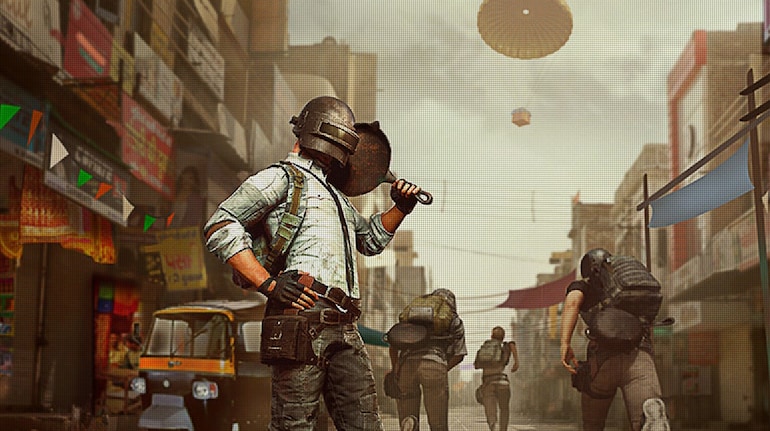
Krafton has partnered with Dolby laboratories to bring Dolby Atmos support its popular battle royale game – Battleground Mobile India (BGMI). The support is now live, and users can start playing with Dolby Atmos turned on.
Things to knowThe first and most important part of Dolby Atmos support in BGMI is supported game modes. Not all the game modes have Atmos support. According to Krafton, users can only play the Arena and Team Deathmatch modes in Atmos.
Another important thing is the support is available only on Android and that too on devices that support Dolby Atmos
You’ll need Atmos supported earphones or headphones to get better experience.
How to play BGMI in AtmosThe feature is enabled by default. The audio in both modes – provided you meet the requirements – will automatically deliver the audio in Atmos. There are no manual settings that are required to be turned on.
To play in Atmos, update the BGMI game with the latest update
Switch to Arena or Team Deathmatch mode and start playing.
Just make sure your phone and the buds support Dolby Atmos.
Meanwhile, BGMI is also expected to get the version 3.4 update soon. The update is expected to bring new battle pass, in-game items, new theme and more.


Discover the latest Business News, Sensex, and Nifty updates. Obtain Personal Finance insights, tax queries, and expert opinions on Moneycontrol or download the Moneycontrol App to stay updated!
Find the best of Al News in one place, specially curated for you every weekend.
Stay on top of the latest tech trends and biggest startup news.







