




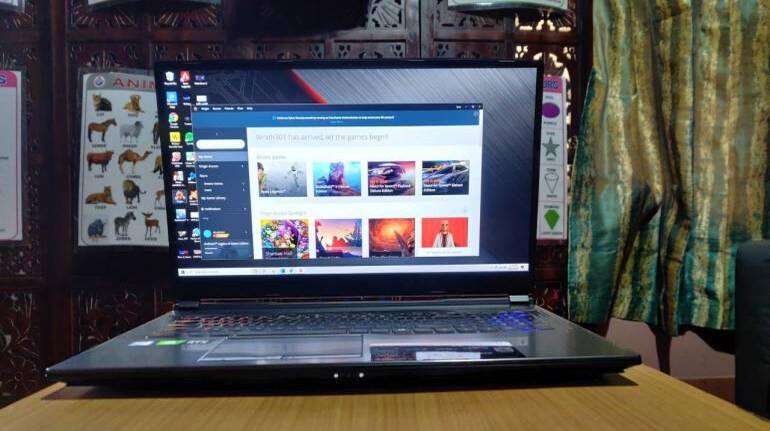
The MSI GP75 Leopard 9SE was recently sent to us for a review. MSI features a diverse portfolio of gaming laptops, and the GP75 Leopard falls right in the middle of MSI's gaming notebook family.
Our version of the Leopard featured a 9th Gen Intel Core i7 processor and an Nvidia GeForce RTX 2060. It also features a 17.3-inch display with a 144Hz refresh rate. The GP75 Leopard may not offer the best performance but is an incredibly capable gaming machine.
There's a lot to like about the GP75 Leopard with a few caveats you should know about. So, without any further delays, let's take a deep dive into all the details about the MSI GP75 Leopard 9SE.
Design
The GP75 has a stealthy look about it; the black lid features a backlit MSI logo along with two symmetric bumps that add to that stealthy aesthetics. The entire laptop, including the keyboard area, is made of an aluminium alloy, which offers a premium look and feel. There's a little bit of flex in the wrist rest area to the right of the touchpad, but other than that this is a pretty solid design.
Clean lines and individual accents dominate the design, while the sides of the device are adorned with imprinted patterns. The GP75 gets a matte finish on the outside, while MSI opts for a glossy finish in the area around the keyboard. Although the GP75 looks and feels like a premium gaming laptop, there are two things you should know here.
A little over two and a half kilos, the MSI GP75 is a pretty heavy laptop. Add a charger to the mix, and you're looking at around three kilos of gaming hardware. However, this is a 17-inch laptop, and the weight comes with the size. The lid of this laptop is an absolute fingerprint magnet, and there's no way around it.
Ports
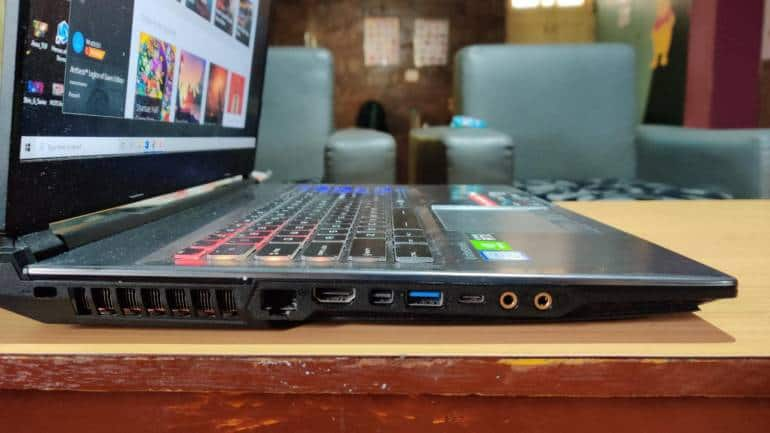
The GP75 Leopard has a more-than-decent assortment of I/O. On the left of the device sits an HDMI port, one Mini DisplayPort port, a USB 3.2 Gen2 Type-A port, a USB Type-C port, a headphone jack, a microphone jack, a Kensington security slot, and the all-important, Gigabit Ethernet port. But there's more to the right of the Leopard, in the form of two USB 3.2 Gen1 Type-A ports and an SD card slot. The GP75 Leopard offers more than sufficient ports to connect external accessories, and the addition of the SD card slot is commendable.
Keyboard and Trackpad
The GP75 Leopard gets a full keyboard layout, although the Numpad does seem a little squished, but that's nothing to worry about. The RGB backlighting on the keyboard is bright and customisable. The SteelSeries keyboard offers per-key RGB lighting, which allows you to customise the lighting on each key as per your liking. MSI also provides preset customisations through the dedicated app.
The keys themselves are well-suited for typing and gaming. The keys provide decent feedback and offer a pleasing actuation point. The keys are quite silent and don't produce any noise and are well spaced out. We really liked gaming on the keyboard of the MSI GP75 Leopard, getting used to it didn't take much time and effort.
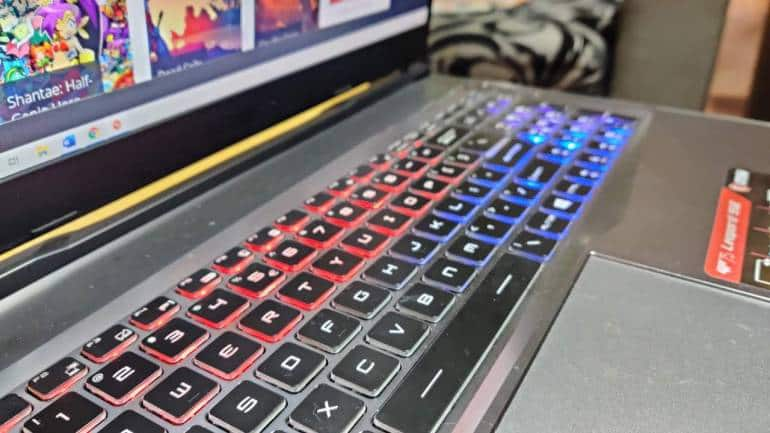
The touchpad on the GP75 Leopard offers a smooth surface and two large hardware buttons that provide excellent feedback. The buttons provide a clear actuation point and are easy to press. While the touchpad does not feature RGB illumination, scrolling and moving the cursor around seemed quite precise. The overall keyboard and touchpad experience on the GP75 is excellent, and it's safe to assume that you aren't missing out on anything.
Display
The MSI GP75 Leopard gets a 17.3-inch FHD (1080p) IPS display with a 144Hz refresh rate and a 3ms response time. The bezels on the GP75 are relatively thin, offering a more immersive visual experience. It also fits a bigger display in a compact and small form factor. The screen on the GP75 also covers 95-percent for sRGB and 71-percent for Adobe RGB.
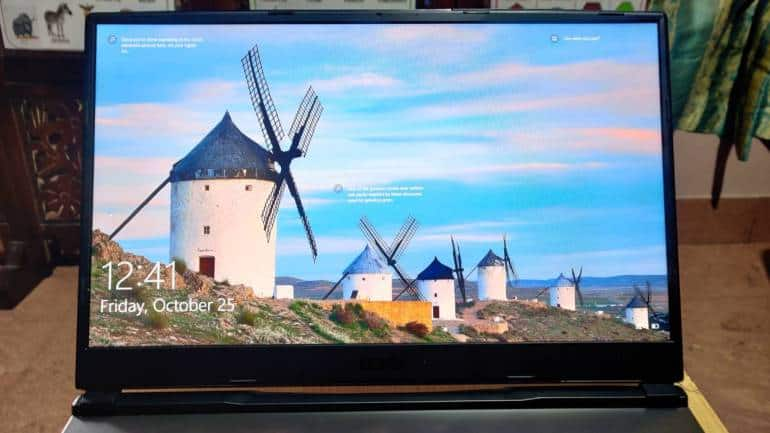
The IPS panel offers stable viewing angles, allowing you to read or watch content on the screen from any angle without any distortion. The matte finish ensures no reflections of objects in the environment disrupt your viewing experience. The screen peaked at little under 300 nits of brightness, which is pretty impressive for a gaming laptop. The 17-inch display works well for consuming content but does an excellent job while gaming.
| Pros | Cons |
| Powerful Gaming Performance | Fans Drown The Audio |
| Excellent Display for Gaming and Content Consumption | Sub-pad Battery Life |
| Keyboard is Good for Gaming and Typing | Little on the Expensive Side |
| Great Assortment of Ports |
Performance
The MSI GP75 Leopard 9SE packs a 9th Gen Intel Core i7 processor paired with 16GB of RAM that's expandable up to 64GB. On the graphics front, the GP75 is equipped with an Nvidia RTX 2060 graphics card with 6GB of GDDR6 VRAM. You also get a 512GB NVMe PCIe Gen3 SSD and a 1TB SATA HDD. Here's how the GP75 fared in our testing.
Before we get into the numbers, the GP75 Leopard will be capable of handling any game at 60 fps.
In Fortnite (Epic) and Apex Legends (High), the GP75 Leopard delivered an average of over 100 fps on Very High and Epic settings, respectively. We did say frame rate drop on single-player AAA titles like The Witcher 3 and Shadow of the Tomb Raider, both seeing round about 70 to 75 fps on their highest setting. Far Cry 5 on ultra-settings was able to achieve between 90 and 100 frames per second on average.
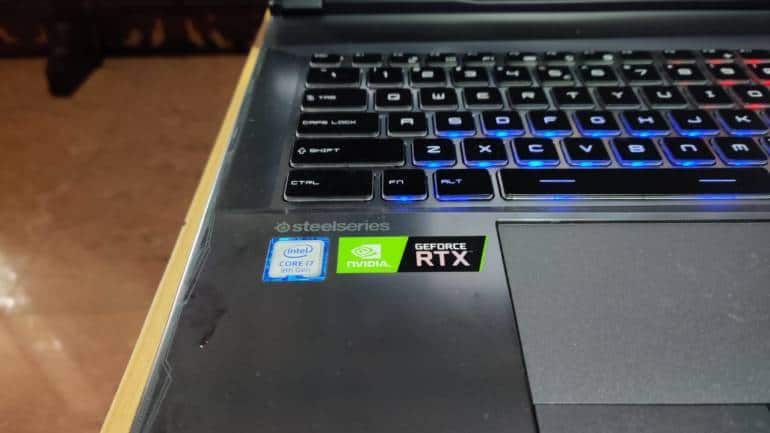
We also ran a Cinebench R20 test, in which the GP75 got a multi-core score of 2340 points and a single-core score of 435 points. Our GeekBench 5 compute benchmark yielded a score of 76,526, while the CPU scored a single and multi-core score of 1206 and 5608 points, respectively.
Additionally, we didn't have any heating issues when it came to gaming. The laptop remained quite cool on the surface, ensuring both the keyboard and wrist-rest area was comfortable to play on. The GP75 features a dedicated thermal solution for both the CPU and GPU with a total of 7 heat pipes and several exhaust vents on the left, right and back of the device.
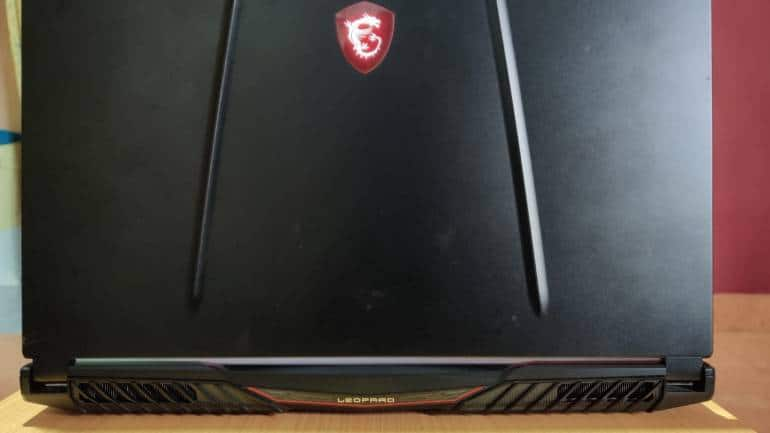
While internal temperatures can get fairly hot, the improved cooling system does a pretty good job. Although you will see a significant drop in frame rates after prolonged gaming, especially when dealing with AAA titles, the system manages to stabilise itself after the performance drop. You shouldn't expect any issues with thermal throttling on the GP75 Leopard. The one caveat here is that the fans get really loud, we're talking drowning the speakers out loud. We'd strongly recommend using headphones or external speakers while gaming.
Webcam & Audio
Despite the thin top bezel, MSI has still managed to fit a webcam and microphone there that does a pretty average job with video and audio. In terms of audio, the two speakers on the GP75 are pretty loud and offer a wide frequency range. Highs are over-represented, while anything below the mid isn't well reproduced. You will get decent audio sitting in a quiet room, but the fans can get pretty loud in Turbo, drowning out some of the audio. We'd recommend using headphones or an external speaker.
Battery
Battery life on the GP75 Leopard is what you'd expect from a high-end gaming laptop. The 51WHR battery achieves under two and a half hours under normal circumstances, which includes a bit of web browsing, listening to music and working on MS Word. To get to two and a half hours, we also had to reduce screen brightness to 30-percent.
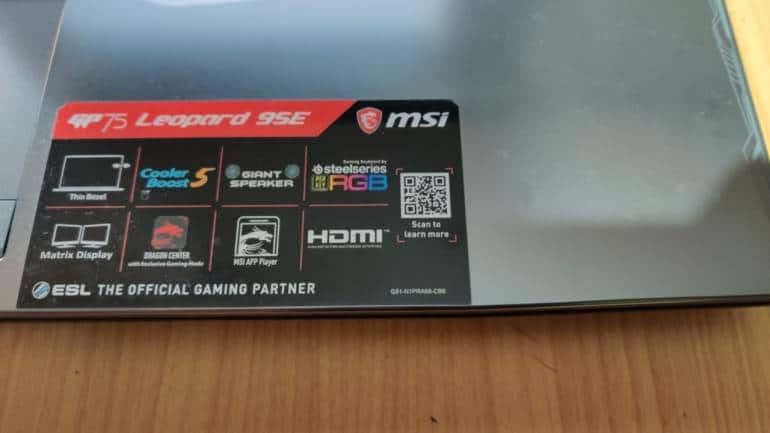
Don't even think of gaming on the battery alone as you'll have to significantly reduce the settings and even then, you'll get little over a half-hour. Gaming laptops ordinarily have poor battery life, but MSI could have opted for a bigger battery considering some brands have added a 71WHR battery in a 15-inch chassis. Even by gaming laptop standards, battery life here is considerably weak.
Verdict
Coming in at Rs 1,55,000, the MSI GP75 Leopard 9SE is quite expensive for an entry-level RTX gaming laptop. And, although there are plenty similarly configured gaming laptops out there, that will cost you anywhere between Rs 15K to Rs 25K less than the GP75, close to none of them offer a 17-inch screen. This makes the GP75 one of the best value 17-inch RTX gaming laptops on the market; the Acer Helios 300 being the other.
Even if you make the argument that a 15-inch screen is enough to game on, it still isn't as good as a 17-inch display. After gaming on both 15-inch and 17-inch laptops, it's safe to say "the bigger, the better". Beyond gaming, the big screen is also great for consuming content – watching movies, bingeing through Netflix or killing time on YouTube.
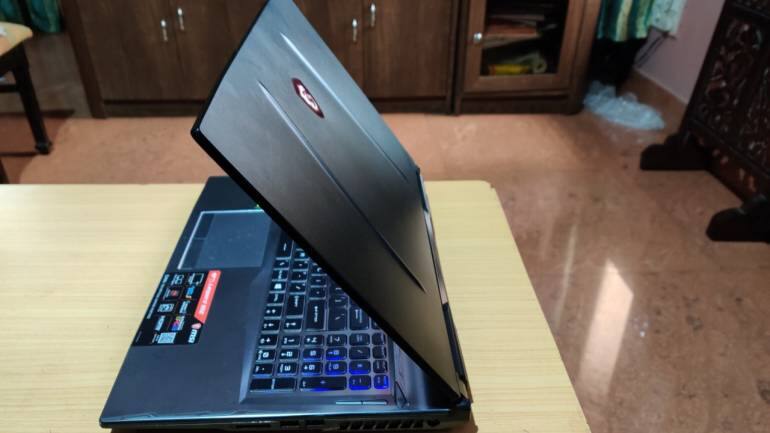
The MSI GP75 Leopard is an excellent laptop for gaming. The addition of the RTX card is a big plus point as it allows you to turn on ray tracing in supported games. The GP75 also does a more-than-decent job of cooling that CPU and GPU, keeping thermal throttling down to a bare minimum. We tested several games that let us take advantage of that 144Hz panel. It is safe to say that gaming on this laptop isn't going to be an issue.
The other areas where the GP75 excelled was in the keyboard and I/O. However, it isn't all sunshine and rainbows, and there are a few caveats here you should know about. GP75's sub-par battery life is what bothered us. Moreover, the lid is a fingerprint magnet, and those fans can overpower the speakers at times. However, if you can overlook a few of its flaws, the GP75 is a pretty decent laptop and just about makes our cut for "value".


Discover the latest Business News, Sensex, and Nifty updates. Obtain Personal Finance insights, tax queries, and expert opinions on Moneycontrol or download the Moneycontrol App to stay updated!
Find the best of Al News in one place, specially curated for you every weekend.
Stay on top of the latest tech trends and biggest startup news.