-
My Account









A look at Microsoft Teams' new features, updates that enable hybrid work environment
Microsoft recently announced new innovations in Microsoft Teams and Teams Rooms to help users connect and engage, regardless of where they work from.




1/6
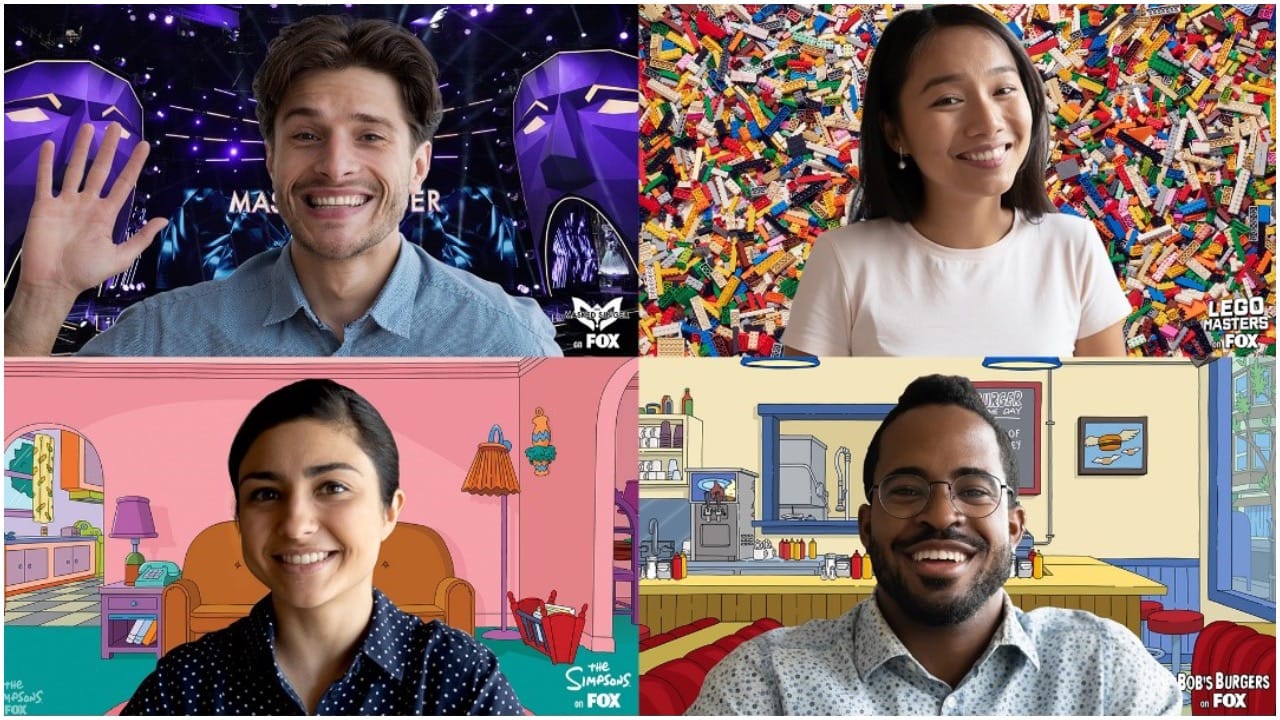
Earlier this year, CEO Satya Nadella highlighted Microsoft Teams as an important resource for the company's growth. MS Teams has more than 250 million monthly active users. Microsoft has previously unveiled the vision for the future of Teams Rooms, where connections feel natural and people feel included, represented, and can collaborate without boundaries. Furthermore, recently Microsoft also announced new innovations in Microsoft Teams and Teams Rooms to help users connect and engage, regardless of where they work from.
2/6
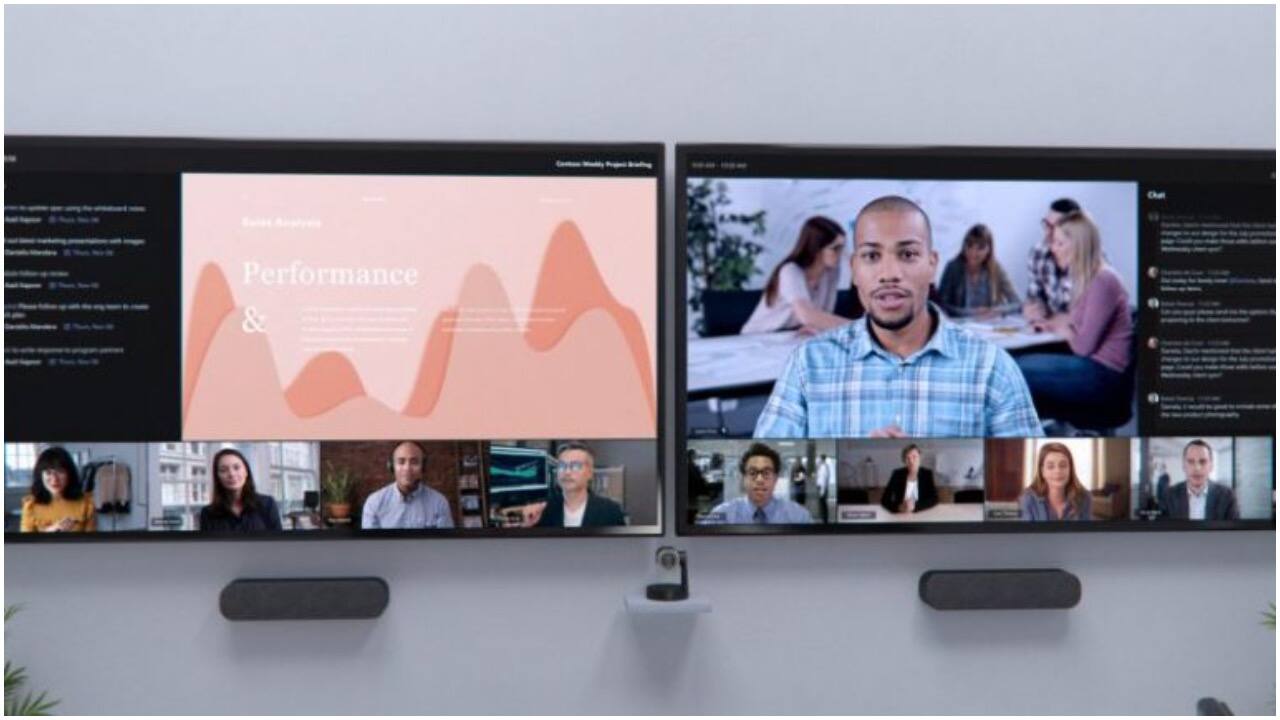
Microsoft has unveiled a new layout for Teams meetings with users of Teams Rooms in mind. The front row layout moves the video gallery to the bottom of the screen and surrounds meeting content with information like agendas, tasks and notes. The meeting chat also gains better visibility for participants in a physical Teams Room or working remotely.
3/6
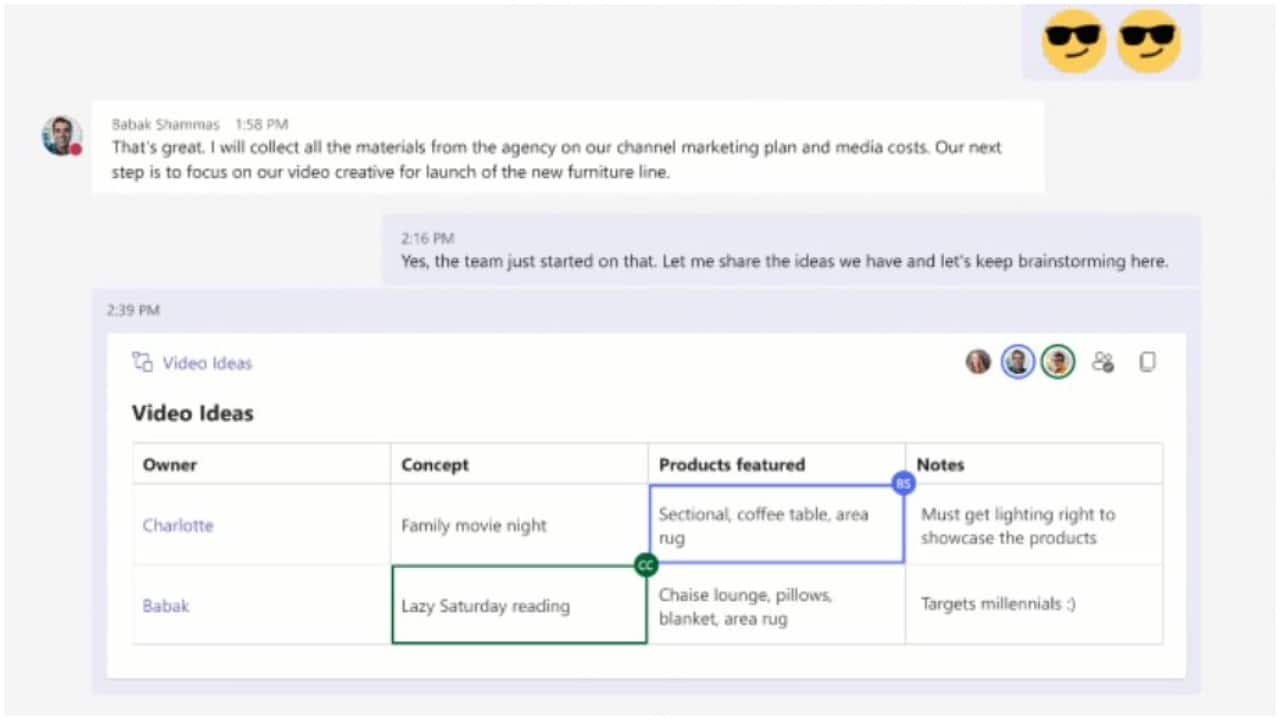
Microsoft has also introduced a bunch of collaboration tools in Teams. Users of Teams chats have gained the ability to pin messages in a chat for other users to find later. They can co-create agendas, take notes and assign tasks within a Teams meeting while the agendas, notes and tasks automatically gather under a new meeting notes tab of OneNote. Microsoft has expanded its “fluid components” feature for live collaboration to include Teams meetings, OneNote, Outlook and Whiteboard.
4/6

Microsoft also announced new tools, new integrations, an improved drawing experience and a new user interface in its collaborative visual workspace Whiteboard. Users can now get collaborators’ attention with a “laser pointer” feature. Whiteboard is also now available in Teams channels and chats. It has also gained new abilities to insert existing images and documents. Users can add a “notes grid” for organizing thoughts and ideas. Users can post “reaction stickers” for feedback.
5/6
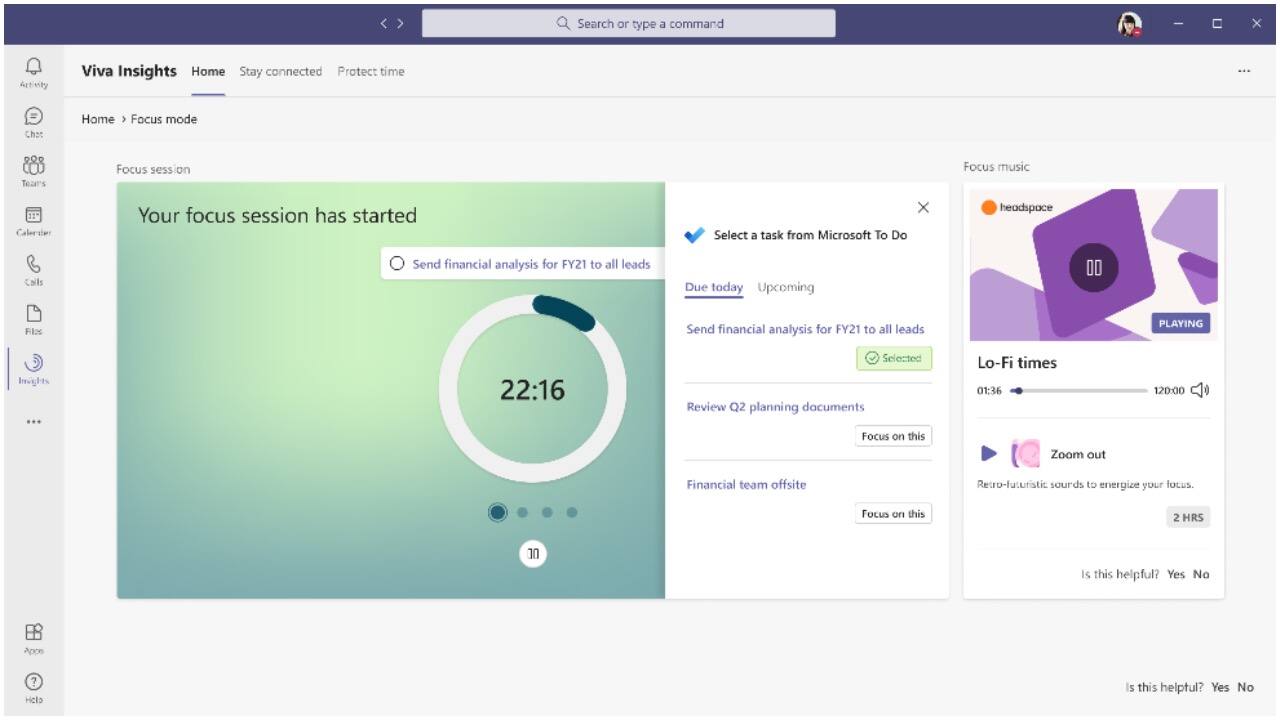
The Viva Insights app has added guided meditations and mindfulness exercises from Headspace. Later this year, a new focus mode in Viva will feature music from Headspace and timers to set regular breaks after accomplishing tasks. Users will also gain the ability to schedule quiet periods to silence mobile notifications from the mobile Outlook and Teams apps outside of working hours. IT administrators will gain new controls to create organization-wide policies to mute notification after work hours.
6/6
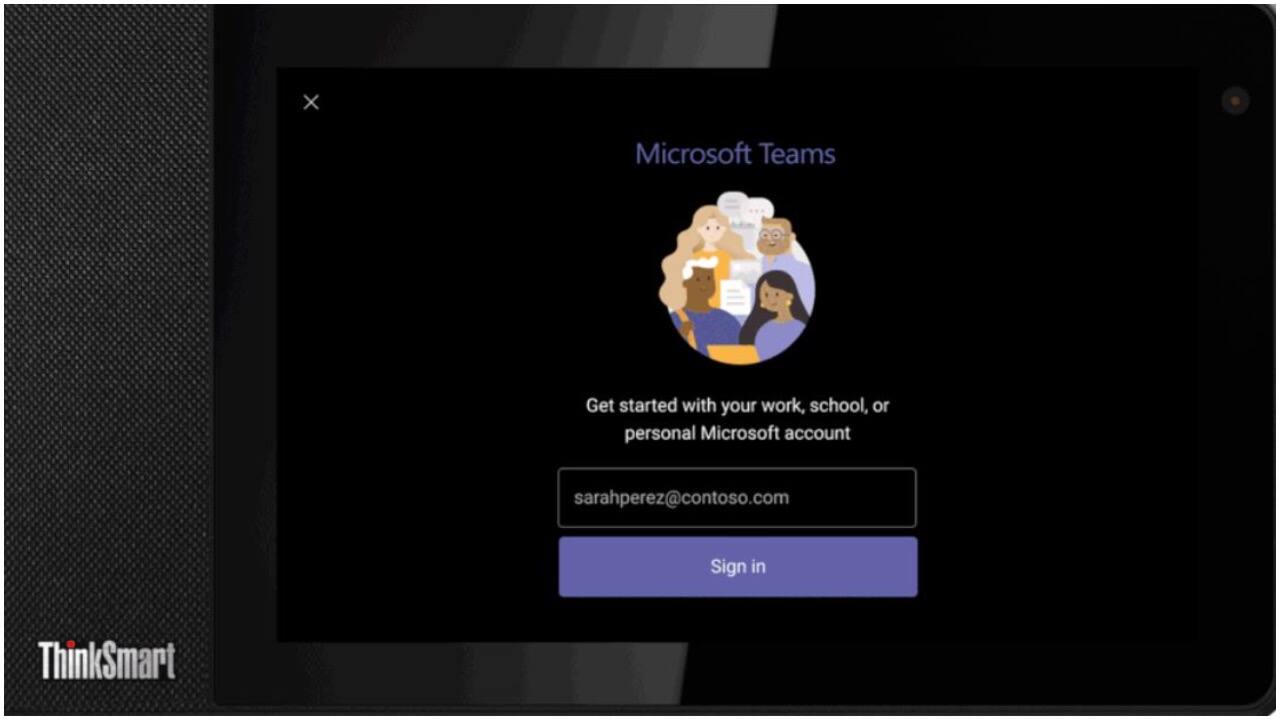
The new Hotdesk capability on the Teams display will provide a way to reserve workspaces and gain access to your personal Teams account in a shared space. You can simply log in with your Office 365 credentials and use the display to access your Teams chats, files, and calendar. You can also pair the display with your PC, providing a second screen to help you multitask. When finished, securely sign out and the space is ready for the next person.
Discover the latest Business News, Budget 2025 News, Sensex, and Nifty updates. Obtain Personal Finance insights, tax queries, and expert opinions on Moneycontrol or download the Moneycontrol App to stay updated!



