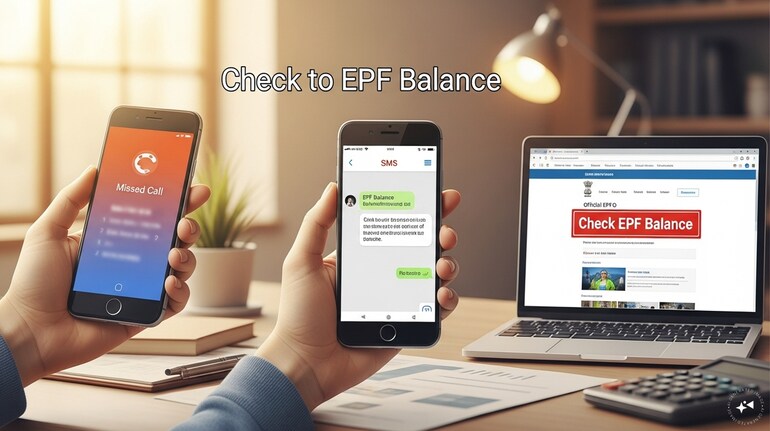

Do you know that checking your Employees' Provident Fund (EPF) account is as easy as checking the money kept safely in a locker at home? You do not need to visit any office or stand in long queues. With just a few simple steps, you can check your PF balance from the comfort of your home.
Members can now check their EPF transactions and balance online in just a few clicks. Watch the video to learn the complete process.Watch now https://t.co/35eLv0p4q7#EPFOWithYou#EPFO#PFBalance#PFPassbook#ईपीएफओ#HumHainNa@narendramodi@PMOIndia@LabourMinistry… — EPFO (@officialepfo) March 6, 2026
Here is how to check your PF balance from home.
Through a missed call
To check your EPF account balance, simply give a missed call from your registered mobile number to 9966-044425. Once you do that, you will receive an SMS with your PF balance details.
Through SMS
To check your EPF account balance via SMS, simply write EPFO, then your UAN number, space write LAN and send it to 7738299899.
Through the mobile app
However, if you want a detailed summary of your passbook and balance, you can download the Umag app on your smartphone. Search for EPFO, then click on View Passbook, and select OTP. After receiving the OTP via SMS, enter it and click Submit. Then, select the member passbook to check the details. You can also download the passbook.
Through the EPFO website
You can also check it online. Visit the EPFO website (epfo.gov.in) and scroll down to the section that shows EPFO services and click on 'EPFO and You'. Click on ‘For Employees’.
On the next page, click on ‘Member Passbook’. A new screen will open where you need to log in using your UAN number, password, and the captcha code.
Once you log in, you will see the passbook summary and the member ID-wise balance in your PF account. Click on the passbook option at the top.
On the next screen, select your member ID. You will then be able to see your year-wise passbook summary. You can also download your passbook from there.
Alternatively, you can go to the top corner of the website and click on ‘Employee Login’ to access the same details. Once logged in, the year-wise passbook summary will be visible.
Hence, these four methods allow you to easily check your balance and view passbook details regularly.

Discover the latest Business News, Sensex, and Nifty updates. Obtain Personal Finance insights, tax queries, and expert opinions on Moneycontrol or download the Moneycontrol App to stay updated!
Find the best of Al News in one place, specially curated for you every weekend.
Stay on top of the latest tech trends and biggest startup news.