- My Alerts
- Go Ad-Free
-
My Account











Want sharper iPhone photos? Start by choosing the right camera format
Want better iPhone photos? Learn how to choose HEIF, JPEG, and ProRAW, set 4K video, stop auto lens switching, and use the right camera formats to get sharper, cleaner, and more detailed shots.




1/5
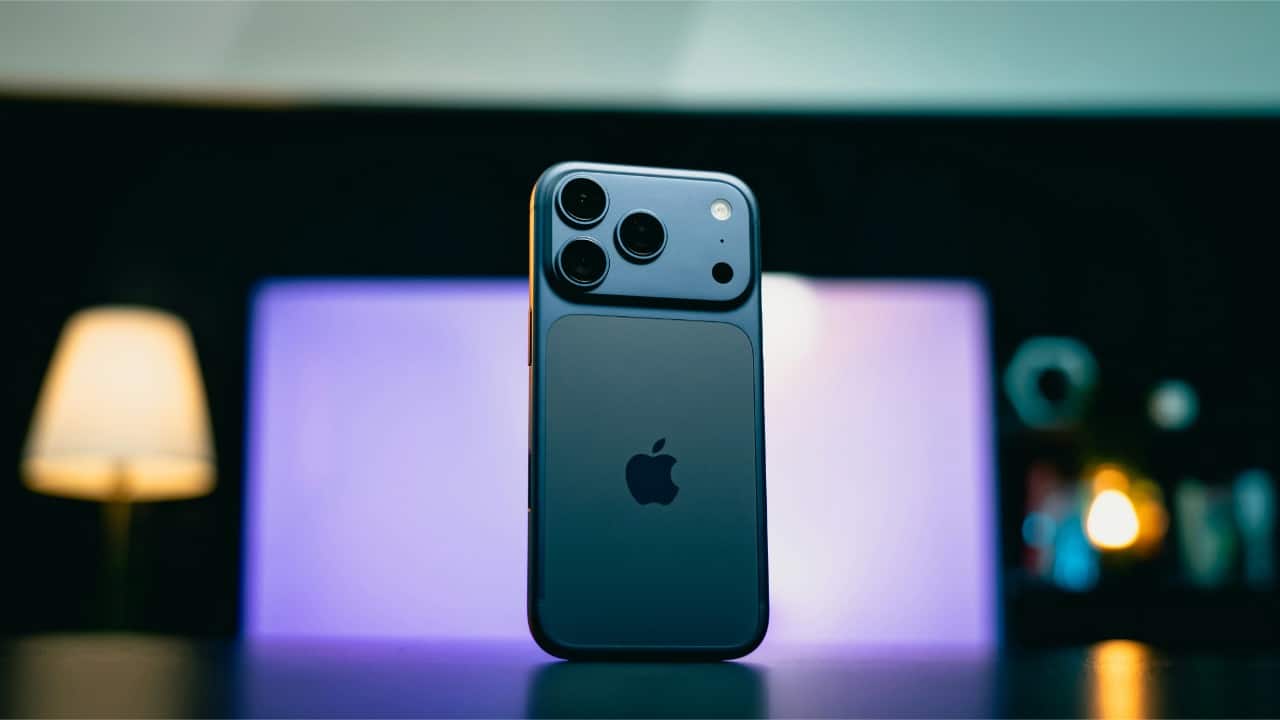
iPhones shoot in different formats like HEIF, JPEG, ProRAW, and Live Photos. HEIF saves space and keeps quality high, JPEG is more share-friendly, and ProRAW captures maximum detail for editing. Choosing the right one depends on how you plan to use the photo, not just how it looks on screen.
2/5
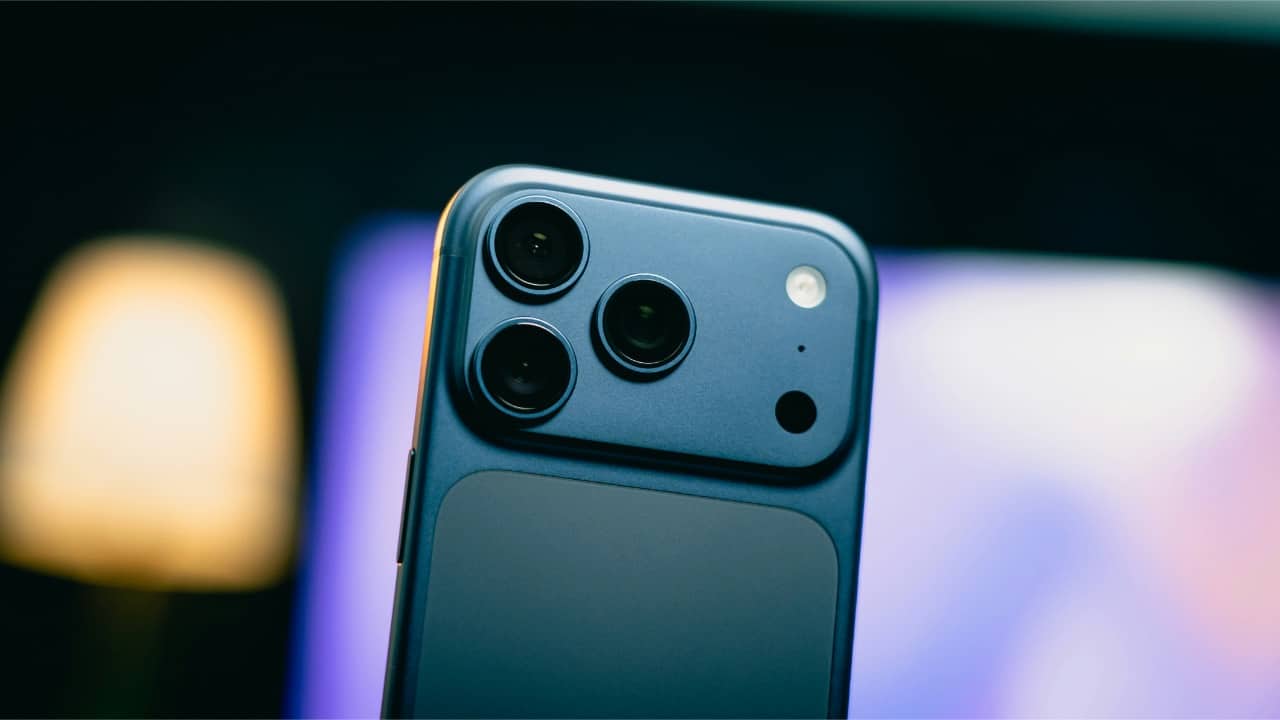
For everyday photos, set the camera to HEIF. Go to Settings, open Camera, tap Formats, and select High Efficiency. This keeps your pictures crisp while taking less storage. Perfect for trips, pets , food shots, and casual captures you don’t want eating your phone space.
3/5
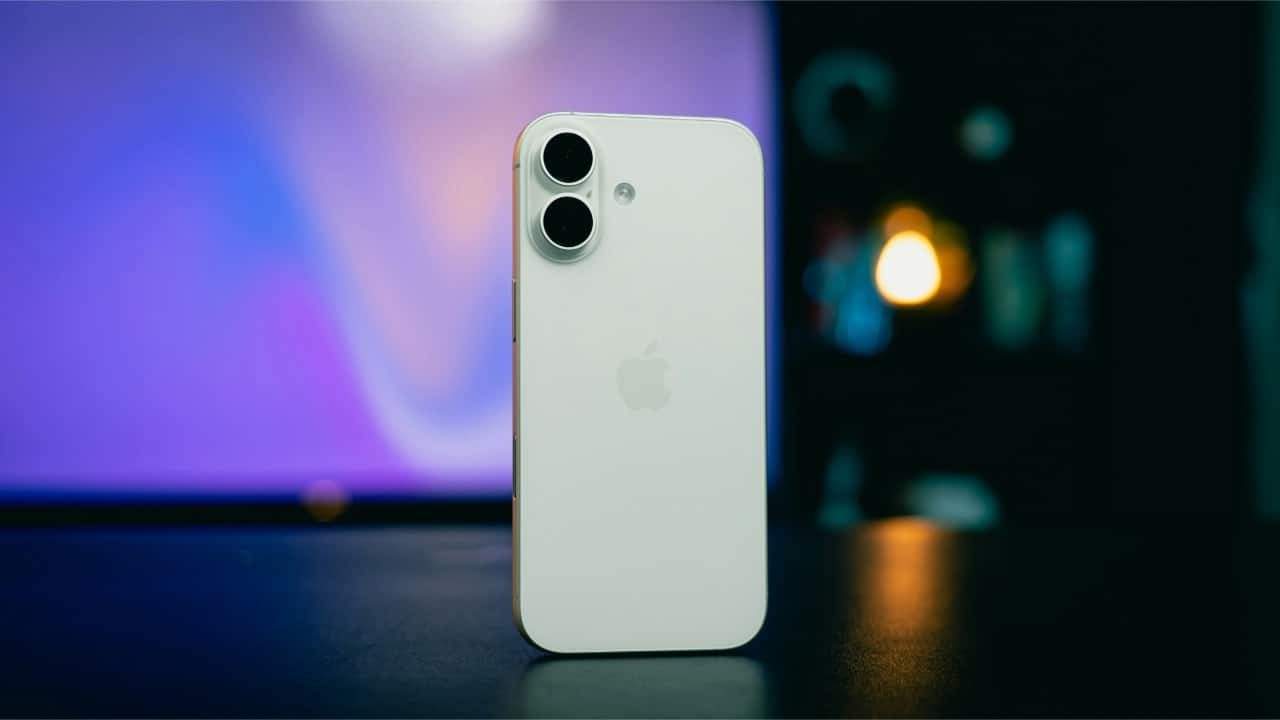
For serious shots or night photography, turn on ProRAW if your iPhone supports it. It captures more detail, light, and shadows. You’ll get richer edits later. Keep in mind, RAW files are bigger, so use them when the moment deserves extra depth, like portraits or creative frames.
4/5
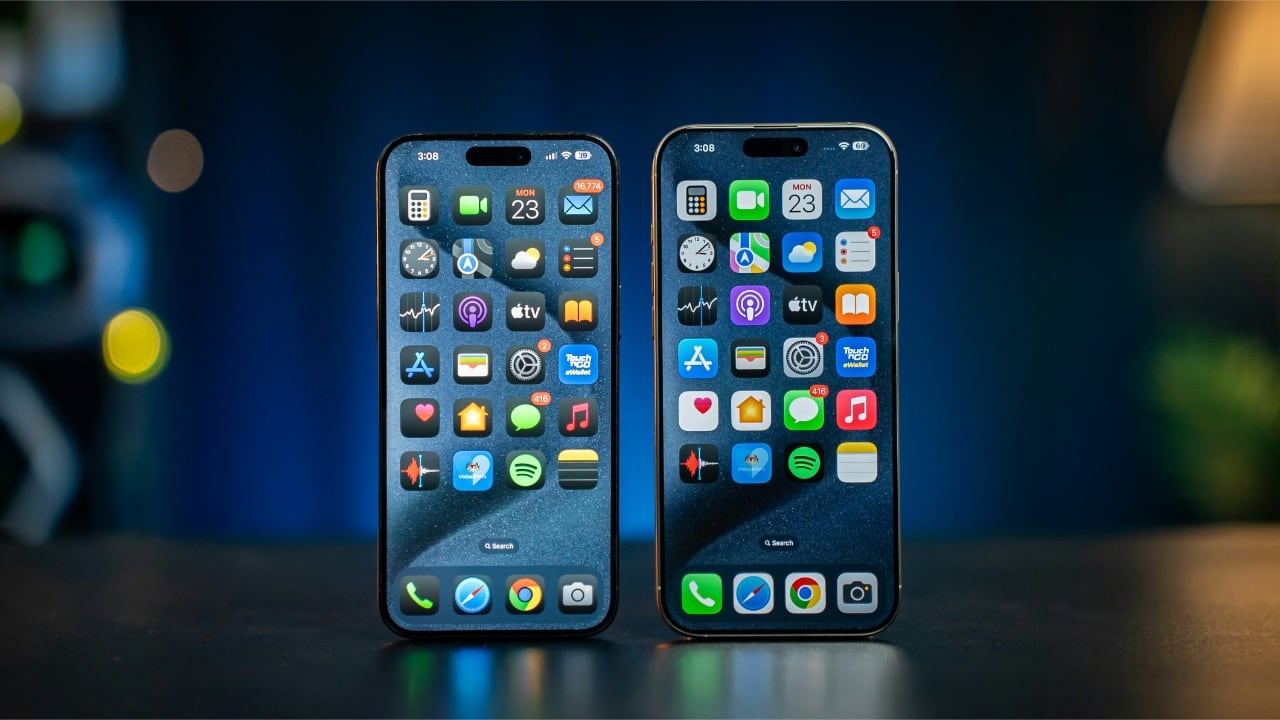
Always shoot videos in 4K at 30fps or 60fps for sharpness and smooth motion. You can change this in the camera app or in Settings under Camera > Record Video. 1080p is fine too, but 4K gives cleaner zoom and better clarity, especially if you post to Instagram or YouTube.
5/5

Turn off automatic lens switching when you want more control. In Settings > Camera, disable Macro Control or Auto Lens Switching. This stops the camera from jumping between lenses, giving you steadier framing and fewer focus surprises. It’s a small change that makes photos feel more intentional.
Discover the latest Business News, Budget 2025 News, Sensex, and Nifty updates. Obtain Personal Finance insights, tax queries, and expert opinions on Moneycontrol or download the Moneycontrol App to stay updated!



