- My Alerts
- Go Ad-Free
-
My Account











11 Perplexity AI features and tricks everyone should know and use
Perplexity has suddenly become one of the most popular names in AI space. While the credit certainly goes to Airtel for offering users the Pro subscription free of cost. But, it just can't be that one reason behind it. Perplexity has some tricks up its sleeves and if you are new to it or moving on from ChatGPT, you would want to know some basics that will help you get onboard better and get things done in a better way.




1/11

Ask anything, naturally
You don’t need special syntax. Just type your question the way you’d ask a person. Perplexity understands plain language and responds accordingly.
You don’t need special syntax. Just type your question the way you’d ask a person. Perplexity understands plain language and responds accordingly.
2/11

Answers come with sources
Each response includes clickable citations. These show where the information came from—making it easy to verify and dig deeper if needed.
Each response includes clickable citations. These show where the information came from—making it easy to verify and dig deeper if needed.
3/11
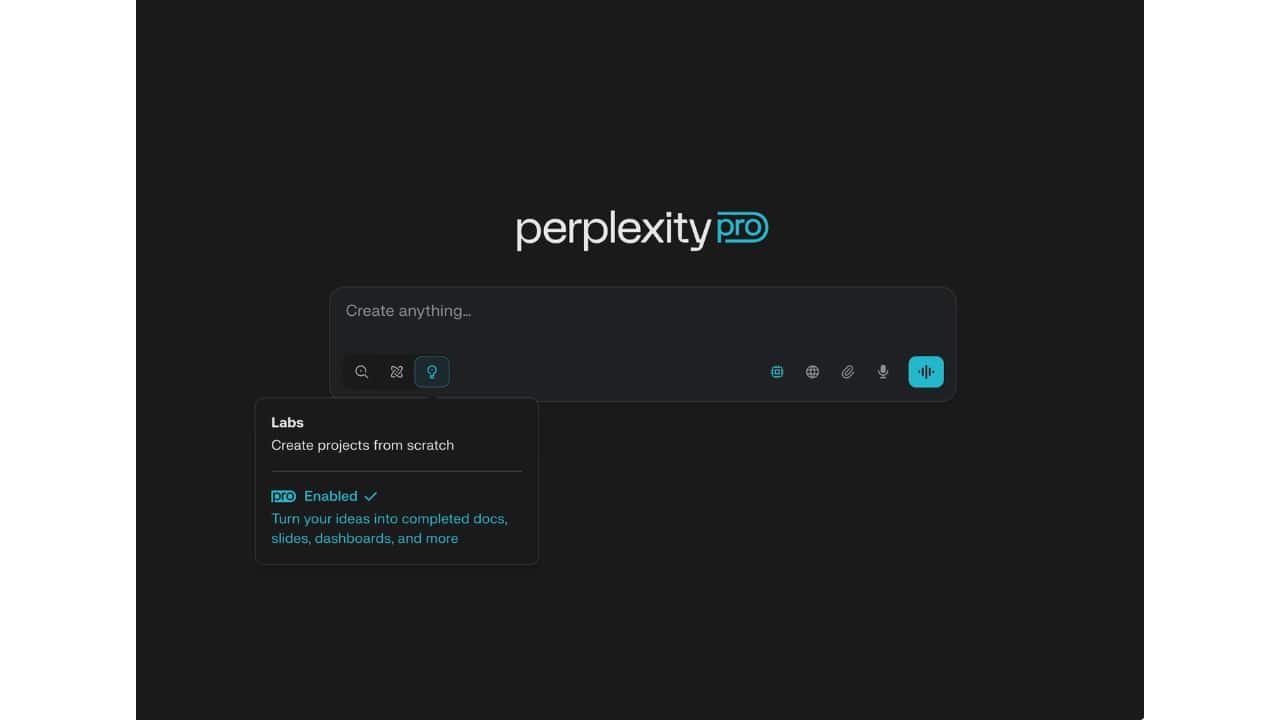
Continue conversations with follow-ups
You can ask follow-up questions without repeating context. The thread keeps track of what you’ve already asked and adjusts answers accordingly.
You can ask follow-up questions without repeating context. The thread keeps track of what you’ve already asked and adjusts answers accordingly.
4/11
Two modes: Quick and Pro Search
Use Quick Search for short, direct queries. For detailed or layered topics, Pro Search offers structured steps and wider source coverage.
Use Quick Search for short, direct queries. For detailed or layered topics, Pro Search offers structured steps and wider source coverage.
5/11

Filter by focus area
You can set a “Focus” like Academic, News, or Wikipedia to tailor the kind of sources Perplexity prioritises in its response.
You can set a “Focus” like Academic, News, or Wikipedia to tailor the kind of sources Perplexity prioritises in its response.
6/11

Upload files to get summaries (Pro only)
Got a PDF or DOCX file? Upload it and ask questions about the content. Perplexity will summarise it or highlight key parts on request.
Got a PDF or DOCX file? Upload it and ask questions about the content. Perplexity will summarise it or highlight key parts on request.
7/11

Save and manage Threads and Spaces
Each conversation becomes a Thread. You can group these into Spaces, helping you organize research or ongoing projects.
Each conversation becomes a Thread. You can group these into Spaces, helping you organize research or ongoing projects.
8/11

Choose your AI model (Pro feature)
Pro users can switch between large models like GPT-4, Claude, and others—useful when you want different styles or strengths in responses.
Pro users can switch between large models like GPT-4, Claude, and others—useful when you want different styles or strengths in responses.
9/11

Summarise YouTube videos
Share a YouTube link into the mobile app (especially on Android), and Perplexity will create a summary of the video content without needing to watch it all.
Share a YouTube link into the mobile app (especially on Android), and Perplexity will create a summary of the video content without needing to watch it all.
10/11
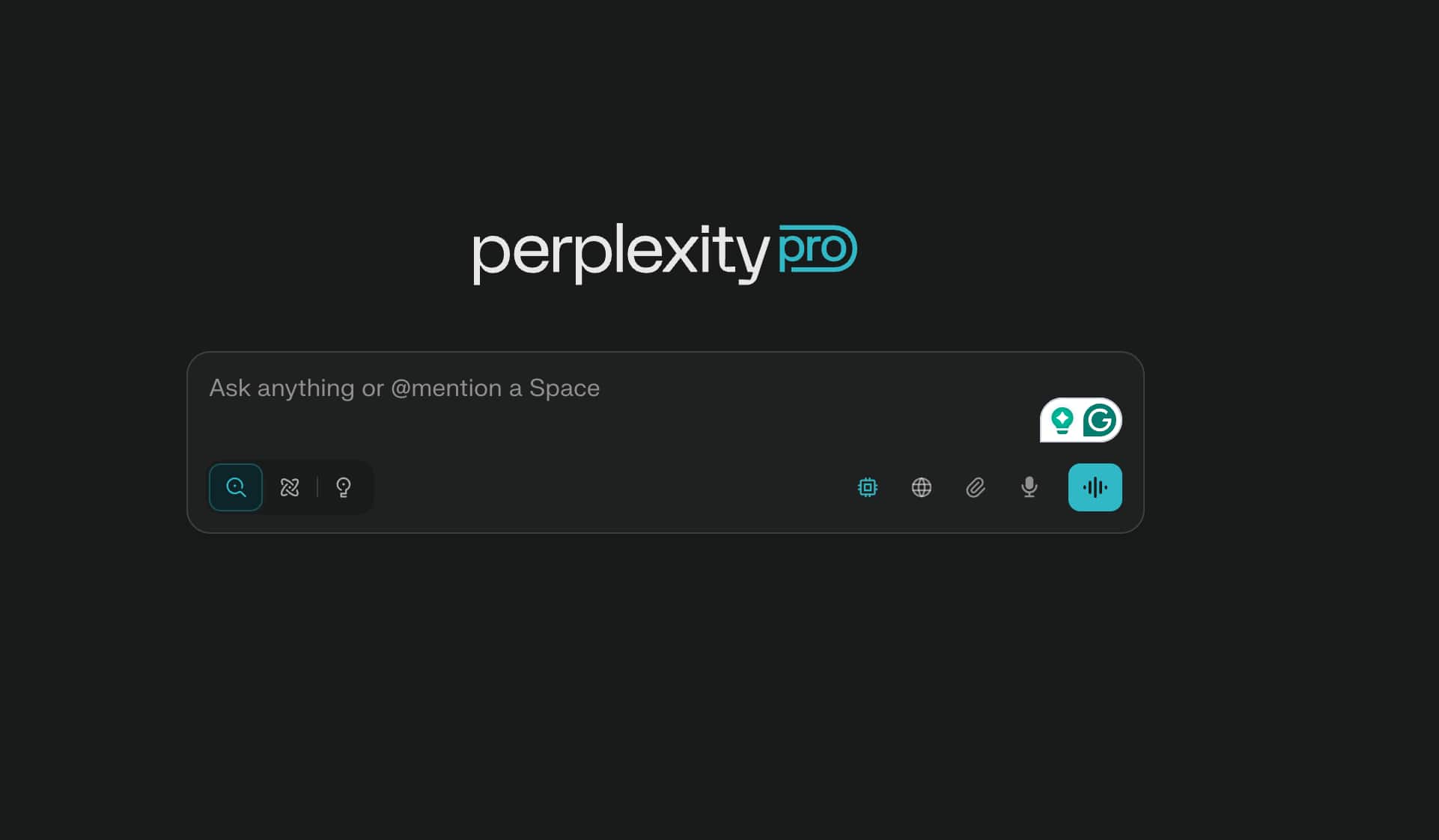
Try rephrasing for better results
If you don’t get the answer you expected, slightly change how you ask. More context or clearer phrasing can significantly improve accuracy.
If you don’t get the answer you expected, slightly change how you ask. More context or clearer phrasing can significantly improve accuracy.
11/11

Ideal for real-time research
Because it combines AI reasoning with live data, Perplexity works well for research, content planning, fact-checking, and daily information needs.
Because it combines AI reasoning with live data, Perplexity works well for research, content planning, fact-checking, and daily information needs.
Discover the latest Business News, Budget 2025 News, Sensex, and Nifty updates. Obtain Personal Finance insights, tax queries, and expert opinions on Moneycontrol or download the Moneycontrol App to stay updated!



