- My Alerts
- Go Ad-Free
-
My Account











iPhone 16 Pro: 6 things you can do with the Camera Control button
With the iPhone 16 series, Apple introduced an all-new Camera Control button. Though Apple doesn’t call it a button, it is a button which can be used to do many things. Here are six things you can activate with Camera Control on iPhone 16 Pro.




1/6
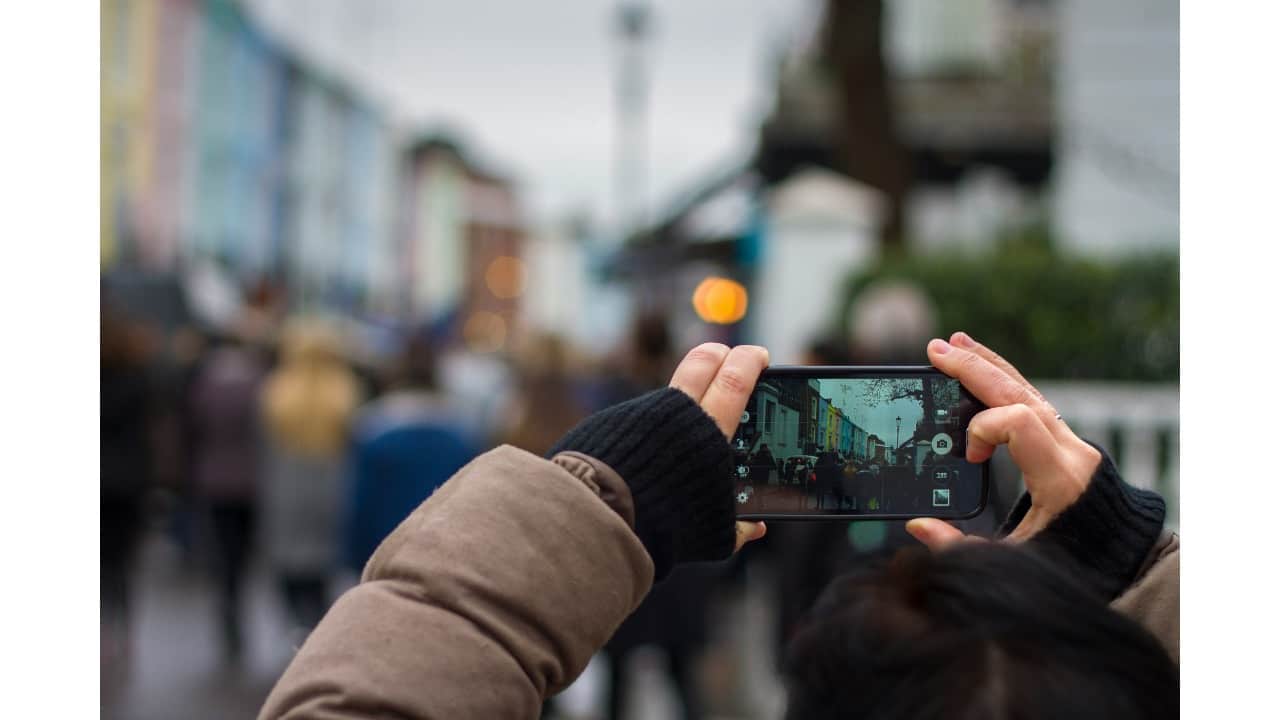
Launch the camera instantly
Tap the Camera Control button to open the Camera app without unlocking your phone or navigating through menus. It’s a quick gateway to both photo and video capture.
2/6
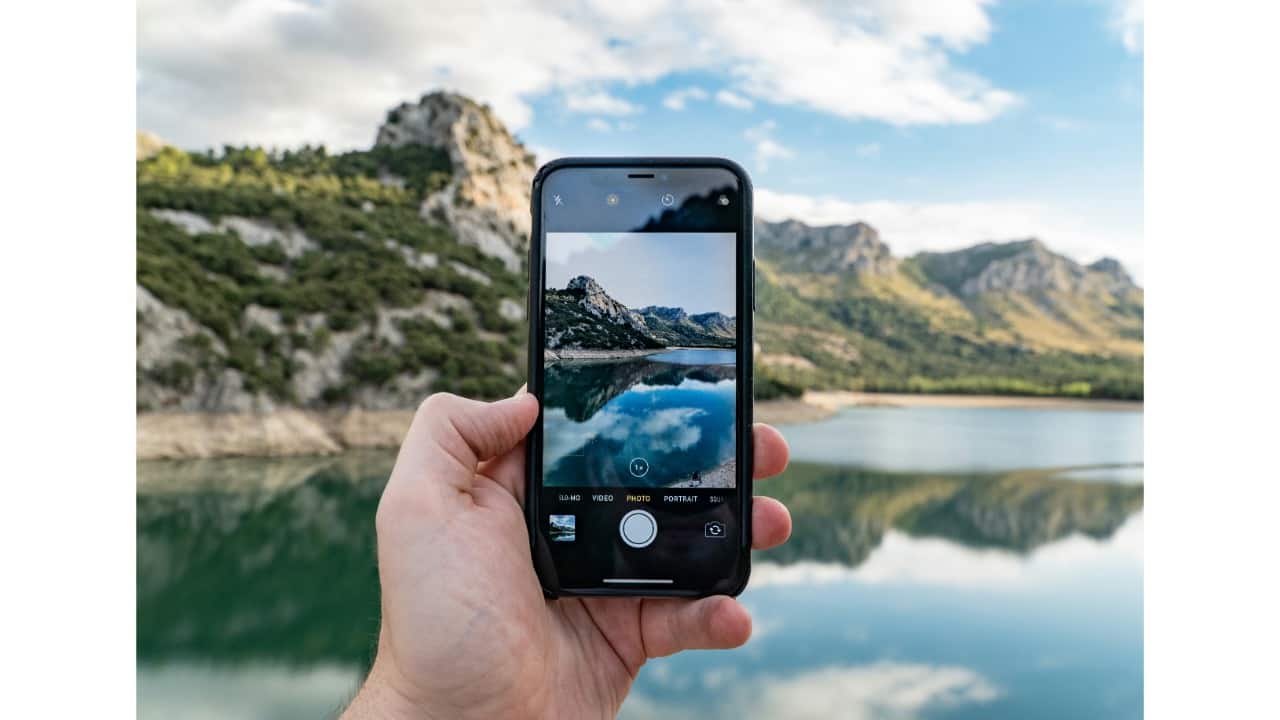
Take photos or record videos
• Tap once to take a photo.
• Press and hold to record a video.
• If the Camera opens in Video mode, a single tap starts recording immediately.
3/6
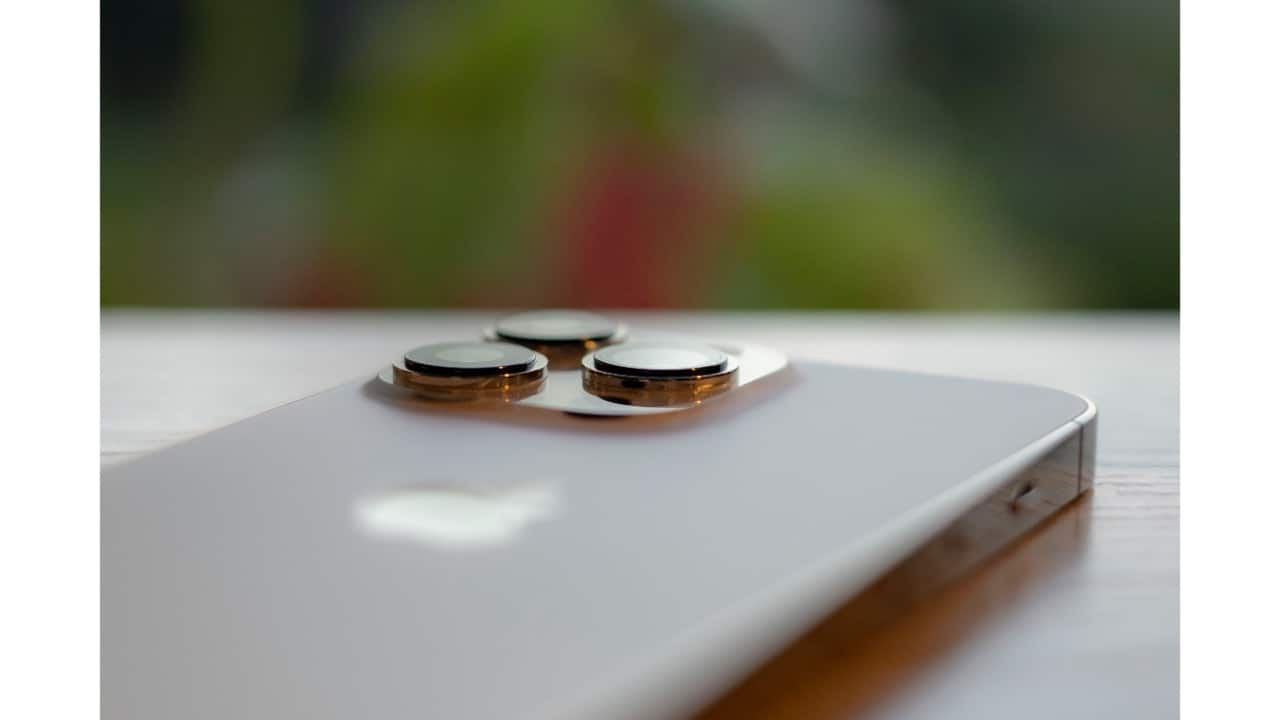
Adjust exposure in real time
Control the brightness of your shot by increasing or decreasing exposure—perfect for tricky lighting conditions or dramatic silhouettes.
4/6
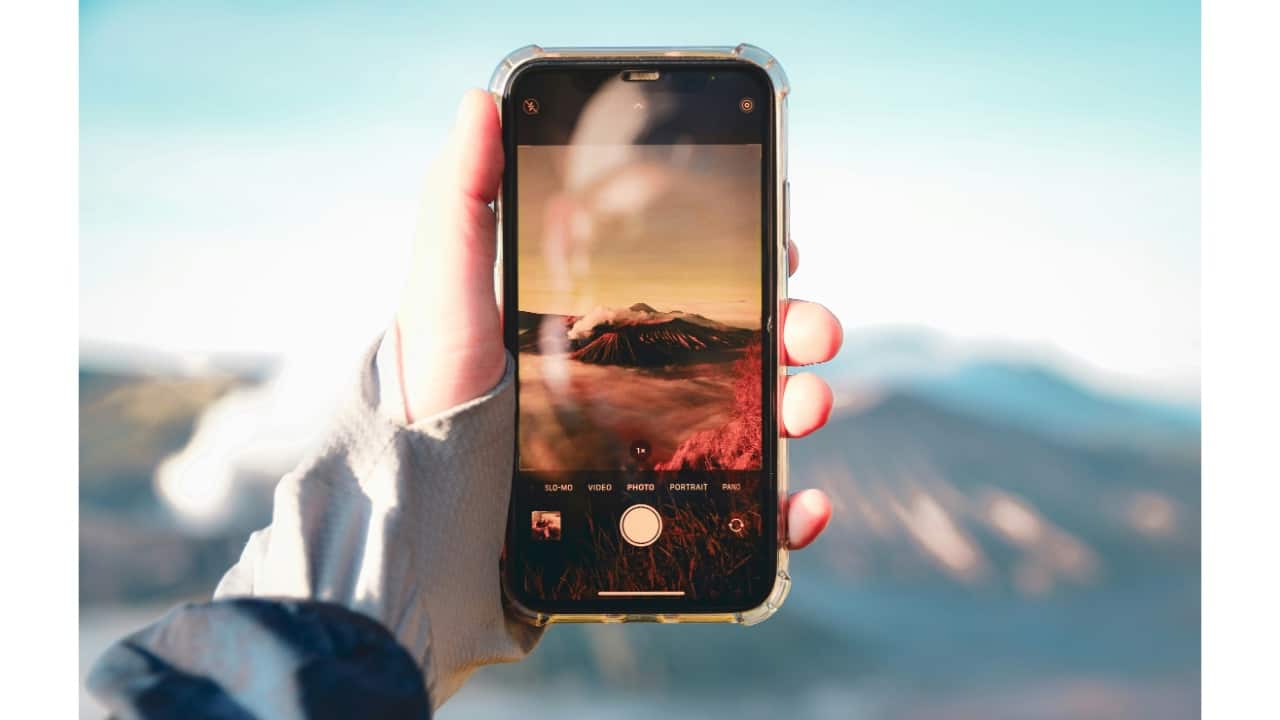
Enable and tweak portrait depth
Use the Depth setting to control background blur. This activates Portrait mode if it’s not already on, giving you DSLR-style bokeh for more cinematic portraits.
5/6
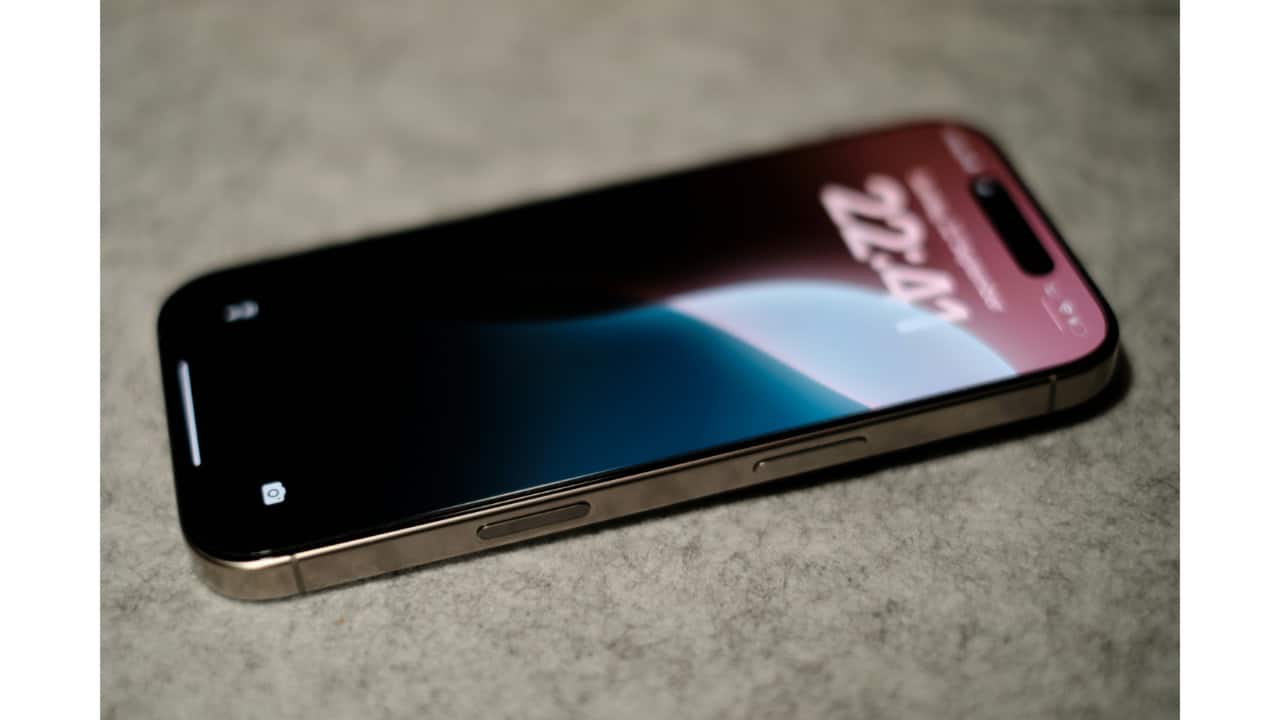
Zoom smoothly in or out
Pinch or use on-screen zoom controls to go wide or close in on your subject. Great for macro details or faraway shots without switching lenses manually.
6/6
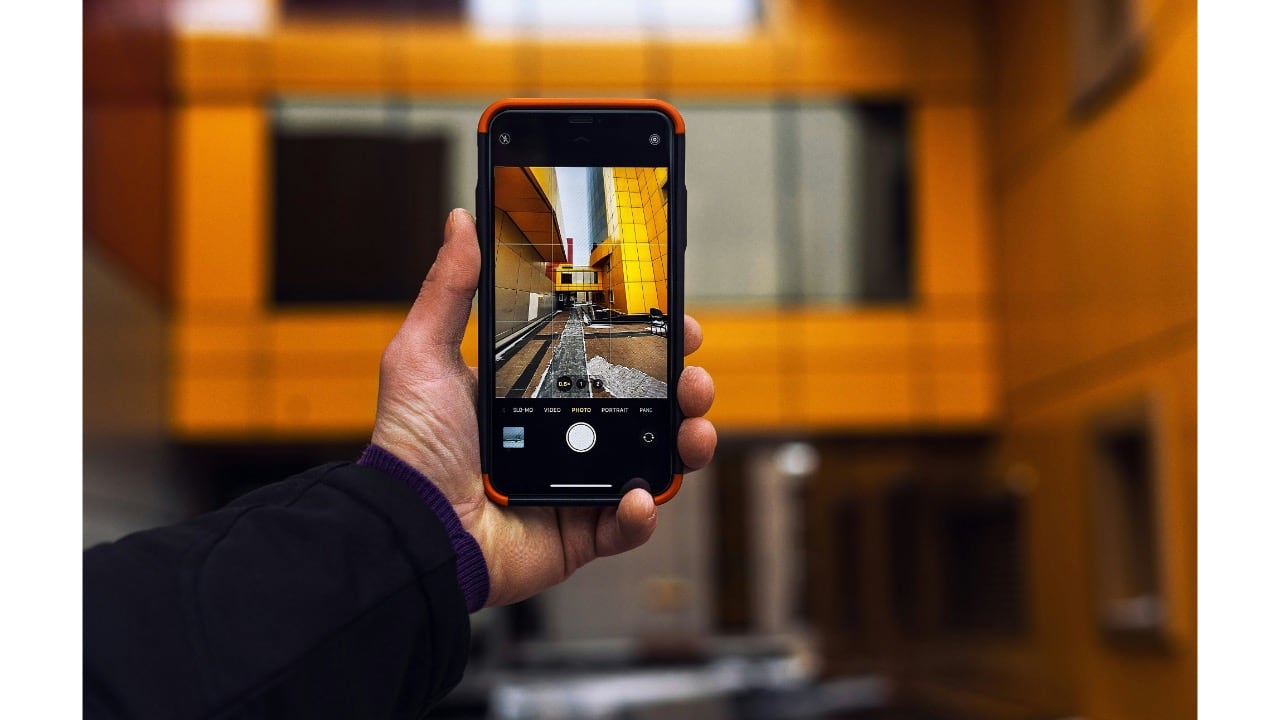
Switch cameras and styles
• Swap between rear and front cameras, ideal for selfies or vlogs (requires iOS 18.1 or later).
• Change Photographic Styles, including Tone and Colour adjustments, for a more personal or professional look.
Discover the latest Business News, Budget 2025 News, Sensex, and Nifty updates. Obtain Personal Finance insights, tax queries, and expert opinions on Moneycontrol or download the Moneycontrol App to stay updated!



