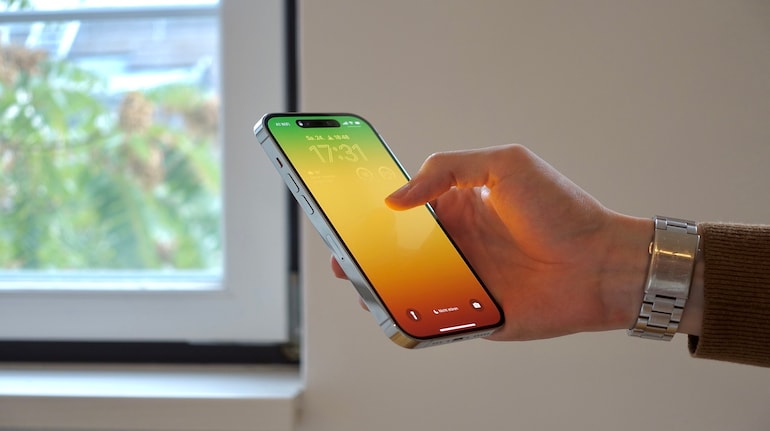
Apple updated the Health app on iPhone to offer more features and functions to help users manage and track their health more precisely. One such feature is the ability of the iPhone to track the step count even when the user is not wearing the Apple Watch or any other fitness-tracking device.
The feature relies on the iPhone’s built-in Pedometer and offers users the data of the total number of steps they’ve walked in a day. Users also get the option to see the step count details based on day, week month and even year.
If you are wondering how the iPhone’s step-counting feature works and how to enable it, here’s our step-by-step guide.
Pre-requisite
An iPhone with iOS 18 or newer version
The latest version of the Apple Health app (comes pre-installed)
How to enable iPhone step-counting feature
To enable the step counting feature on iPhone, you have to make sure that the Health app is set up properly.
For this, update your Health app and then open the app.
Enter the necessary details and create your profile by entering your name, age, height, weight, etc
Once done, you’ll be taken to the homepage of the Health app.
Now, look for the Steps tab and tap on it
The tab itself will indicate how many steps you’ve done today. Tapping it expands it and offers more detailed information based on month, year and week.
That’s it! You can simply keep your iPhone in your pocket and it will measure the steps for you without the Apple Watch.


Discover the latest Business News, Sensex, and Nifty updates. Obtain Personal Finance insights, tax queries, and expert opinions on Moneycontrol or download the Moneycontrol App to stay updated!
Find the best of Al News in one place, specially curated for you every weekend.
Stay on top of the latest tech trends and biggest startup news.