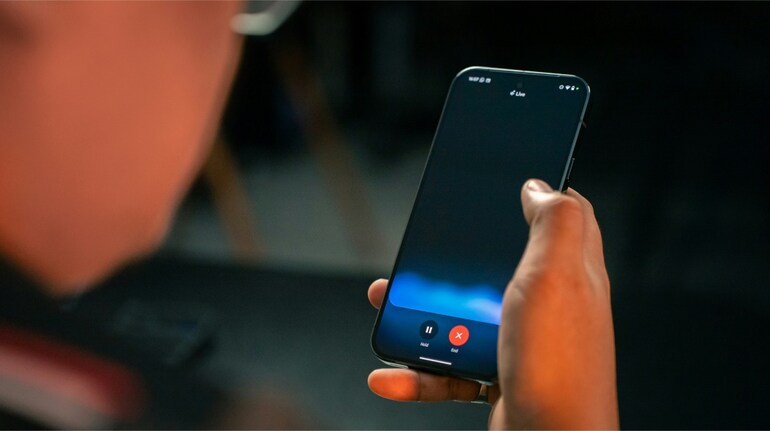
Google’s Gemini Live is finally delivering on one of its most useful promises — direct access to your personal Google apps in the middle of a conversation. After a slow rollout that began in late June, the feature is now widely available on Android and iOS, letting you interact with Google Keep, Tasks, Calendar, and Maps in real time.
First announced at Google I/O 2025 in May, this upgrade moves Gemini Live from being a purely general-knowledge assistant to a tool that can tap into your own data. You can now create Calendar events, set or view Tasks reminders, and add notes to Keep without leaving the conversation. Google Maps integration makes it just as easy to pull up place details.
Samsung users get an extra perk — integration with Samsung Calendar, Notes, and Reminders. The experience is designed to be seamless: a small “chip” appears above the fullscreen controls showing the app name and a loading ring, while certain actions, like creating a list, include an “Undo” button for quick reversals.
The commands are flexible. You can directly name the app (“Add a note in Keep”) or make a natural request like “Do I have any reminders today?” Gemini Live will figure out the context. This works alongside its existing video and screen sharing features, so you could, for example, spot a date on your screen during a meeting and instantly schedule it in Calendar.
Google had teased the capability in its first “Gemini Drop” in mid-July, but it wasn’t widely available then.


Discover the latest Business News, Sensex, and Nifty updates. Obtain Personal Finance insights, tax queries, and expert opinions on Moneycontrol or download the Moneycontrol App to stay updated!
Find the best of Al News in one place, specially curated for you every weekend.
Stay on top of the latest tech trends and biggest startup news.