- My Alerts
- Go Ad-Free
-
My Account












Five Windows keyboard shortcuts you should know in 2026
As Windows continues to evolve with a focus on productivity, multitasking, and system stability, keyboard shortcuts remain one of the simplest ways to work faster. In 2026, several Windows shortcuts stand out for everyday use, whether you are working, studying, or troubleshooting. Here are five Windows keyboard shortcuts that are especially useful right now.




1/6

Win + A: Quick Settings access
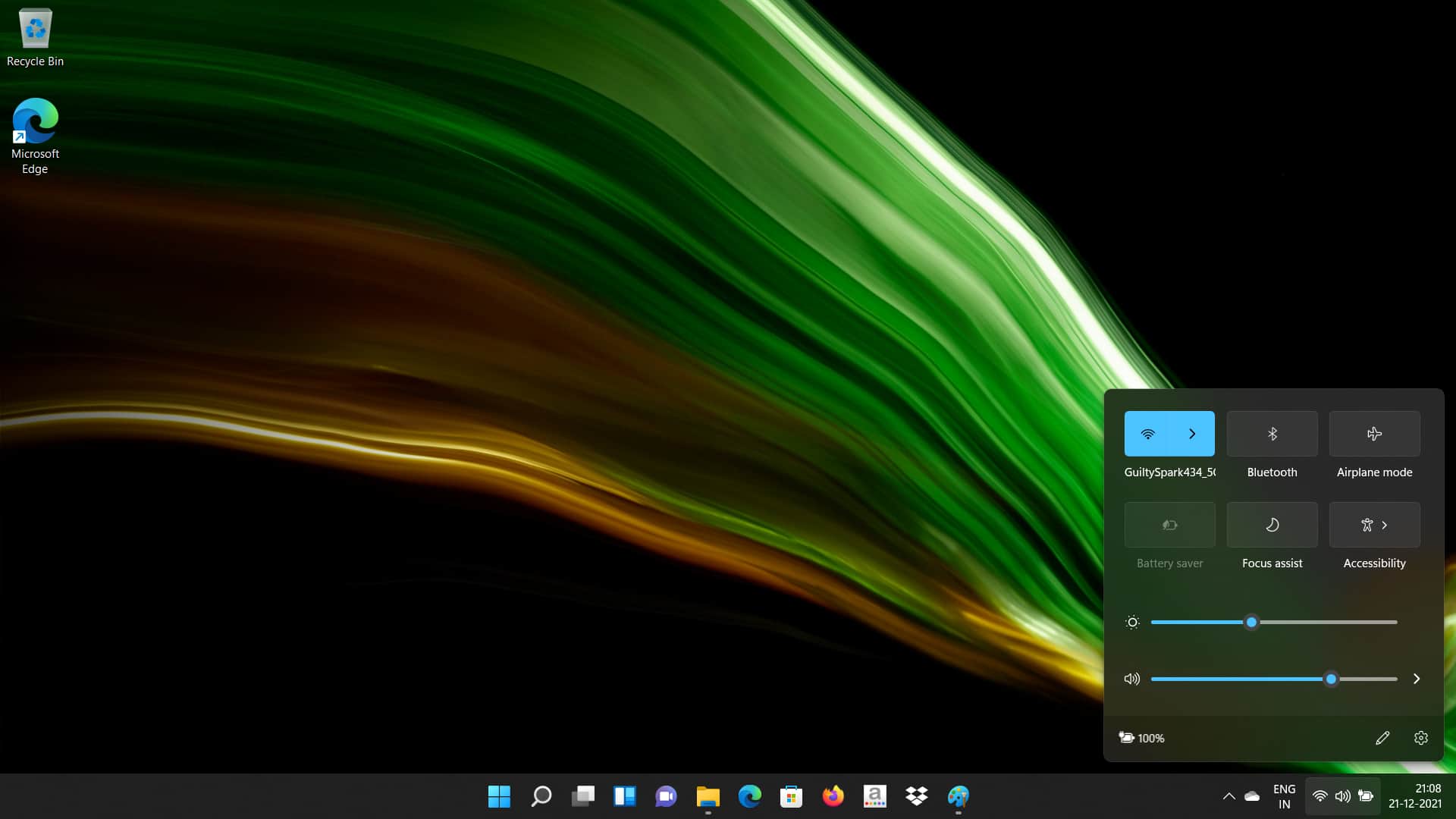
Pressing Win + A opens the Quick Settings panel. This menu provides direct access to Wi-Fi, Bluetooth, airplane mode, volume, brightness, and battery-related controls. Instead of navigating through the full Settings app, users can toggle commonly used system options instantly, making it useful during meetings, travel, or frequent network changes.
Pressing Win + A opens the Quick Settings panel. This menu provides direct access to Wi-Fi, Bluetooth, airplane mode, volume, brightness, and battery-related controls. Instead of navigating through the full Settings app, users can toggle commonly used system options instantly, making it useful during meetings, travel, or frequent network changes.
2/6
Win + Z: Snap Layouts for multitasking
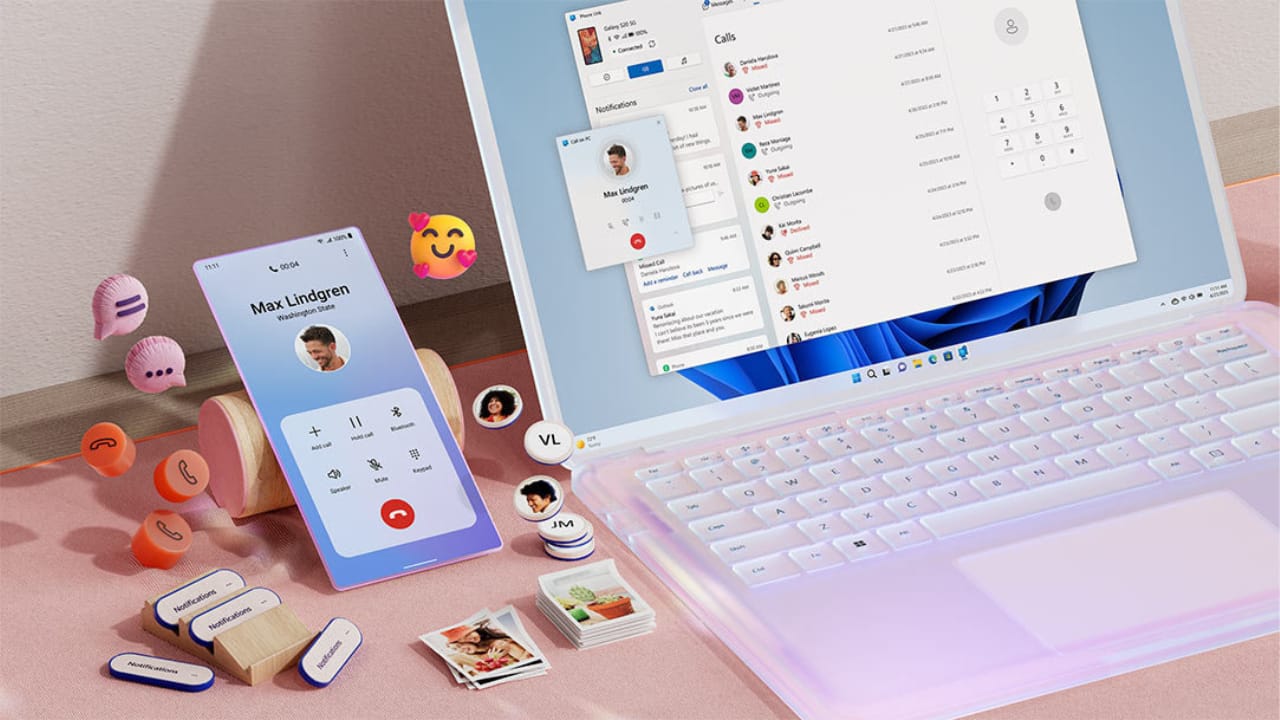
Win + Z brings up Snap Layouts, allowing users to arrange open apps in predefined layouts. This shortcut is particularly helpful on large monitors and laptops with high-resolution displays. It makes managing multiple windows easier when working on documents, browsing, or comparing files side by side.
Win + Z brings up Snap Layouts, allowing users to arrange open apps in predefined layouts. This shortcut is particularly helpful on large monitors and laptops with high-resolution displays. It makes managing multiple windows easier when working on documents, browsing, or comparing files side by side.
3/6
Win + Shift + S: Screenshot and snipping tool
This shortcut launches the Snipping Tool overlay, letting users capture a specific area, a window, or the entire screen. Screenshots are copied directly to the clipboard and can be edited or shared immediately. It is useful for work documentation, tutorials, and quick visual sharing.
This shortcut launches the Snipping Tool overlay, letting users capture a specific area, a window, or the entire screen. Screenshots are copied directly to the clipboard and can be edited or shared immediately. It is useful for work documentation, tutorials, and quick visual sharing.
4/6

Win + Ctrl + D: Create a new virtual desktop
Win + Ctrl + D creates a new virtual desktop. Virtual desktops help separate tasks such as work, personal use, and research. This shortcut is useful for users who keep many apps open and want to avoid clutter on a single desktop.
Win + Ctrl + D creates a new virtual desktop. Virtual desktops help separate tasks such as work, personal use, and research. This shortcut is useful for users who keep many apps open and want to avoid clutter on a single desktop.
5/6
Win + Ctrl + Shift + B: Reset graphics driver
This shortcut restarts the graphics driver when the display freezes, flickers, or goes blank. It is helpful for gamers, designers, and users working with graphics-heavy applications, often resolving display issues without restarting the system.
This shortcut restarts the graphics driver when the display freezes, flickers, or goes blank. It is helpful for gamers, designers, and users working with graphics-heavy applications, often resolving display issues without restarting the system.
6/6

Why these shortcuts matter in 2026
With Windows increasingly optimized for multitasking and efficiency, knowing these shortcuts can reduce reliance on the mouse, save time, and improve overall workflow. They are simple to remember and practical for everyday use, making them worth mastering this year.
With Windows increasingly optimized for multitasking and efficiency, knowing these shortcuts can reduce reliance on the mouse, save time, and improve overall workflow. They are simple to remember and practical for everyday use, making them worth mastering this year.
Discover the latest Business News, Budget 2025 News, Sensex, and Nifty updates. Obtain Personal Finance insights, tax queries, and expert opinions on Moneycontrol or download the Moneycontrol App to stay updated!



