






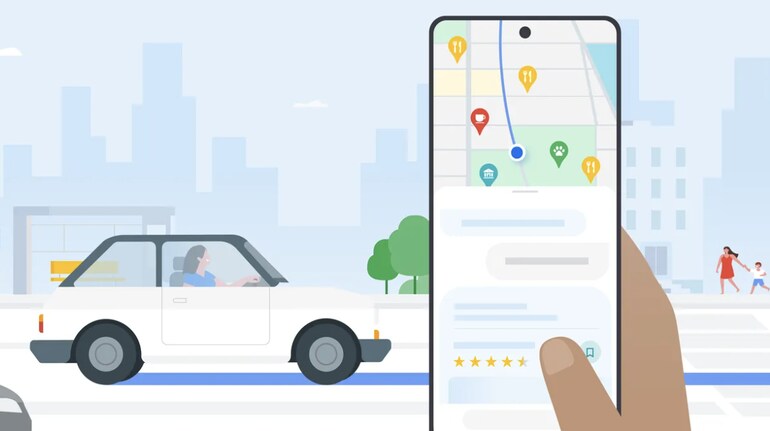
Electric vehicles are growing in the Indian automobile market. With more options like Hyundai Creta EV, Mahindra BE6 and Maruti Suzuki e-Vitara set to enter the market later this year, chances are more people will move towards electric vehicles.
So, whether you happen to own one or are planning to buy a new electric car and use Google Maps as your go-to navigation app, then it is important to set it up for EVs.
For this, you are supposed to make necessary changes within the Maps settings and enter a few details related to your EV to optimise it further to suit your needs as an EV owner.
Why doing this is important
Google has recently added several new EV-centric features to the Maps app to make it easier for users to find the charging stations, locate the most efficient routes, prefer routes that have the most charging stations and even create a dedicated profile for your car to make things further simpler.
Configuring your EV settings in Google Maps provides tailored directions, access to EV-friendly routes, and real-time availability of compatible charging stations. By connecting your vehicle to the app, you enhance your navigation experience and reduce range anxiety.
How to setup Google Maps for your electric vehicle
Well, there are several steps included in order to completely optimise the Maps app for electric vehicles. Starting with creating a profile to finding charging stations and more, here’s everything that you need to change in Google Maps app.
Create a Vehicle profile
Open the Google Maps app
Tap your profile picture or initial in the top-right corner of the screen, then select Settings.
Scroll to find Your vehicle under the Settings menu.
For fully electric vehicles, select Electric.
For plug-in hybrids primarily powered by electricity, also choose Electric and configure fuel options as needed.
Add Compatible plugs and adapters
Specify the plug types compatible with your EV to refine your charging station search.
Update vehicle profile while navigating
Enter your destination in Google Maps and tap Directions.
At the top-right corner of the screen, tap More (three dots) and then select Options.
Select Engine Type
Under Your vehicle, update the settings to reflect your EV.
Steps to find EV charging stations on Maps
Search for Charging Stations
In the search bar, type charging stations to view nearby options.
Filter by Plug type
Under EV plugs, select Your plugs to filter results to charging stations compatible with your EV. If you haven’t specified your plug type, you can choose Any Plugs to see all available stations.
Connect Your EV with Google Maps
If Google Maps is built into your vehicle, connect it to your mobile app for seamless integration. This ensures your EV’s compatible plugs are automatically saved in your vehicle profile.
Access Connected Vehicles
In the Google Maps app, go to Settings > Your vehicle.
Under Connected Vehicles, select your EV from the list of options.


Discover the latest Business News, Sensex, and Nifty updates. Obtain Personal Finance insights, tax queries, and expert opinions on Moneycontrol or download the Moneycontrol App to stay updated!
Find the best of Al News in one place, specially curated for you every weekend.
Stay on top of the latest tech trends and biggest startup news.











