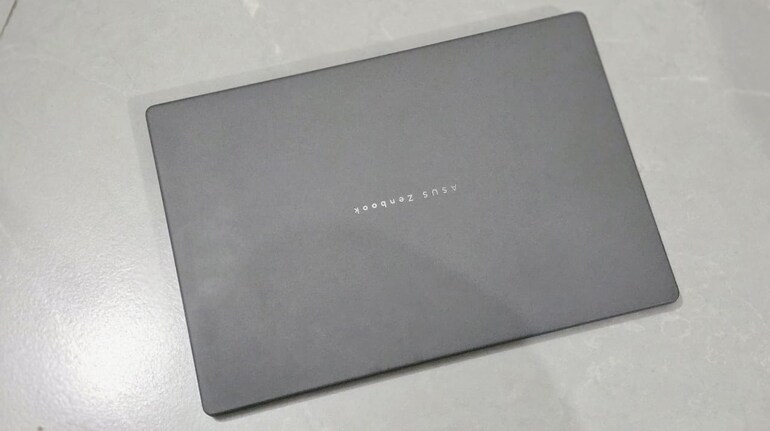
When Asus first announced the Zenbook A14 – two things caught my attention – the Snapdragon X chipset and obviously 980g weight. Now, Asus and weight management has always been impressive – but less than 1 kg – was insane and perhaps the lightest laptop money can buy today. But, I was more skeptical about its long-term sustainability and to clear the air, I decided to give it a try for far longer than my usual review period and during this time period –my thoughts were to check its practical aspect and not what benchmarks and numbers say.
So, before I start with the details, let me explain my daily usages. Well, it is as simple as it gets. Writing a lot of stories – like this one, listening to music, browsing (lots of them) so much so, you can find at least 30-50 tabs opened at a time on Microsoft Edge, Comet and even OpenAI’s Atlas. And, some gaming too – casual ones – on a busy day. Using AI tools – testing them for new features, its capabilities, etc also among the daily chores. I also tend to use Photoshop and Premiere Pro at times for editing photos and videos.
All-in-all, it's a lot for a laptop to handle. The question is – how well the Zenbook A14 handles all of these things on a daily basis? Does it struggle or gets the job done without breaking a sweat.
Let’s begin with the Performance part – after all that’s the most important aspect here.
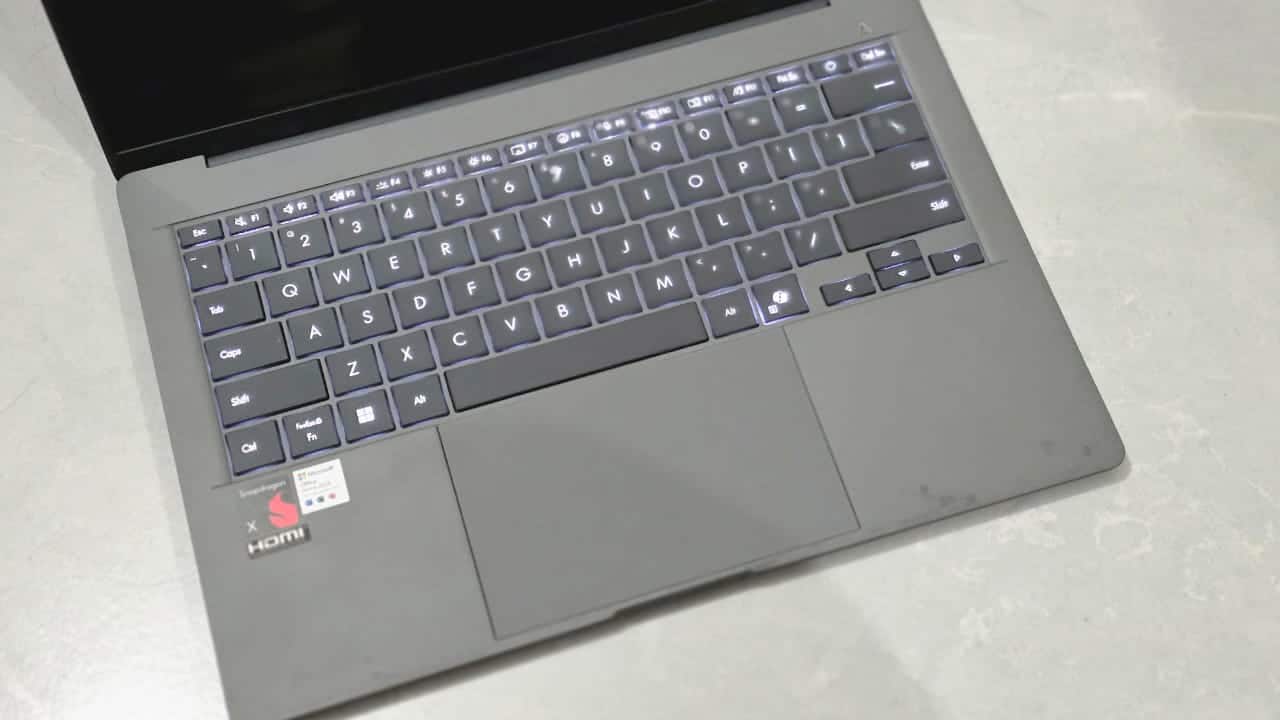
Now that you are well versed with the usage, the Zenbook A14 manages to handle most of the tasks without an issue. Even after multiple tabs opened at the same time with multiple browsers running, I never ran into a problem here. The laptop remains smooth and keeps going. The fans kick in at times to keep the temperature in check and keep the process going. Day-by-day, the laptop turned on without any issue – wake up and sleep – is quick and there’s no any notable lag or delay.
 Asus Zenbook A14 review
Moving on, I tried to push the machine to its limits by adding some additional tasks like editing a photo in Photoshop and still the A14 managed to handle it without any issues. Add some music in the background – still no problem. Add games – lightweight ones – works.
Like every processor, the Snapdragon X Elite also has its limits. And, this is where things might feel a little out of place for some people. The laptop struggles – when one tries to do several demanding tasks – like editing a high resolution photo and some 4K video at the same time. But, that’s something most laptops will struggle doing in one go.
The Zenbook A14 is a thin and light machine that’s primarily designed for daily stuff like editing, browsing, and entertainment. And, all of those things it handles pretty well and that too without any issues.
 Asus Zenbook A14 review
Another thing that I noticed is about gaming. Well, if you want to game – triple-A titles – then first this is the wrong laptop to look at. But, you can play some games at relatively good frame rates and the ones that are available in Microsoft Store.
Then there's the app optimization situation. Considering that the Windows on ARM is still new, there are apps that are being made available with a good level of optimisation. Browsers are available, major apps like Adobe suite, etc are also available and even conferencing app are now optimised too. And, the apps that do not work on ARM can work with the emulation. Although, there can be some occasional hiccups here and there but they works and the app situation is so much better now.
Overall, the Zenbook A14's performance settles into a consistent, real-world pattern: smooth for daily workflows, adequate for occasional heavier tasks.
Another major aspect of the Zenbook A14 is the battery life. While Snapdragon X Elite is good at performance, it is also an efficient chip and that makes A14 an efficient machine overall. And, if your complaint has been the battery life, the A14 will solve it. The machine genuinely lasts the entire workday and more—even with its OLED panel. Through long-term testing conditions such as streaming, document work, browsing and lighter multitasking, the laptop regularly pushes beyond 17 hours on a single charge.
This drastically changes how you work:
You stop carrying the charger.
You stop checking battery percentages obsessively.
You stop planning your day around power outlets.
What stays with you after months of use isn’t the novelty of the Ceraluminum chassis but its durability. You stop thinking about the weight altogether—980grams doesn’t feel like a number; it becomes the reason you toss it into a backpack without a second thought. What’s surprising is how sturdy the laptop still feels despite the almost unrealistic thinness. Many ultralight laptops show some flex points over time, especially around the keyboard deck or hinge, but the A14’s rigidity holds up impressively. It doesn’t creak, bend or feel fragile in day-to-day use.
The hinge stays tight enough after long-term use, avoiding the looseness that plagues lighter laptops. You can open it with one hand, but it doesn’t wobble when typing.
 Asus Zenbook A14 review
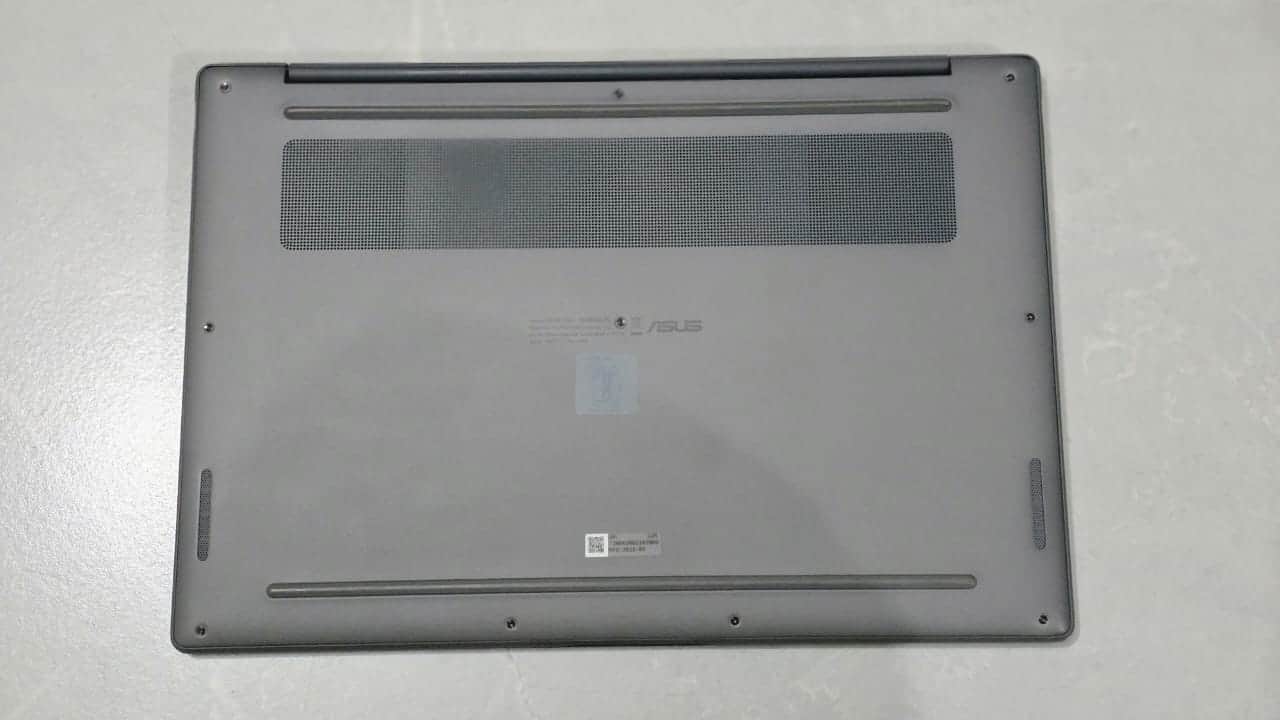
Heat distribution is another underrated but important design aspect. Even though the Snapdragon X chip inside isn’t a furnace, the machine manages warmth efficiently and remains comfortable on the lap, making it ideal for travel or sofa work.
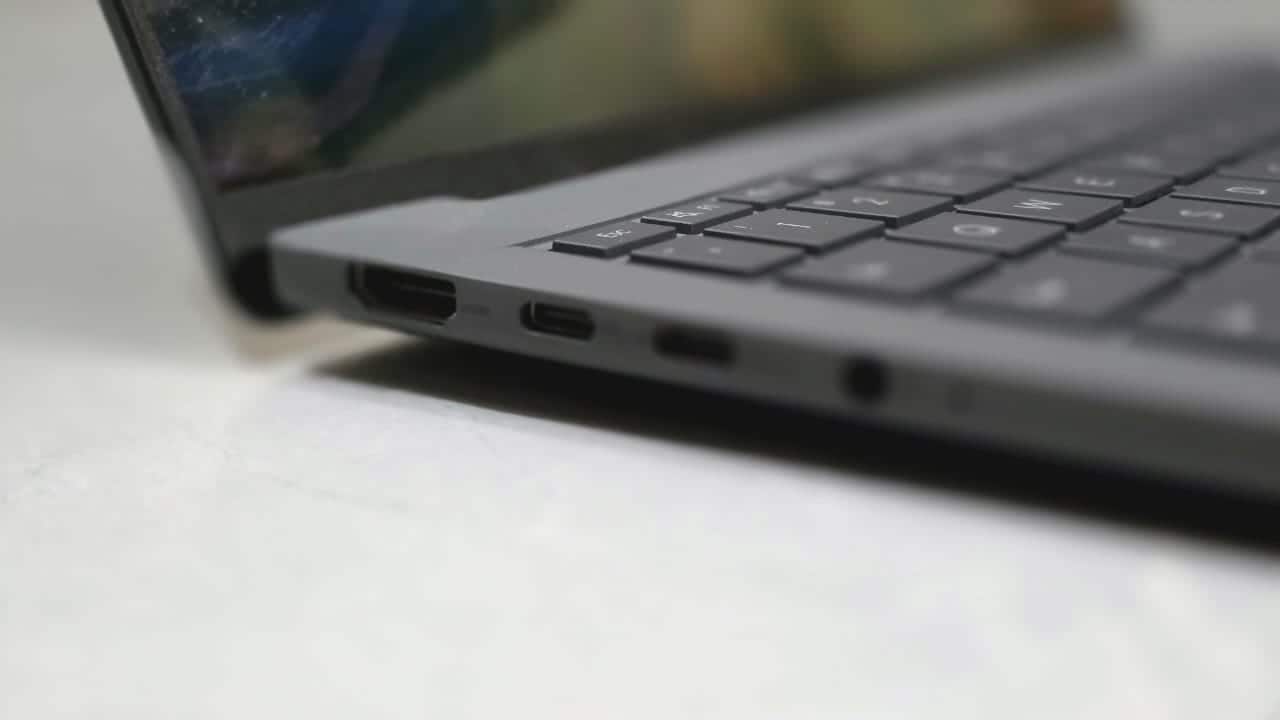
Port selection matters much more over time than it does during unboxing videos. With two USB-C ports, one USB-A, HDMI 2.1, and combo audio, the Zenbook A14 avoids dongle-dependence.
Also, it charges via Type-C port that makes it more usable anywhere as you can charge it with practically any high speed charger.
This is a Copilot Plus PC, and that label is not merely decorative. The on-device NPU and Windows AI features actually influence long-term usage patterns, depending on the kind of user you are.
Windows Recall is useful if you are willing to use it. Then the generative assistance for rewriting, summarising and drafting text. AI-powered search in system apps. Background blur, cleanup and voice clarity in calls that run directly on the laptop. Local photo object detection, tagging and organisation, etc. They run locally on the device and the device manages to handle them without any issues. This also ensures privacy, faster responses, less battery drain, less reliance on the internet.
And, if you are one of those users who download apps or use AI features on the web, then there’s no issues there as well.
Over months, these enhancements subtly shift how you interact with Windows. Quick edits, smarter search, faster call quality improvements—many AI touches become invisible helpers rather than headline features.
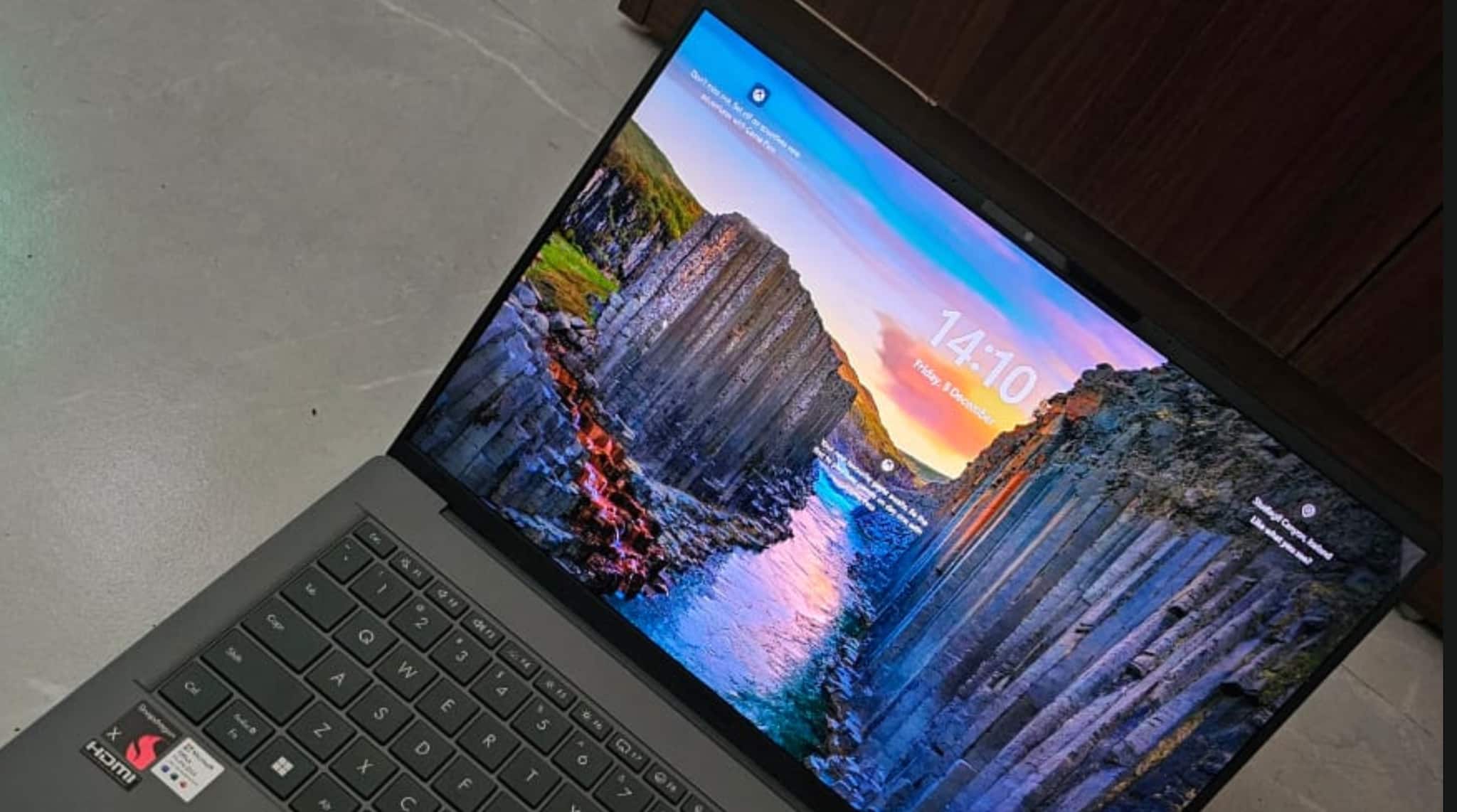
The OLED screen is vibrant and comfortable to use for long hours, with excellent contrast and deep blacks. Over months, it remains a highlight, especially for media consumption and reading. However, there are some things that could have been better. For instance, the speakers remain average. They’re usable but never impressive.
 Asus Zenbook A14 review
From a long-term perspective, the Asus Zenbook A14 is not a laptop for benchmark chasers or games or creators who push hardware limits. It’s a machine designed for people who value the things that actually matter like weight, excellent battery life, quiet operation, durability and most importantly productivity.
Simply put, If your use includes:
Work from anywhere
Writing, reading, spreadsheets, calls
Reliance on AI features
A preference for a super-light laptop that doesn’t feel fragile
…then the Zenbook A14 is one of the most dependable Copilot Plus PCs you could live with.
For everyday productivity and mobility, the long-term story is simple: it just works, it lasts absurdly long on battery, and it stays out of your way.


Discover the latest Business News, Sensex, and Nifty updates. Obtain Personal Finance insights, tax queries, and expert opinions on Moneycontrol or download the Moneycontrol App to stay updated!
Find the best of Al News in one place, specially curated for you every weekend.
Stay on top of the latest tech trends and biggest startup news.