- My Alerts
- Go Ad-Free
-
My Account












6 MacBook Air tips to know in 2025
These essential MacBook Air tips for 2025 help you optimise battery life, boost productivity, personalise your workflow, and make the most of Apple’s latest AI-powered macOS features.




1/6
Use Apple Intelligence for smarter workflows
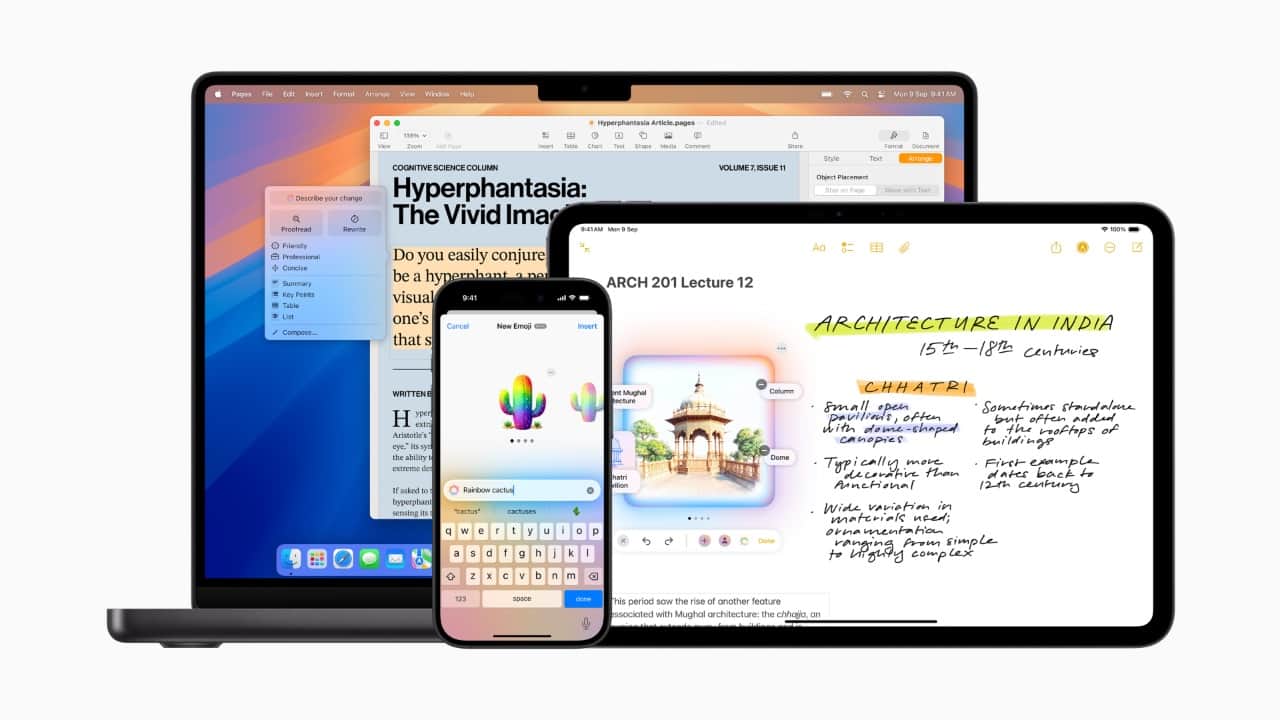
With macOS Sequoia and newer models supporting Apple Intelligence, the MacBook Air can now summarise documents, rewrite emails, organise notes, and surface relevant files automatically. Using system-wide writing tools and on-device intelligence improves productivity without sending data to the cloud. Enable these features in System Settings → General → Apple Intelligence.
With macOS Sequoia and newer models supporting Apple Intelligence, the MacBook Air can now summarise documents, rewrite emails, organise notes, and surface relevant files automatically. Using system-wide writing tools and on-device intelligence improves productivity without sending data to the cloud. Enable these features in System Settings → General → Apple Intelligence.
2/6
Use iPhone Mirroring and Continuity upgrades
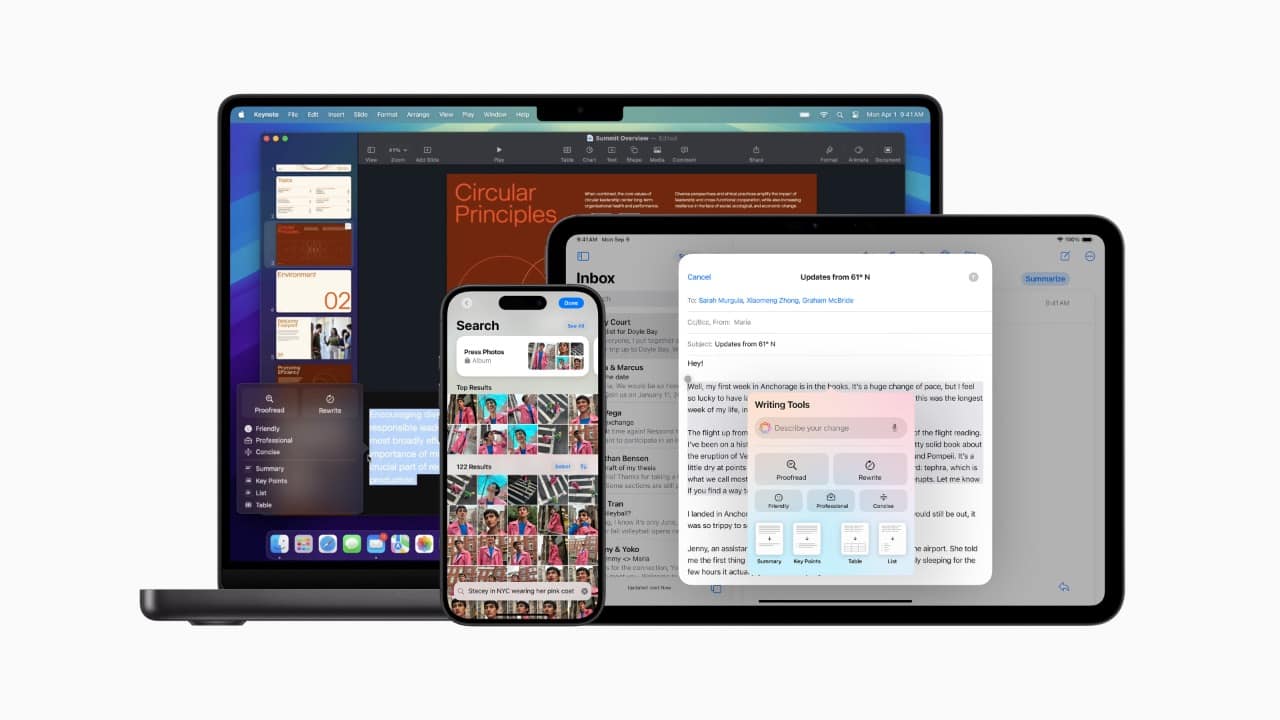
In 2025, iPhone Mirroring is far more advanced. You can drag files between your iPhone and MacBook Air, continue apps seamlessly, and even receive iPhone-only notifications directly on your Mac. If you frequently multitask across devices, ensure both are on the same Apple ID with Wi-Fi and Bluetooth enabled for smooth continuity.
In 2025, iPhone Mirroring is far more advanced. You can drag files between your iPhone and MacBook Air, continue apps seamlessly, and even receive iPhone-only notifications directly on your Mac. If you frequently multitask across devices, ensure both are on the same Apple ID with Wi-Fi and Bluetooth enabled for smooth continuity.
3/6
Optimise battery life with Adaptive Charging
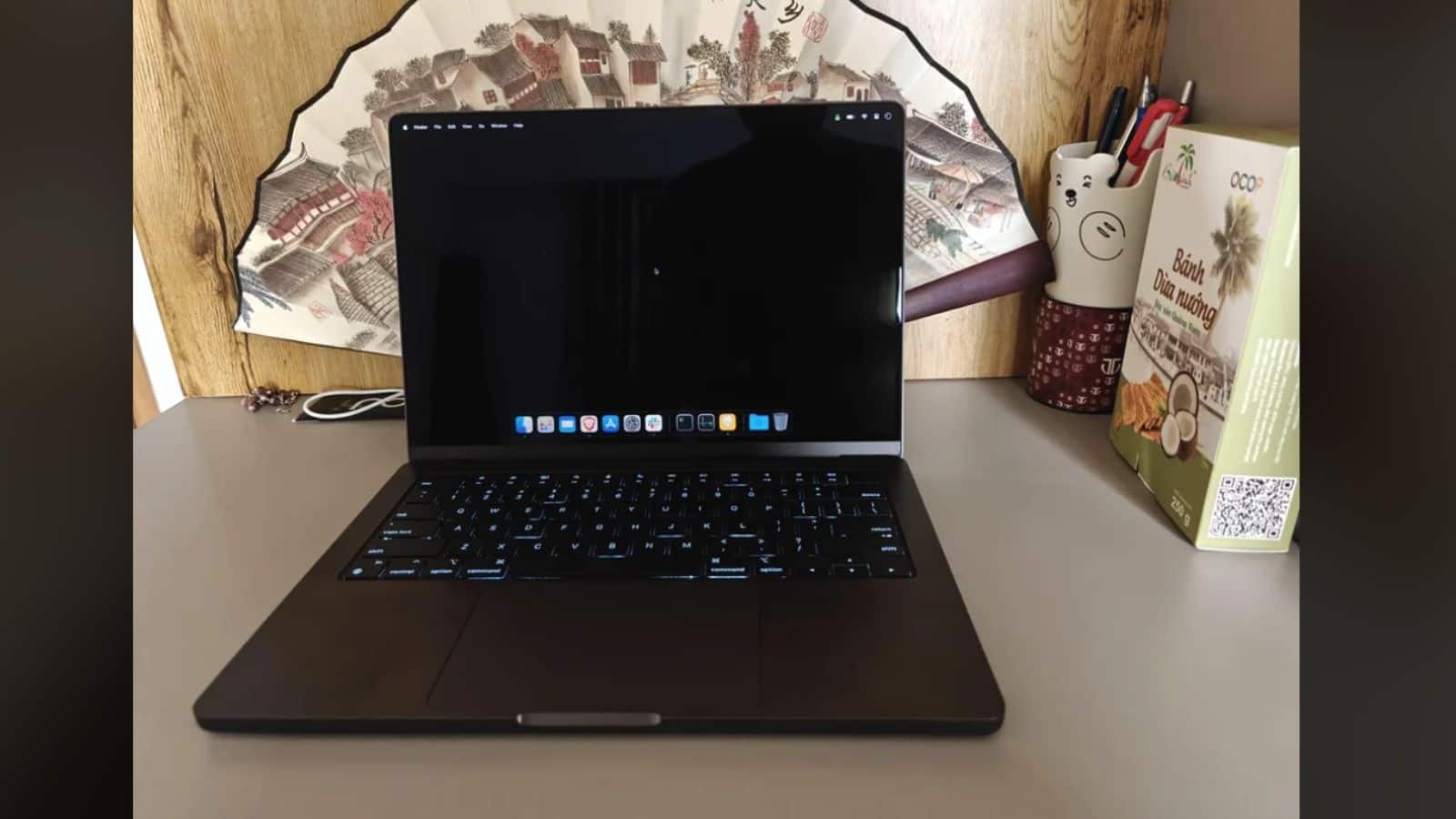
MacBook Air models now include enhanced adaptive charging that learns your routine and prevents the battery from staying at 100% for too long. This slows down long-term battery wear. Keep “Optimised Battery Charging” turned on in System Settings → Battery. Pair this with Low Power Mode for longer unplugged use.
MacBook Air models now include enhanced adaptive charging that learns your routine and prevents the battery from staying at 100% for too long. This slows down long-term battery wear. Keep “Optimised Battery Charging” turned on in System Settings → Battery. Pair this with Low Power Mode for longer unplugged use.
4/6

Use Stage Manager with external displays
The 2025 macOS update finally brings better multi-display support for Stage Manager, giving MacBook Air users cleaner window layouts when connected to an external monitor. You can drag apps between screens without breaking the layout, improving workflows for editing, coding, and research-heavy tasks. Use Mission Control settings to refine your setup.
The 2025 macOS update finally brings better multi-display support for Stage Manager, giving MacBook Air users cleaner window layouts when connected to an external monitor. You can drag apps between screens without breaking the layout, improving workflows for editing, coding, and research-heavy tasks. Use Mission Control settings to refine your setup.
5/6

Use offline Siri and dictation
Siri now works offline for tasks like setting reminders, opening apps, managing files, and controlling system settings. This is useful when travelling or in low-network zones. Dictation is also faster and more accurate, letting you draft notes, emails, or documents hands-free. Enable voice features in Keyboard → Dictation.
Siri now works offline for tasks like setting reminders, opening apps, managing files, and controlling system settings. This is useful when travelling or in low-network zones. Dictation is also faster and more accurate, letting you draft notes, emails, or documents hands-free. Enable voice features in Keyboard → Dictation.
6/6
Manage storage with AI-powered cleanup tools
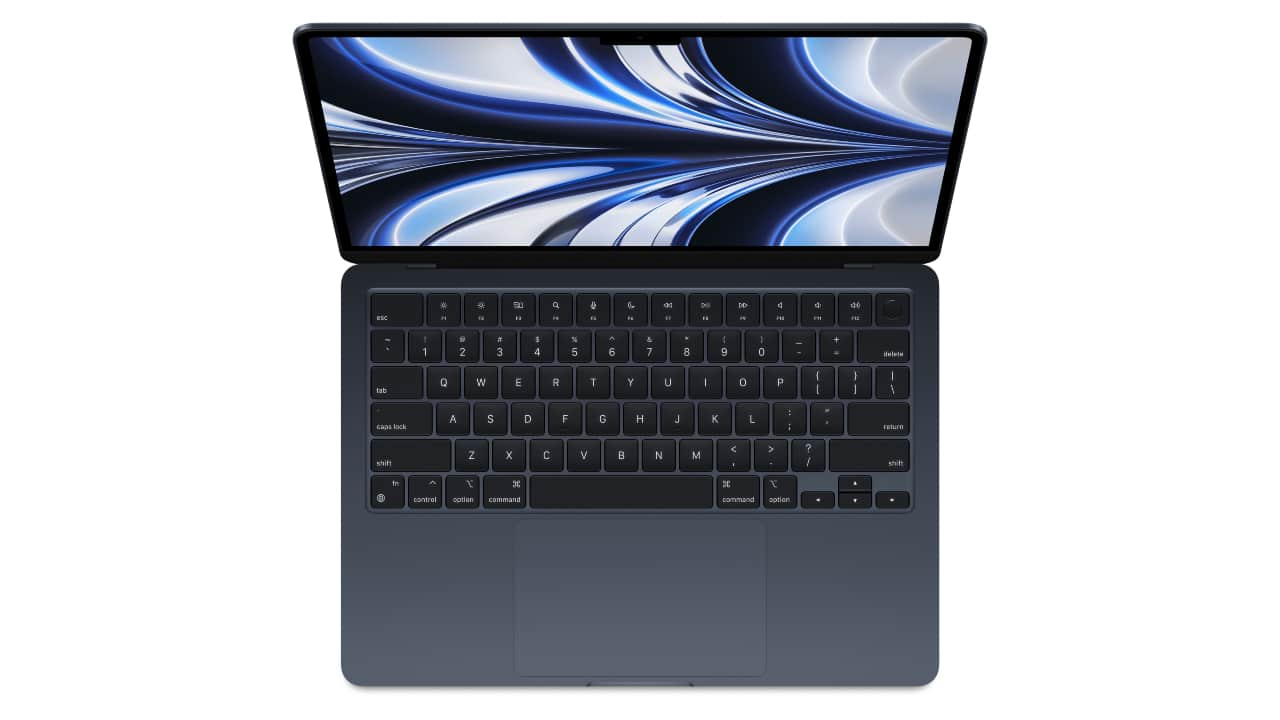
macOS now suggests apps, duplicate files, old downloads, and unused system caches that can be safely deleted. The AI-driven “Recommendations” panel provides a more accurate storage overview, especially useful for base 256GB MacBook Air models. Find it in System Settings → General → Storage.
macOS now suggests apps, duplicate files, old downloads, and unused system caches that can be safely deleted. The AI-driven “Recommendations” panel provides a more accurate storage overview, especially useful for base 256GB MacBook Air models. Find it in System Settings → General → Storage.
Discover the latest Business News, Budget 2025 News, Sensex, and Nifty updates. Obtain Personal Finance insights, tax queries, and expert opinions on Moneycontrol or download the Moneycontrol App to stay updated!



