-
My Account









5 Windows 11 keyboard shortcuts you must know in 2025
Windows 11 continues to evolve, and mastering its keyboard shortcuts can boost your productivity. Here are five essential shortcuts you should know in 2025.




1/5
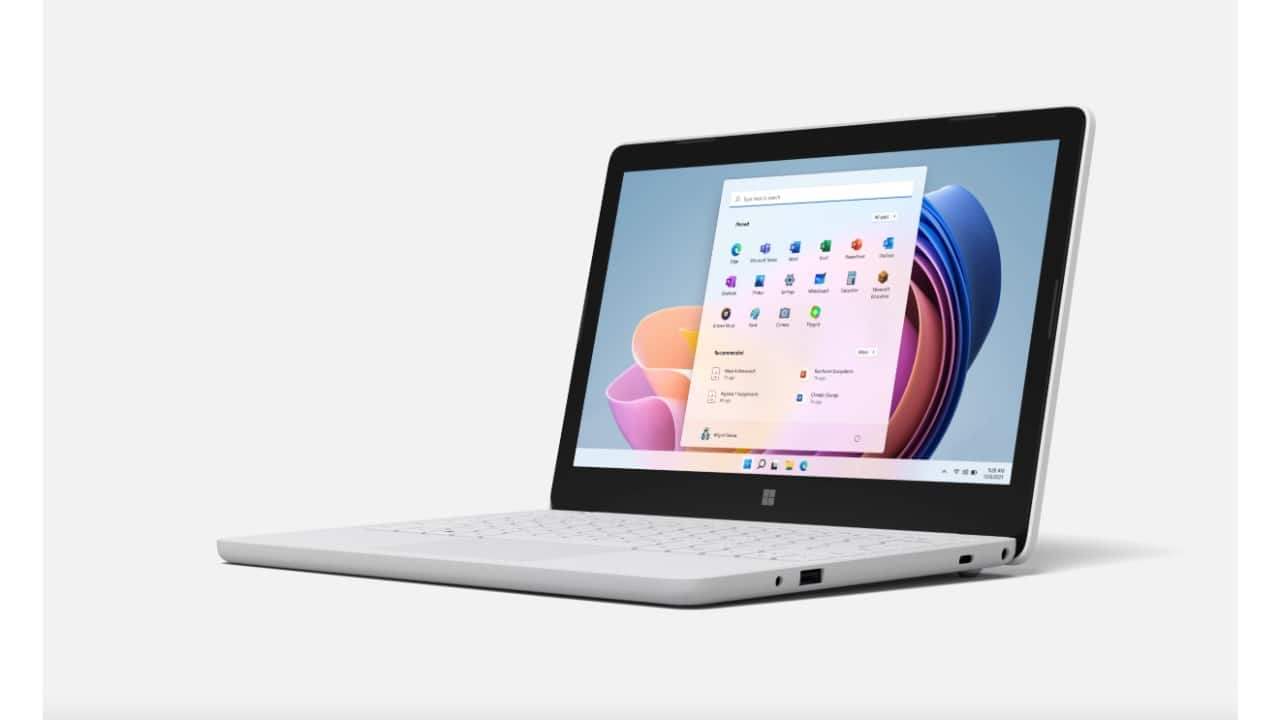
1. Win + W: Open Widgets
Pressing Win + W opens the Widgets panel, giving you quick access to news, weather, calendar, and other personalized content without disrupting your workflow.
Pressing Win + W opens the Widgets panel, giving you quick access to news, weather, calendar, and other personalized content without disrupting your workflow.
2/5
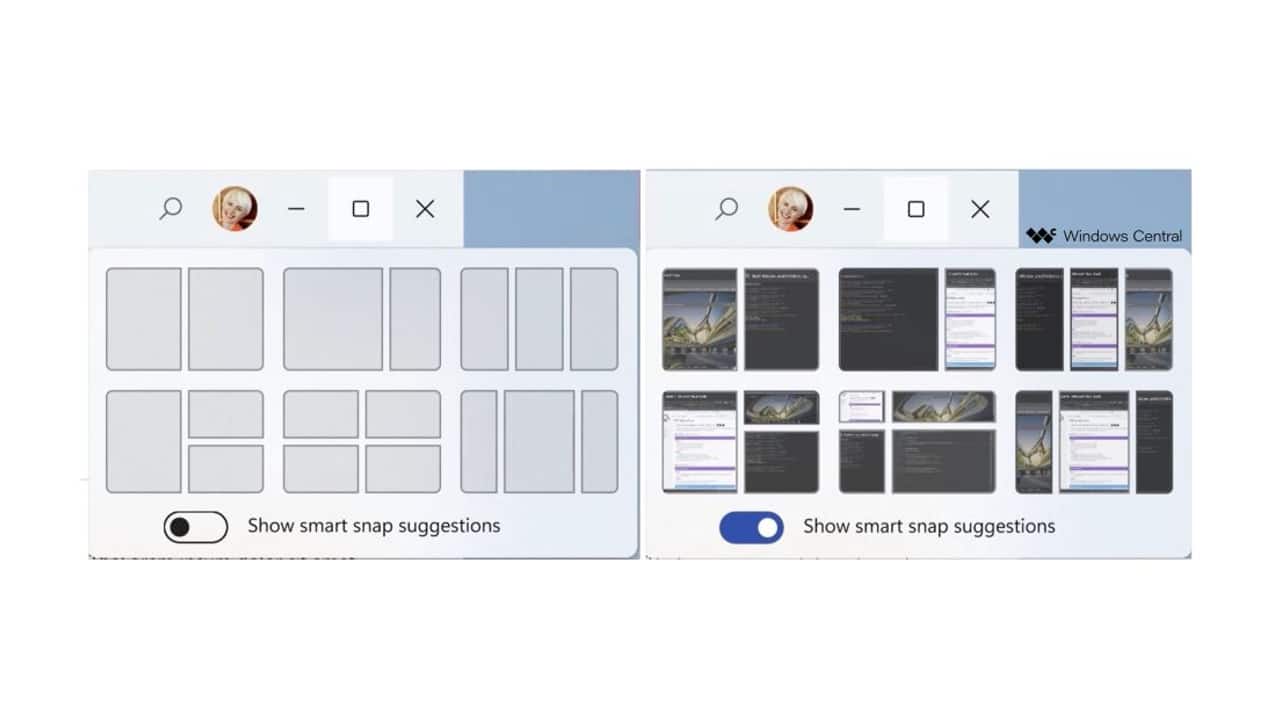
2. Win + Z: Snap Layouts
Windows 11 introduced Snap Layouts for multitasking. Press Win + Z to bring up different window arrangement options, making it easier to organize multiple apps on your screen quickly.
Windows 11 introduced Snap Layouts for multitasking. Press Win + Z to bring up different window arrangement options, making it easier to organize multiple apps on your screen quickly.
3/5

3. Win + N: Open Notification Center and Calendar
This shortcut opens the Notification Center along with the calendar. It helps you quickly check notifications, upcoming events, and system alerts without opening separate apps.
This shortcut opens the Notification Center along with the calendar. It helps you quickly check notifications, upcoming events, and system alerts without opening separate apps.
4/5

4. Win + A: Quick Settings
Press Win + A to access Quick Settings. You can adjust volume, brightness, Wi-Fi, Bluetooth, and other common settings right from the taskbar.
Press Win + A to access Quick Settings. You can adjust volume, brightness, Wi-Fi, Bluetooth, and other common settings right from the taskbar.
5/5

5. Win + Shift + S: Take a Snip
Windows 11’s snipping tool can be quickly activated with Win + Shift + S. Select the area of your screen to capture, which then copies to the clipboard for easy pasting or editing.
Windows 11’s snipping tool can be quickly activated with Win + Shift + S. Select the area of your screen to capture, which then copies to the clipboard for easy pasting or editing.
Discover the latest Business News, Budget 2025 News, Sensex, and Nifty updates. Obtain Personal Finance insights, tax queries, and expert opinions on Moneycontrol or download the Moneycontrol App to stay updated!



