- My Alerts
- Go Ad-Free
-
My Account












5 things to do before upgrading from your old iPhone to a new one
Upgrading to a new iPhone is exciting, but rushing the switch can mean losing data or missing out on a smoother setup. Here are five essential steps to tick off before making the jump.




1/5
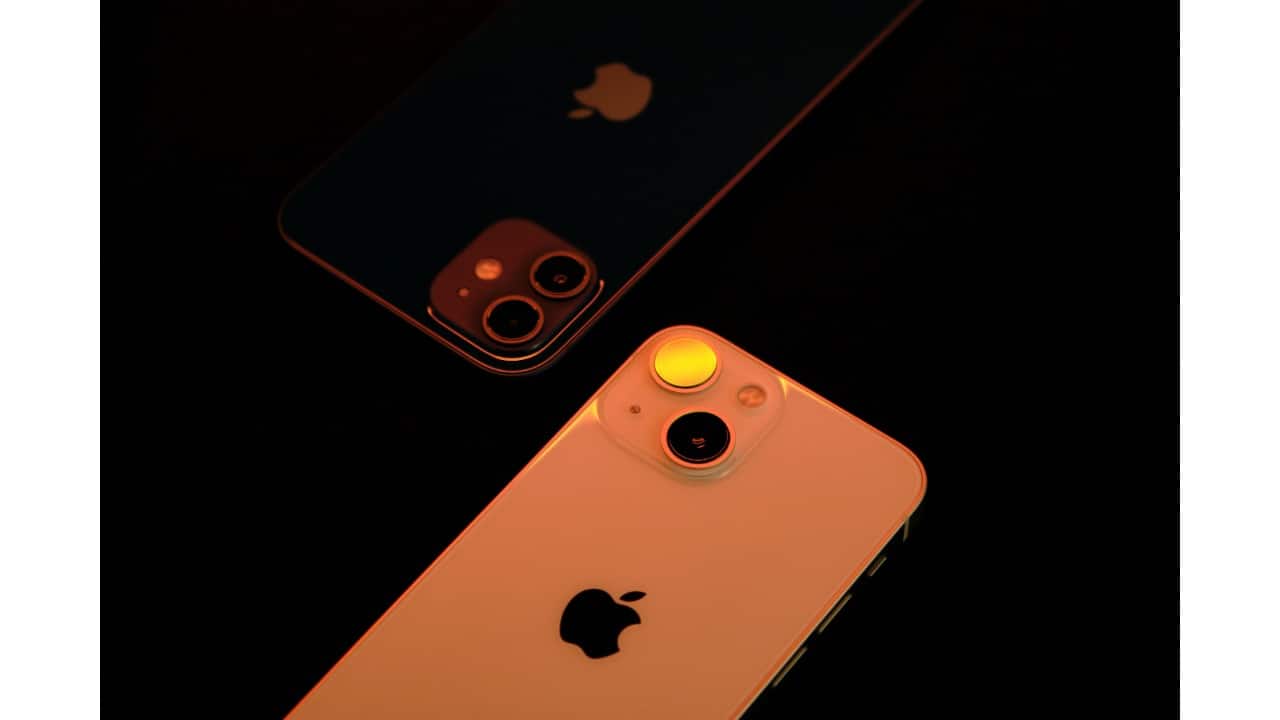
Back up everything
Before anything else, make sure your data is safe. Use iCloud for an automatic backup, or connect your iPhone to a Mac/PC via Finder or iTunes for a full copy. This ensures your photos, messages, and app data transfer seamlessly to the new device.
Before anything else, make sure your data is safe. Use iCloud for an automatic backup, or connect your iPhone to a Mac/PC via Finder or iTunes for a full copy. This ensures your photos, messages, and app data transfer seamlessly to the new device.
2/5
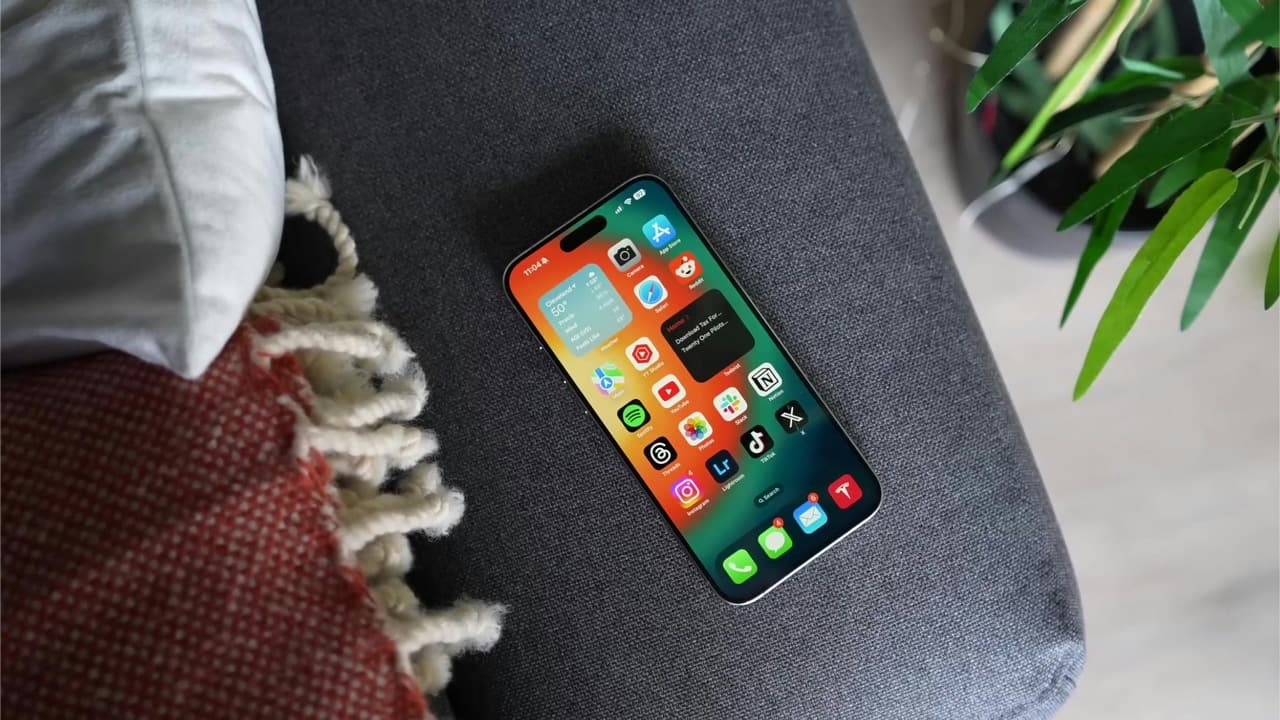
Update iOS and apps
Install the latest iOS version and update your apps. This helps avoid compatibility hiccups when restoring your backup on the new phone. It also makes the migration process faster and smoother.
Install the latest iOS version and update your apps. This helps avoid compatibility hiccups when restoring your backup on the new phone. It also makes the migration process faster and smoother.
3/5
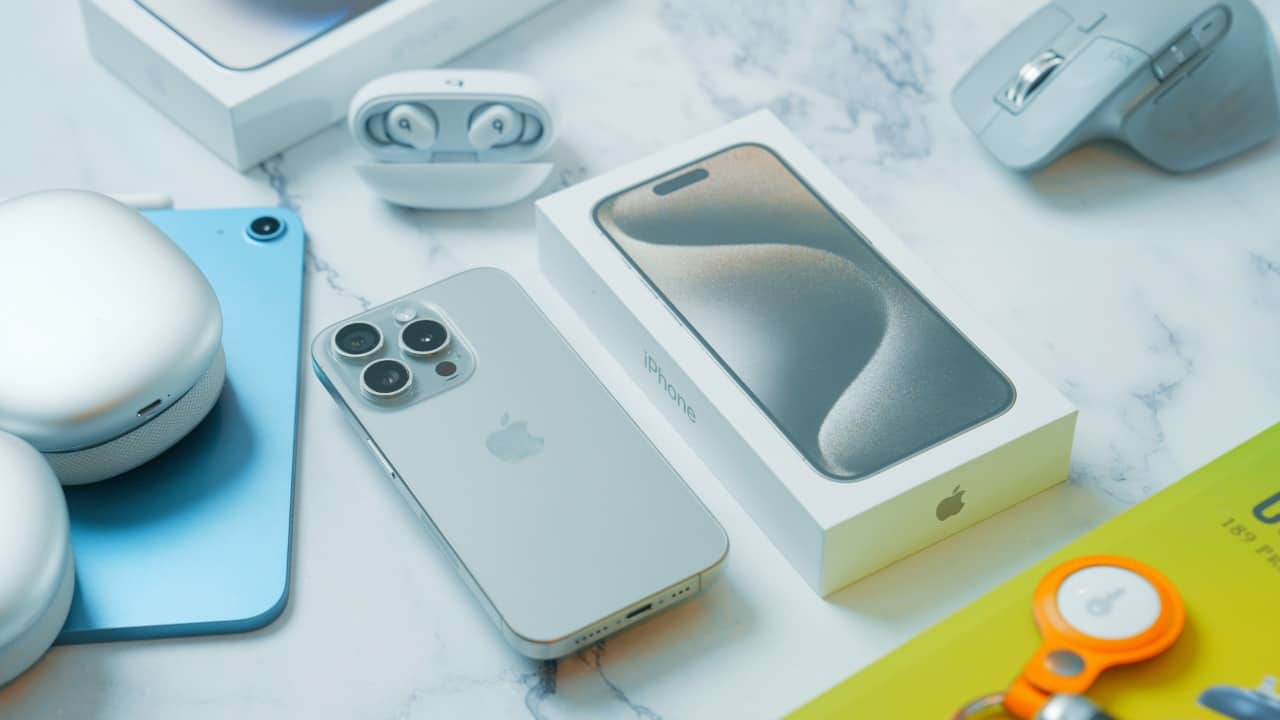
Unpair accessories
If you use an Apple Watch or AirPods, unpair them from your old iPhone. This automatically backs up your watch data and makes pairing with the new device hassle-free.
If you use an Apple Watch or AirPods, unpair them from your old iPhone. This automatically backs up your watch data and makes pairing with the new device hassle-free.
4/5
Manage accounts and passwords
Check your Apple ID settings, make sure two-factor authentication is enabled, and verify your saved passwords in iCloud Keychain. Logging out of services like iMessage or FaceTime can also prevent activation glitches.
Check your Apple ID settings, make sure two-factor authentication is enabled, and verify your saved passwords in iCloud Keychain. Logging out of services like iMessage or FaceTime can also prevent activation glitches.
5/5
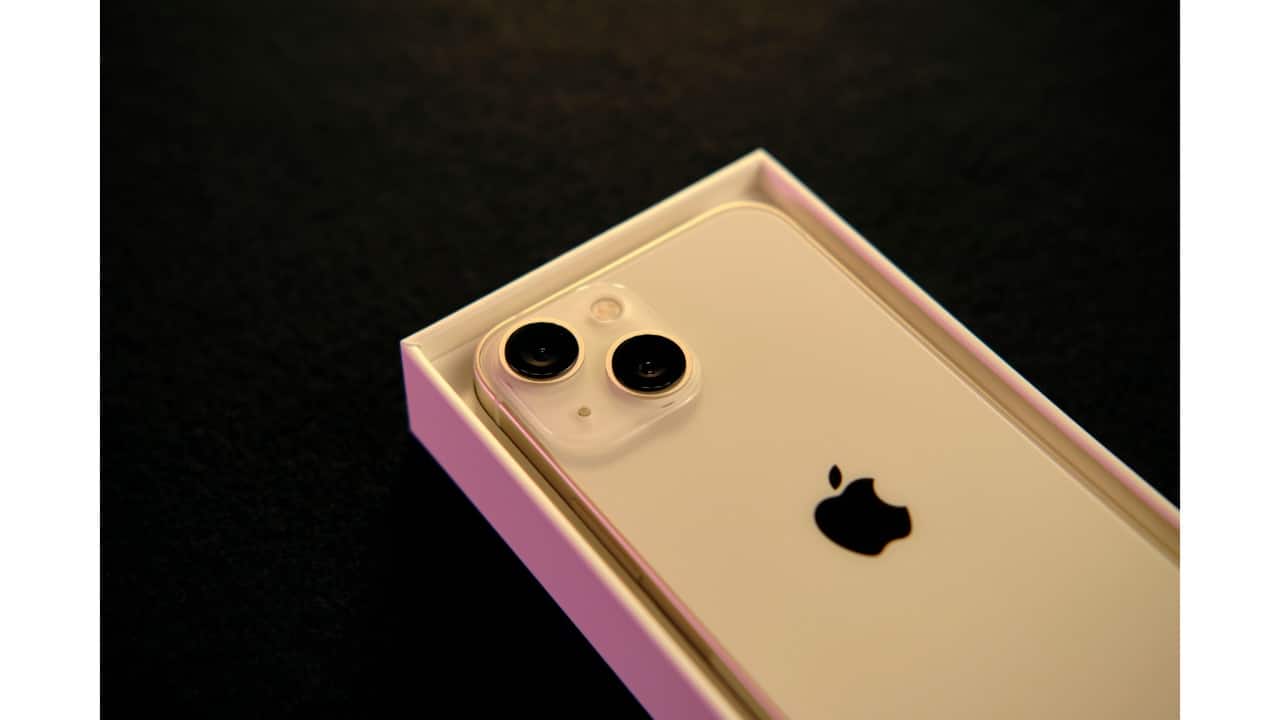
Wipe your old iPhone (after setup)
Once your new iPhone is up and running, erase all content and settings from your old device. This protects your privacy and preps the phone for trade-in, resale, or handing down.
Once your new iPhone is up and running, erase all content and settings from your old device. This protects your privacy and preps the phone for trade-in, resale, or handing down.
Discover the latest Business News, Budget 2025 News, Sensex, and Nifty updates. Obtain Personal Finance insights, tax queries, and expert opinions on Moneycontrol or download the Moneycontrol App to stay updated!



