- My Alerts
- Go Ad-Free
-
My Account












5 Google Photos tricks you should be using right now
Google Photos is more than just a gallery app — it’s packed with hidden features that make sharing, editing, and organising memories far easier. From QR codes to interactive maps, here are five smart tricks that can help you get more out of Google Photos.




1/5

Share albums instantly with a QR code
Instead of adding email IDs or phone numbers one by one, you can share albums using a QR code. Just create an album, tap the share button, and select “Show QR.” Anyone can scan it to view your photos, making it perfect for sharing at parties, group trips, or family events.
Instead of adding email IDs or phone numbers one by one, you can share albums using a QR code. Just create an album, tap the share button, and select “Show QR.” Anyone can scan it to view your photos, making it perfect for sharing at parties, group trips, or family events.
2/5
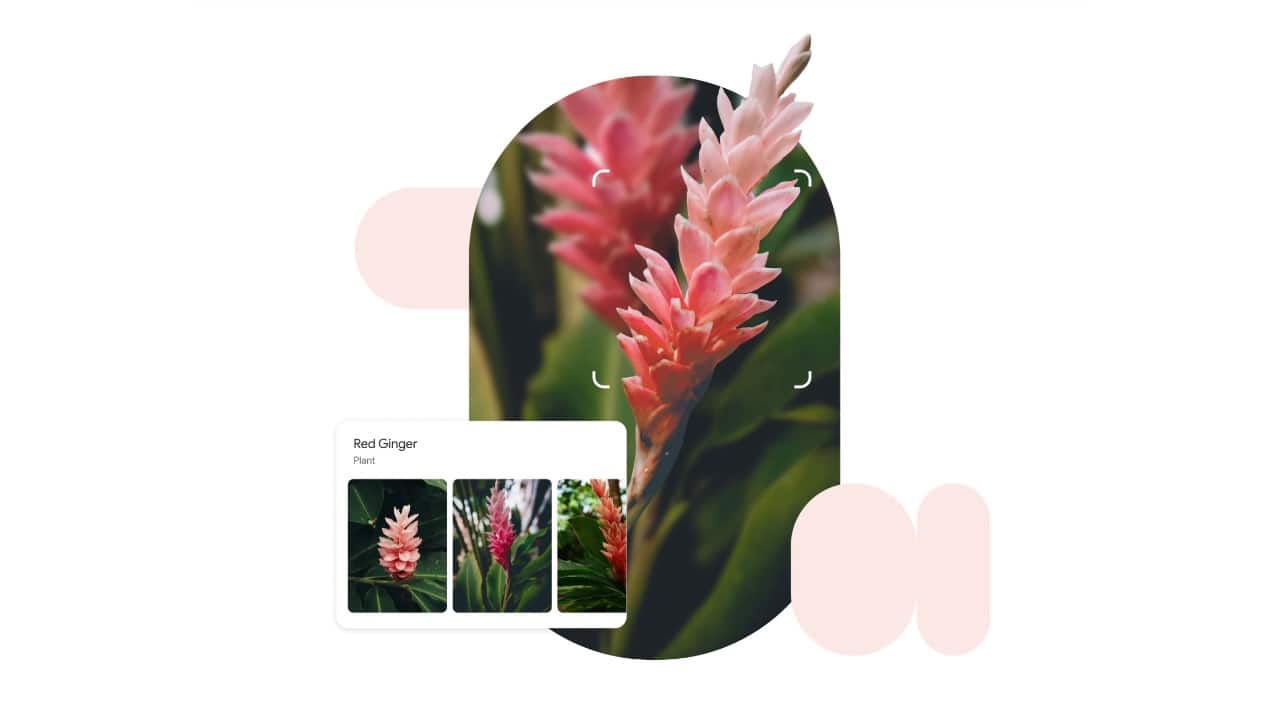
Use Google Lens for instant insights
With Google Lens built into Photos, every picture becomes searchable. Tap the Lens icon on an image, and it can identify landmarks, animals, or plants, pull out text, and even recognise products for online shopping. It’s like turning your photo gallery into an interactive search engine for quick answers.
With Google Lens built into Photos, every picture becomes searchable. Tap the Lens icon on an image, and it can identify landmarks, animals, or plants, pull out text, and even recognise products for online shopping. It’s like turning your photo gallery into an interactive search engine for quick answers.
3/5
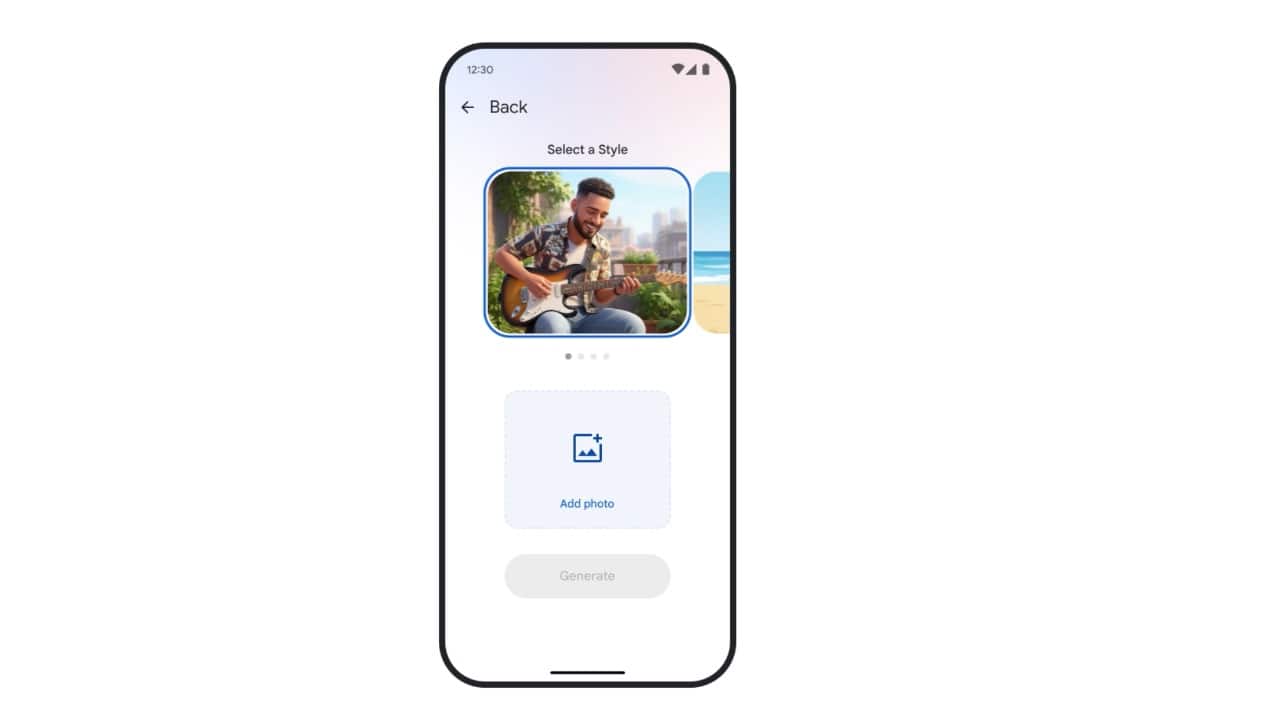
Add custom music to your videos
The built-in video editor lets you do more than just trimming and cropping. By creating a “Highlight video,” you can add background music — either from Google’s preset themes or your own local files. It’s an easy way to personalise travel clips, montages, or family videos without relying on third-party editing apps.
The built-in video editor lets you do more than just trimming and cropping. By creating a “Highlight video,” you can add background music — either from Google’s preset themes or your own local files. It’s an easy way to personalise travel clips, montages, or family videos without relying on third-party editing apps.
4/5
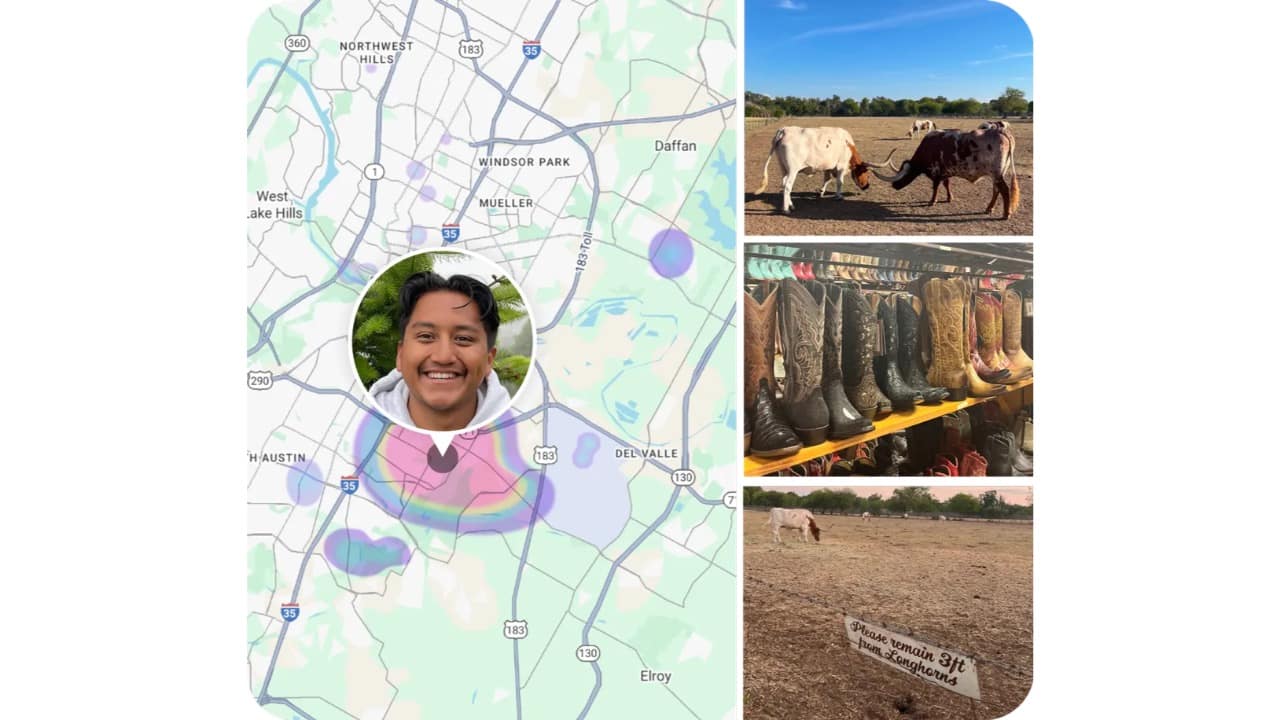
Explore your memories on a map
Google Photos can plot your pictures on a map for a more immersive way to revisit trips. Go to Collections > Places, where you’ll see each city you’ve visited along with the photos captured there. Tapping a location reveals your trip highlights, and a map pins the exact spots where those photos were taken.
Google Photos can plot your pictures on a map for a more immersive way to revisit trips. Go to Collections > Places, where you’ll see each city you’ve visited along with the photos captured there. Tapping a location reveals your trip highlights, and a map pins the exact spots where those photos were taken.
5/5
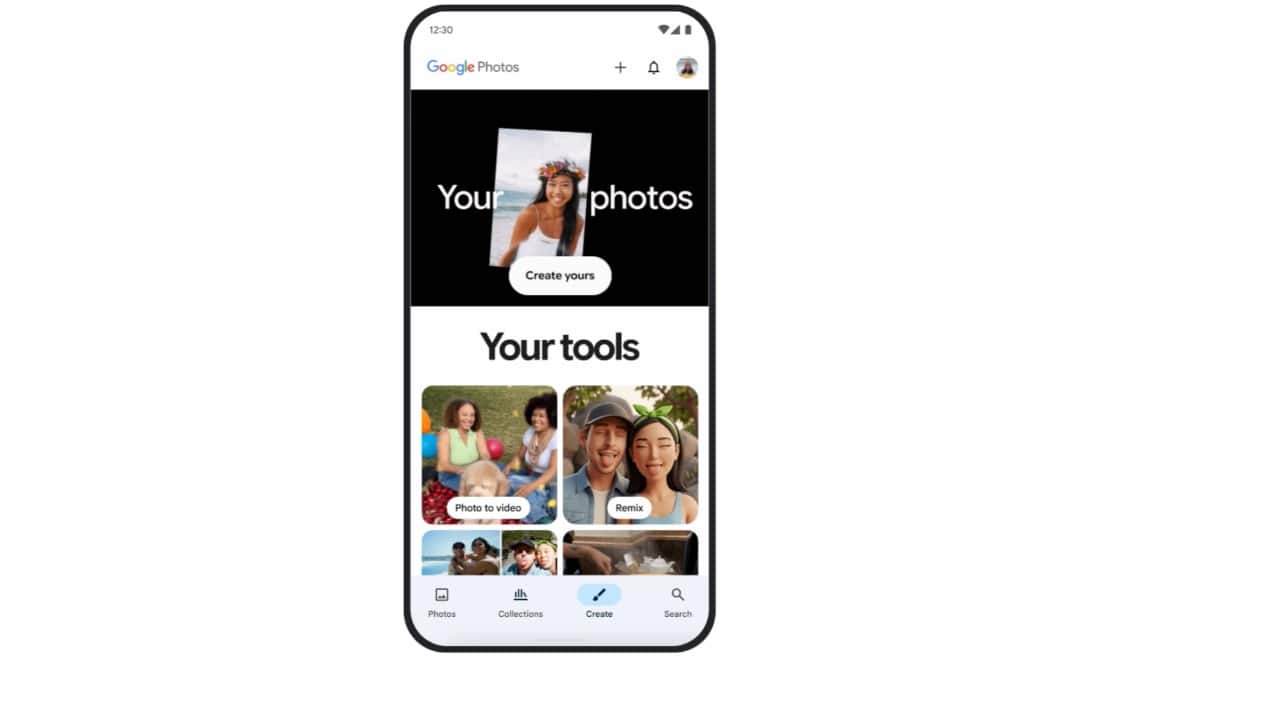
Turn photos into collages or GIFs
Google Photos lets you combine images into collages or bring them to life as GIFs. Open the app, tap the plus icon, and select “Collage” or “Animation.” You can then pick your photos and apply layouts, themes, or backgrounds. The result is a creative, shareable story that goes beyond single images.
Google Photos lets you combine images into collages or bring them to life as GIFs. Open the app, tap the plus icon, and select “Collage” or “Animation.” You can then pick your photos and apply layouts, themes, or backgrounds. The result is a creative, shareable story that goes beyond single images.
Discover the latest Business News, Budget 2025 News, Sensex, and Nifty updates. Obtain Personal Finance insights, tax queries, and expert opinions on Moneycontrol or download the Moneycontrol App to stay updated!



