- My Alerts
- Go Ad-Free
-
My Account











5 essential iPhone security tips to keep your data safe in 2025
Whether you’re guarding against theft or just tightening your digital defences, here are five key ways to boost your iPhone’s security:




1/5

Use a Longer Passcode
Ditch the basic four-digit PIN. Switch to a six-digit code or better yet, an alphanumeric passcode. It adds an extra layer of complexity that makes unauthorized access much harder.
Ditch the basic four-digit PIN. Switch to a six-digit code or better yet, an alphanumeric passcode. It adds an extra layer of complexity that makes unauthorized access much harder.
2/5
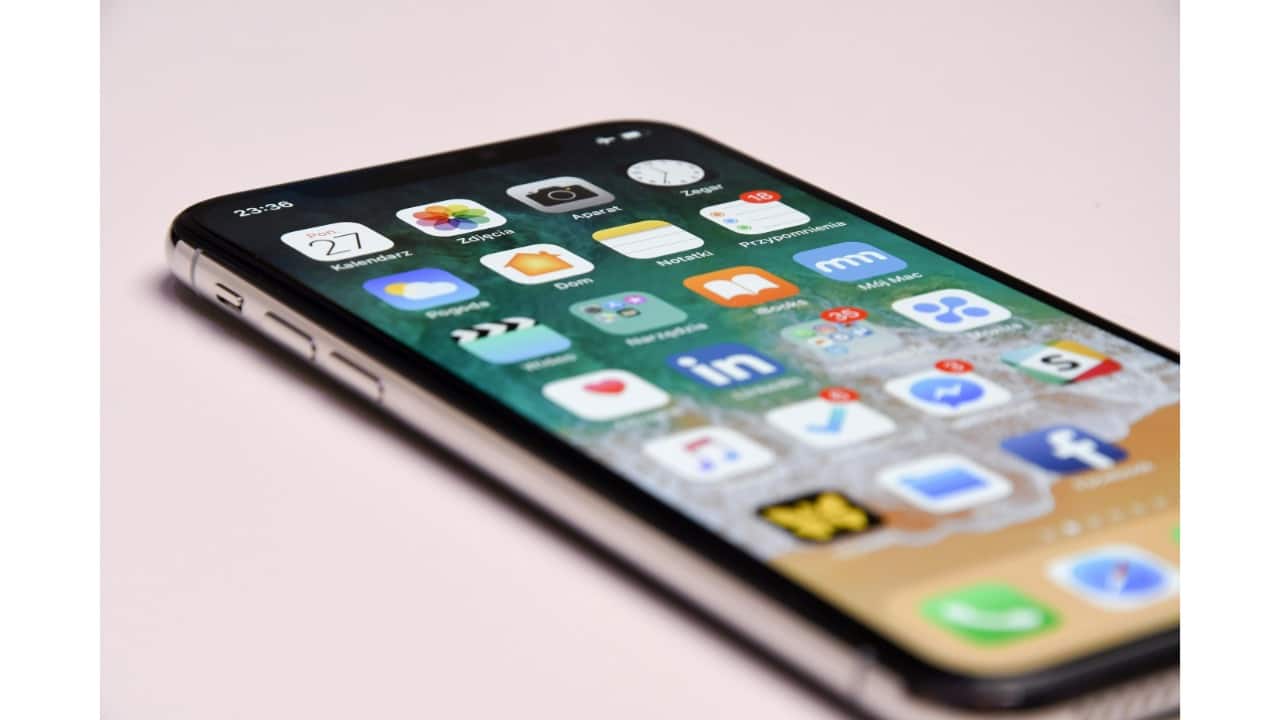
Hide or Remove Sensitive Photos
Documents like IDs, bank cards, or health records stored in your camera roll are gold for thieves. Delete them, or move them to the Hidden album in the Photos app (you can enable Face ID to protect it). Better yet, use secure cloud storage or a password manager that supports file encryption.
Documents like IDs, bank cards, or health records stored in your camera roll are gold for thieves. Delete them, or move them to the Hidden album in the Photos app (you can enable Face ID to protect it). Better yet, use secure cloud storage or a password manager that supports file encryption.
3/5

Lock Critical Apps with Face ID or a PIN
Most iPhone apps stay logged in by default. Go into your banking, credit card, and digital wallet apps and enable Face ID or a custom PIN where available. This keeps intruders out even if your phone is unlocked.
Most iPhone apps stay logged in by default. Go into your banking, credit card, and digital wallet apps and enable Face ID or a custom PIN where available. This keeps intruders out even if your phone is unlocked.
4/5

Require Face ID for Password Autofill
Make sure Face ID is enabled before passwords are auto-filled on websites or in apps. You’ll find the toggle under Settings > Face ID & Passcode > Password AutoFill. Or consider using a dedicated password manager like 1Password for advanced features and storage.
Make sure Face ID is enabled before passwords are auto-filled on websites or in apps. You’ll find the toggle under Settings > Face ID & Passcode > Password AutoFill. Or consider using a dedicated password manager like 1Password for advanced features and storage.
5/5

Turn on Find My iPhone
Activate Find My so you can locate, lock, or erase your iPhone remotely if it’s lost or stolen. Test it now so you’re not scrambling during a real emergency.
Activate Find My so you can locate, lock, or erase your iPhone remotely if it’s lost or stolen. Test it now so you’re not scrambling during a real emergency.
Discover the latest Business News, Budget 2025 News, Sensex, and Nifty updates. Obtain Personal Finance insights, tax queries, and expert opinions on Moneycontrol or download the Moneycontrol App to stay updated!



