- My Alerts
- Go Ad-Free
-
My Account











5 easy ways to save your MacBook battery and make it last longer
Your MacBook’s battery life doesn’t have to drain faster. With a few smart tweaks — from display settings to background app control — you can squeeze out extra hours and keep the battery healthier for years. Here’s how to make every charge count.




1/5

Optimise Display Settings
Lower the screen brightness to a comfortable level and enable True Tone or Auto Brightness. The display is one of the biggest battery drains, so dimming it even slightly can add hours to your usage.
Lower the screen brightness to a comfortable level and enable True Tone or Auto Brightness. The display is one of the biggest battery drains, so dimming it even slightly can add hours to your usage.
2/5

Use Battery Health Management
In System Settings → Battery, turn on Battery Health Management. This feature slows chemical ageing by reducing the maximum charge when you’re plugged in for long periods, extending your battery’s overall lifespan.
In System Settings → Battery, turn on Battery Health Management. This feature slows chemical ageing by reducing the maximum charge when you’re plugged in for long periods, extending your battery’s overall lifespan.
3/5
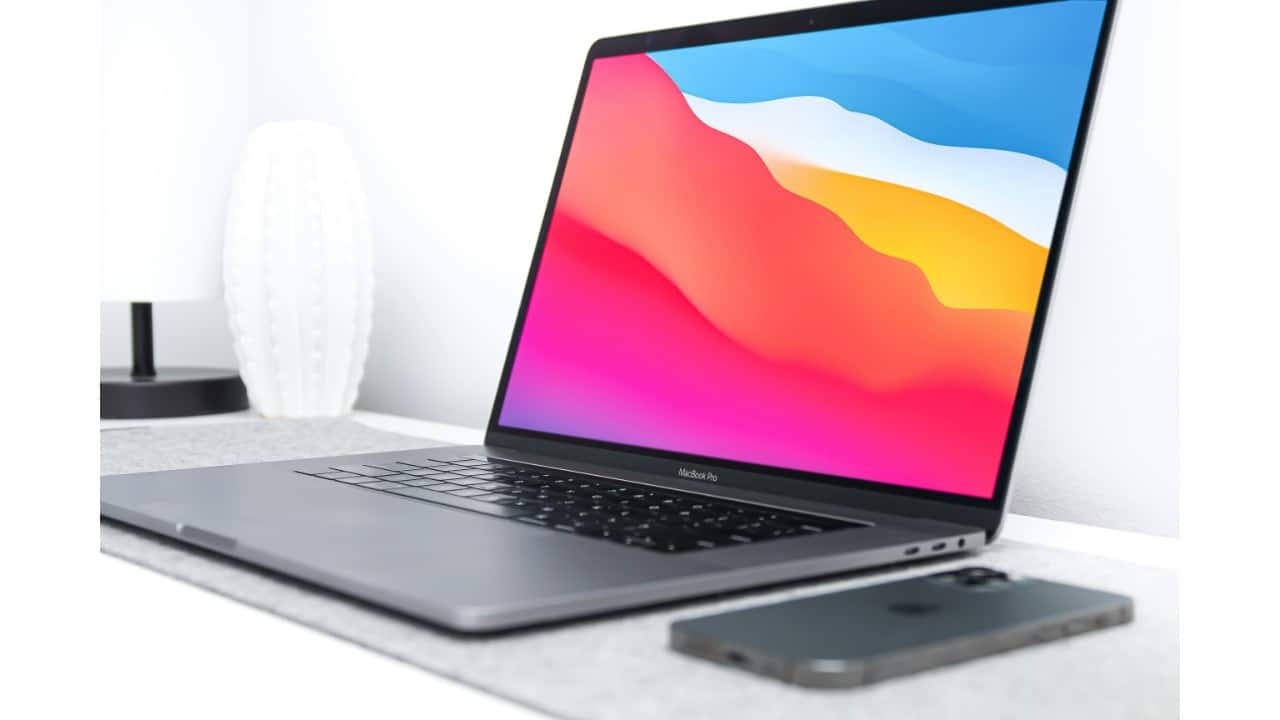
Close Power-Hungry Apps
Check Activity Monitor for apps consuming high CPU or GPU resources and quit the ones you’re not using. Background-heavy processes like video editing tools or dozens of open browser tabs can eat through battery quickly.
Check Activity Monitor for apps consuming high CPU or GPU resources and quit the ones you’re not using. Background-heavy processes like video editing tools or dozens of open browser tabs can eat through battery quickly.
4/5

Disable Unnecessary Features
Turn off Bluetooth, Wi-Fi, or Location Services when you don’t need them. Also, disable background refresh for apps that don’t require constant updates.
Turn off Bluetooth, Wi-Fi, or Location Services when you don’t need them. Also, disable background refresh for apps that don’t require constant updates.
5/5

Keep macOS Updated
Apple often improves power efficiency with software updates. Installing the latest macOS ensures your MacBook benefits from battery optimisations, bug fixes, and energy-saving tweaks.
Apple often improves power efficiency with software updates. Installing the latest macOS ensures your MacBook benefits from battery optimisations, bug fixes, and energy-saving tweaks.
Discover the latest Business News, Budget 2025 News, Sensex, and Nifty updates. Obtain Personal Finance insights, tax queries, and expert opinions on Moneycontrol or download the Moneycontrol App to stay updated!



