- My Alerts
- Go Ad-Free
-
My Account











5 ChatGPT settings you should enable for better responses
Discover five essential ChatGPT settings that can instantly improve your experience. From enabling memory to using custom instructions and voice mode, these simple tweaks help you get more accurate, personalised and useful responses every time.




1/5

Turn on ChatGPT Memory
Enabling Memory helps ChatGPT remember your preferences, writing style and recurring details. It makes future responses more personalised and consistent. Once switched on, you won’t have to repeat basic information every time. It’s a quiet feature, but it significantly improves how natural and relevant the conversations feel.
Enabling Memory helps ChatGPT remember your preferences, writing style and recurring details. It makes future responses more personalised and consistent. Once switched on, you won’t have to repeat basic information every time. It’s a quiet feature, but it significantly improves how natural and relevant the conversations feel.
2/5

Use Custom Instructions
Custom Instructions let you tell ChatGPT exactly how you want it to respond. You can define tone, detail level, format and any personal preferences. This helps you get tailored answers without rewriting the same instructions. Once set, every reply feels tuned to your style, saving time and effort.
Custom Instructions let you tell ChatGPT exactly how you want it to respond. You can define tone, detail level, format and any personal preferences. This helps you get tailored answers without rewriting the same instructions. Once set, every reply feels tuned to your style, saving time and effort.
3/5
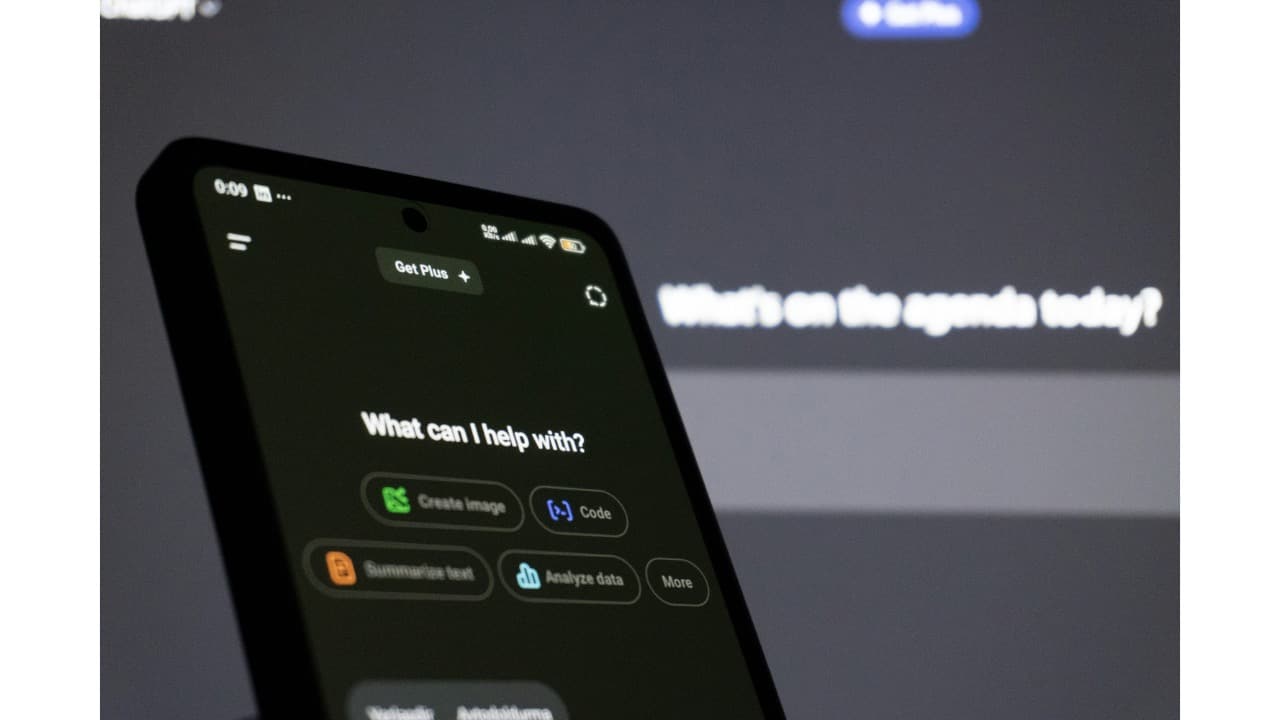
Enable Chat History & Training
Turning on Chat History gives you a clean record of everything you’ve asked, which makes it easier to revisit previous answers. It also helps the model learn what kinds of responses you find useful. With this feature on, ChatGPT gradually gets better at anticipating your needs and preferences.
Turning on Chat History gives you a clean record of everything you’ve asked, which makes it easier to revisit previous answers. It also helps the model learn what kinds of responses you find useful. With this feature on, ChatGPT gradually gets better at anticipating your needs and preferences.
4/5
Allow Plug-ins or Integrations (if available)
Integrations let ChatGPT connect with tools like browsers, calendars or file apps, depending on your plan. When enabled, it can fetch information, summarise documents or help complete tasks directly. This transforms ChatGPT from a chat companion into a powerful assistant that can actually take action.
Integrations let ChatGPT connect with tools like browsers, calendars or file apps, depending on your plan. When enabled, it can fetch information, summarise documents or help complete tasks directly. This transforms ChatGPT from a chat companion into a powerful assistant that can actually take action.
5/5

Turn on Voice Mode (for supported devices)
Voice Mode makes ChatGPT feel more interactive and hands-free. Once enabled, you can ask questions, dictate messages or brainstorm ideas naturally. It’s especially useful when multitasking or when typing feels inconvenient. The feature adds a conversational flow that often leads to quicker, more intuitive responses.
Voice Mode makes ChatGPT feel more interactive and hands-free. Once enabled, you can ask questions, dictate messages or brainstorm ideas naturally. It’s especially useful when multitasking or when typing feels inconvenient. The feature adds a conversational flow that often leads to quicker, more intuitive responses.
Discover the latest Business News, Budget 2025 News, Sensex, and Nifty updates. Obtain Personal Finance insights, tax queries, and expert opinions on Moneycontrol or download the Moneycontrol App to stay updated!



