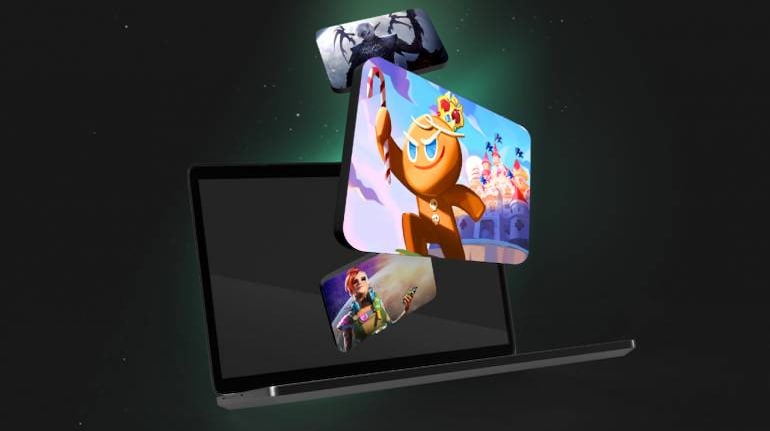
Google's Play Games service for PC has launched in Beta, in India. The app allows you to play Android games on your PC and is available in more than 50 countries worldwide and will expand to more in the coming months.
The service was launched in 2022 and was gradually rolled out over the course of the last year. If your PC runs Windows 10 or 11, you download the app for yourself and give it a try.
Also read | Google's ChatGPT rival Bard now supports 9 Indian languages, adds Lens integration
To install the Beta, simply visit this page on your browser and download the app. Then run the executable and the app will auto-install.
Google recommends a PC with a 4-core CPU and 8GB of RAM at a minimum. The company also points out that an Intel CPU may be required for some games.
For graphics, Google recommends an Intel UHD Graphics 630 GPU or higher, Windows 10 or higher, and a Solid State Drive (SSD) with at least 10GB of free space. You must also login with your Windows admin account, and have Hardware virtualisation enabled on your system.
If you have the Windows Hypervisor Platform turned off in the settings, Google Play will prompt you to turn it on during installation. You will need to restart your PC for the setting to take effect.
Also read | Meet the $4 billion AI superstars that Google lost
To turn on Hardware virtualisation, look up the keys to enter BIOS for your motherboard and press that when the system starts booting up. Once there, look for CPU virtualisation and turn it on. Then save your settings and restart the computer.
Once installed, the app will prompt you to sign in with your Google account and then you are all set.


Discover the latest Business News, Sensex, and Nifty updates. Obtain Personal Finance insights, tax queries, and expert opinions on Moneycontrol or download the Moneycontrol App to stay updated!
Find the best of Al News in one place, specially curated for you every weekend.
Stay on top of the latest tech trends and biggest startup news.