-
My Account









Why your iPhone shows green and orange dots, and what they reveal about your privacy
Apple’s green and orange iPhone dots warn when apps use the camera or microphone. They cannot be disabled, but managing app permissions ensures only trusted apps can trigger them.




1/5

What the green and orange dots mean
The green dot shows your camera is being used, while the orange dot indicates microphone access. These appear near the Dynamic Island and are intentional privacy alerts, not glitches.
The green dot shows your camera is being used, while the orange dot indicates microphone access. These appear near the Dynamic Island and are intentional privacy alerts, not glitches.
2/5
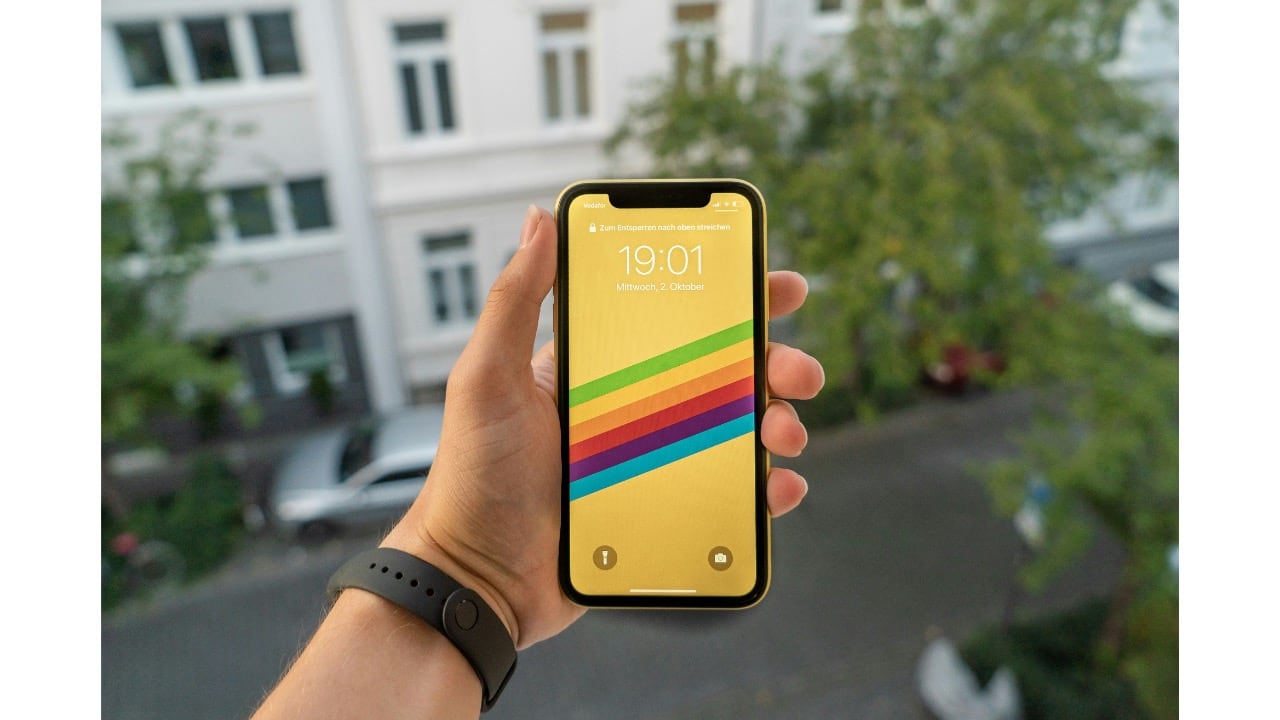
Why Apple added them
Introduced in iOS 14 and redesigned in iOS 18, the indicators give you an immediate, visible warning whenever an app accesses sensitive sensors in the background.
Introduced in iOS 14 and redesigned in iOS 18, the indicators give you an immediate, visible warning whenever an app accesses sensitive sensors in the background.
3/5
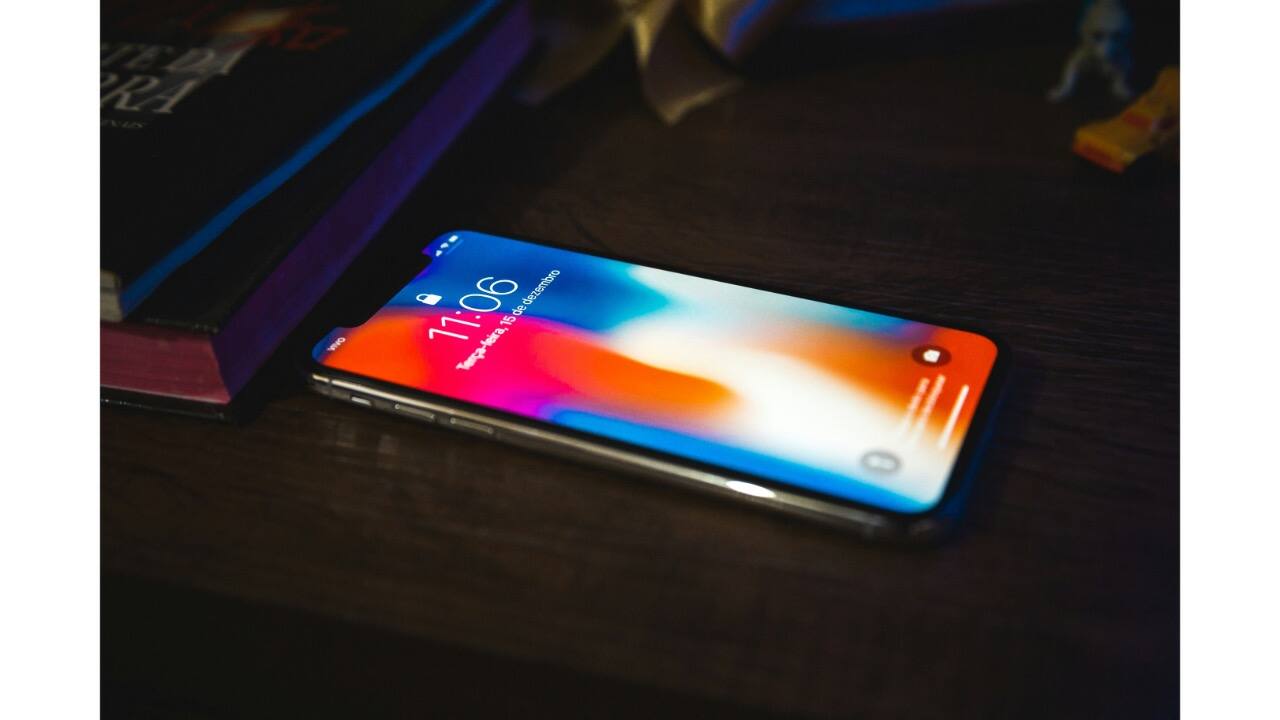
How to check which app is using what
If a dot appears unexpectedly, swipe into Control Center. iOS will display the exact app currently using your camera or microphone, helping you spot suspicious behaviour instantly.
If a dot appears unexpectedly, swipe into Control Center. iOS will display the exact app currently using your camera or microphone, helping you spot suspicious behaviour instantly.
4/5

You cannot turn them off, but you can control permissions
The indicators are permanent. To manage access, head to Settings > Privacy & Security > Camera or Microphone and revoke permissions for apps you do not trust.
The indicators are permanent. To manage access, head to Settings > Privacy & Security > Camera or Microphone and revoke permissions for apps you do not trust.
5/5

Why these dots matter for your privacy
Security experts say these alerts may be your only warning if malware or a misbehaving app is active. Reviewing permissions regularly ensures only essential, trusted apps can use your camera or microphone.
Security experts say these alerts may be your only warning if malware or a misbehaving app is active. Reviewing permissions regularly ensures only essential, trusted apps can use your camera or microphone.
Discover the latest Business News, Budget 2025 News, Sensex, and Nifty updates. Obtain Personal Finance insights, tax queries, and expert opinions on Moneycontrol or download the Moneycontrol App to stay updated!



